BradyPrinter i3300 24
Printing Labels
Printing Labels
Printing Two-sided Sleeve Material
When printing two-sided sleeve material, side one is loaded and printed directly from the roll. To print
side two, the material is cut at the end of the job, then the printed strip of sleeves is loaded from the
back of the printer for the second print pass.
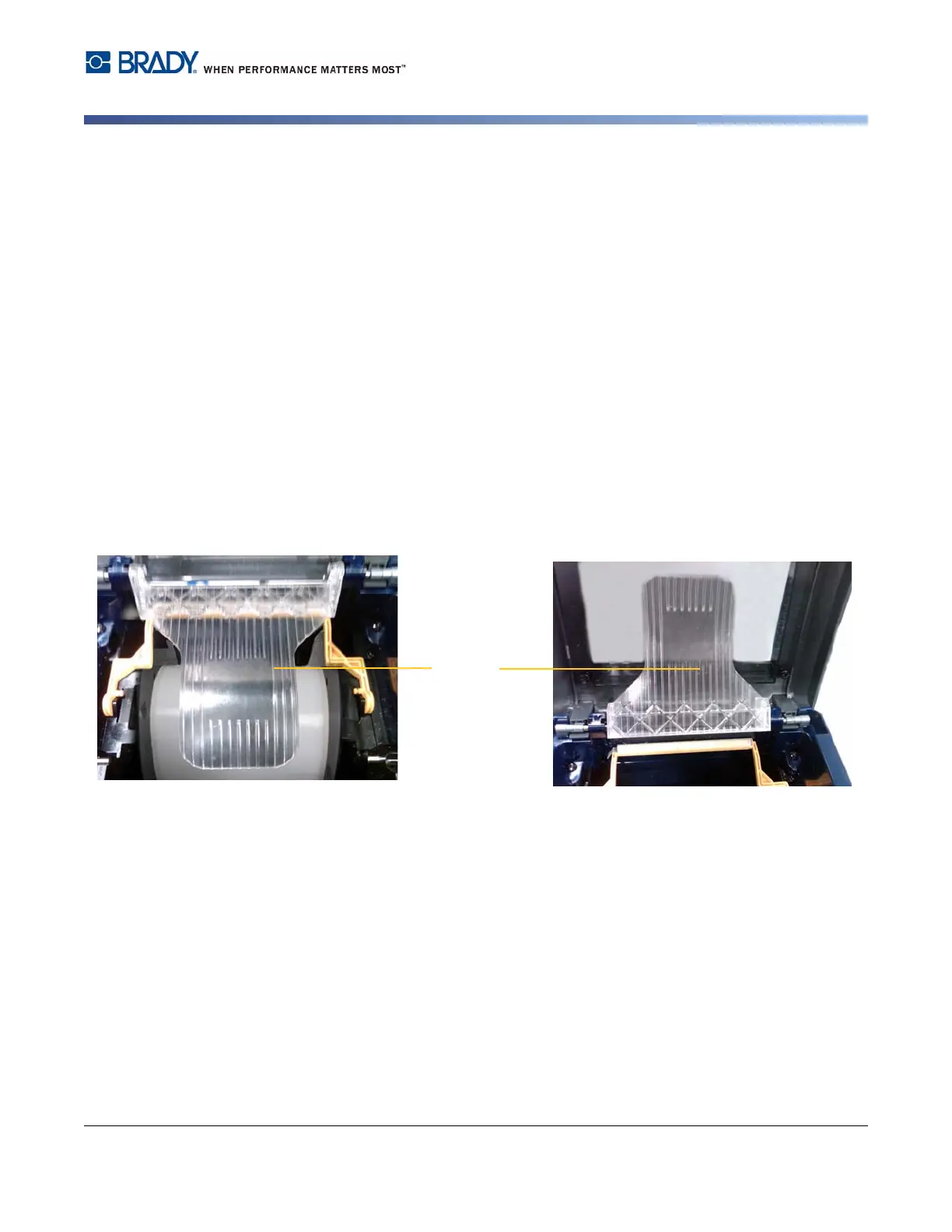
A supply bridge holds the two-sided material above the tape roll. The two-sided material lays across
the bridge to enter the tape entrance ramp. When done, the bridge is raised and snaps into the
enclosure cover.
1. Print side one of the two-sided markers.
2. When the job is done, cut the printed markers.
Note: Use scissors or auto-cutter to cut the markers.
3. Open the enclosure cover and print head door.
4. Pull the leading edge of the supply backward out of the guides towards the roll, but do not
remove the roll itself.
Note: The roll must remain in the supply slot or the printer will indicate a tape out condition.
5. Flip the supply bridge down so it lays over the roll.
6. From the back of the printer, feed the leading edge of the PRINTED strip of sleeves through
the slot between the enclosure cover and the printer body:
• Note that the leading edge is the first sleeve in your print sequence.
• Be sure the printed side is facing DOWN.
7. Lay the markers over the supply bridge and feed the markers to the top of the black roller
approximately one quarter inch (6.35 mm) from the exit.
8. Close the print head door and the enclosure cover and print side two of the markers.
9. When the job is complete, open the enclosure cover and print head door.
10. Lift the supply bridge up and snap into place on the enclosure cover.
11. Close the enclosure cover.















 To Next Page