BradyPrinter i3300 11
Setup
Recycling the Label and Ribbon Cartridges
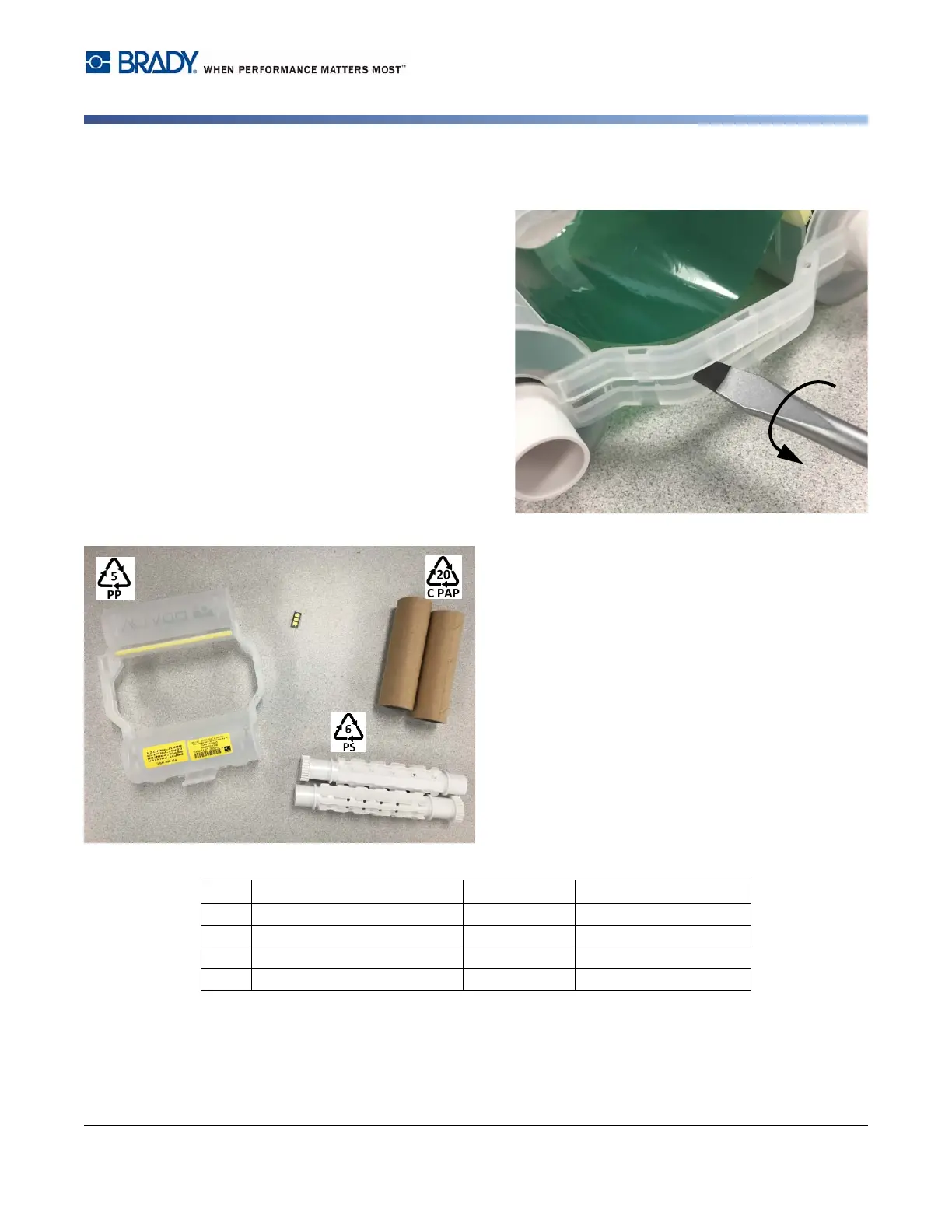
2. Insert the blade of the screwdriver next to each tab along the seam of the two halves of the
cartridge and gently pry apart the halves.
Repeat this process on both sides of the
cartridge until all tabs are disconnected
and the cartridge opens.
3. Slide the smart cell out of its location slot.
4. Unwind the ribbon from the spools and
peel the ribbon end from the cardboard
cores.
5. Remove the ribbon spools from the
center of the cardboard core.
Recycling Components
No. Component Material Recycle Bin
1
Ribbon Cartridge (opaque) PP #5 PP
2
Smart Cell Electronic Electronic Waste
3
Cardboard Core Cardboard #20 C PAP
4
Ribbon Spools (white) ABS #6 PS















 To Next Page