BradyPrinter i3300 19
3 Printing Labels
Navigation and Status
The printer and material status icons in the status bar at the bottom of the home screen provide the
following information.
Material Details
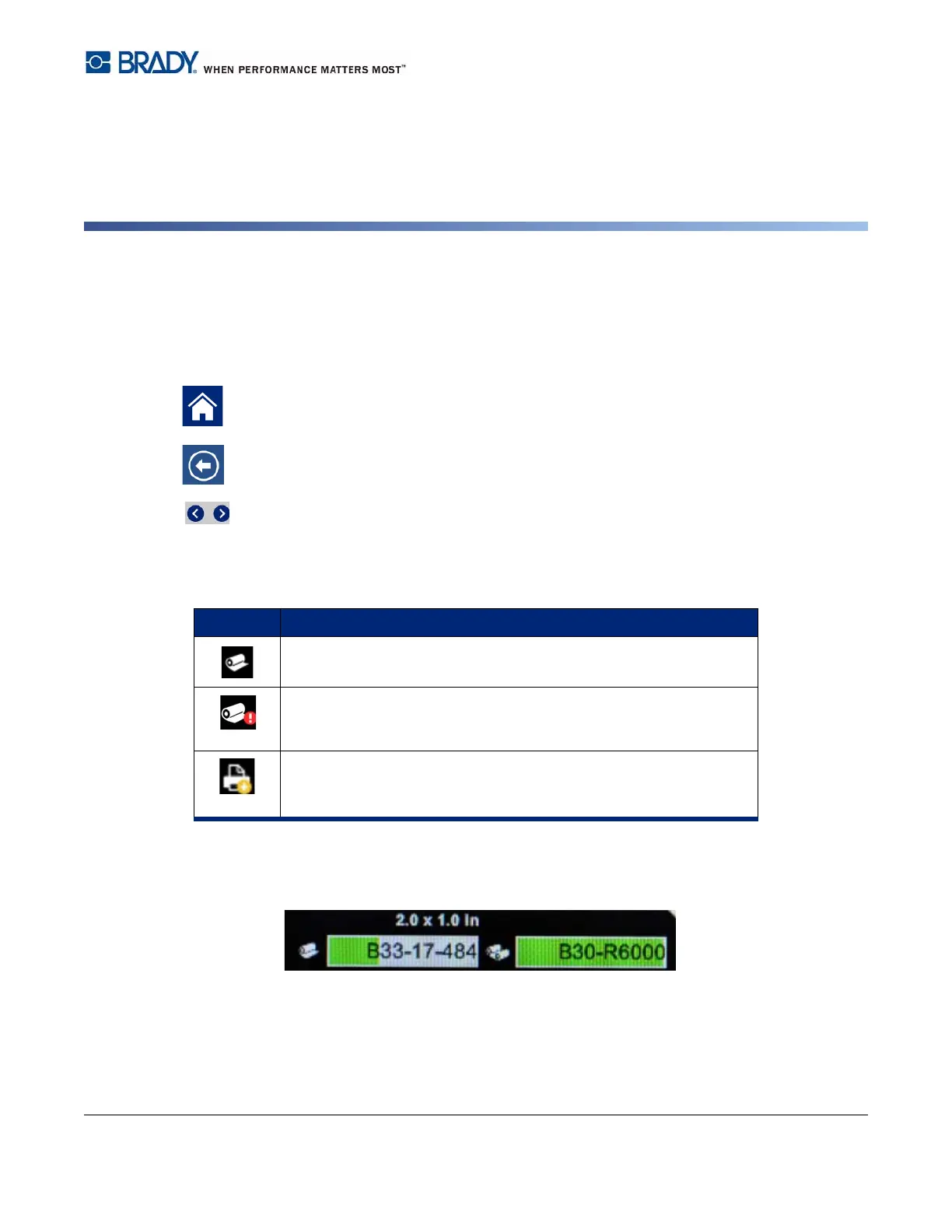
To see detailed information about the installed supplies, click the label or ribbon part number in the
status bar to open the Material Details screen.
Tap the home button at any time to return to the home screen.
While navigating the menus, tap the back button to go back to the previous page.
On the home screen, tap to scroll left or right.
Icon Meaning
The text above this icon indicates the label material installed in the
printer.
The printer cannot read the memory cell on the label roll. Labels
may not be installed, may be installed incorrectly, or the memory
cell may be corrupted.
blinking
The printer is receiving data from the Brady Workstation software.















 To Next Page