BradyPrinter i3300 22
Printing Labels
External Hardware
BPL Scripts
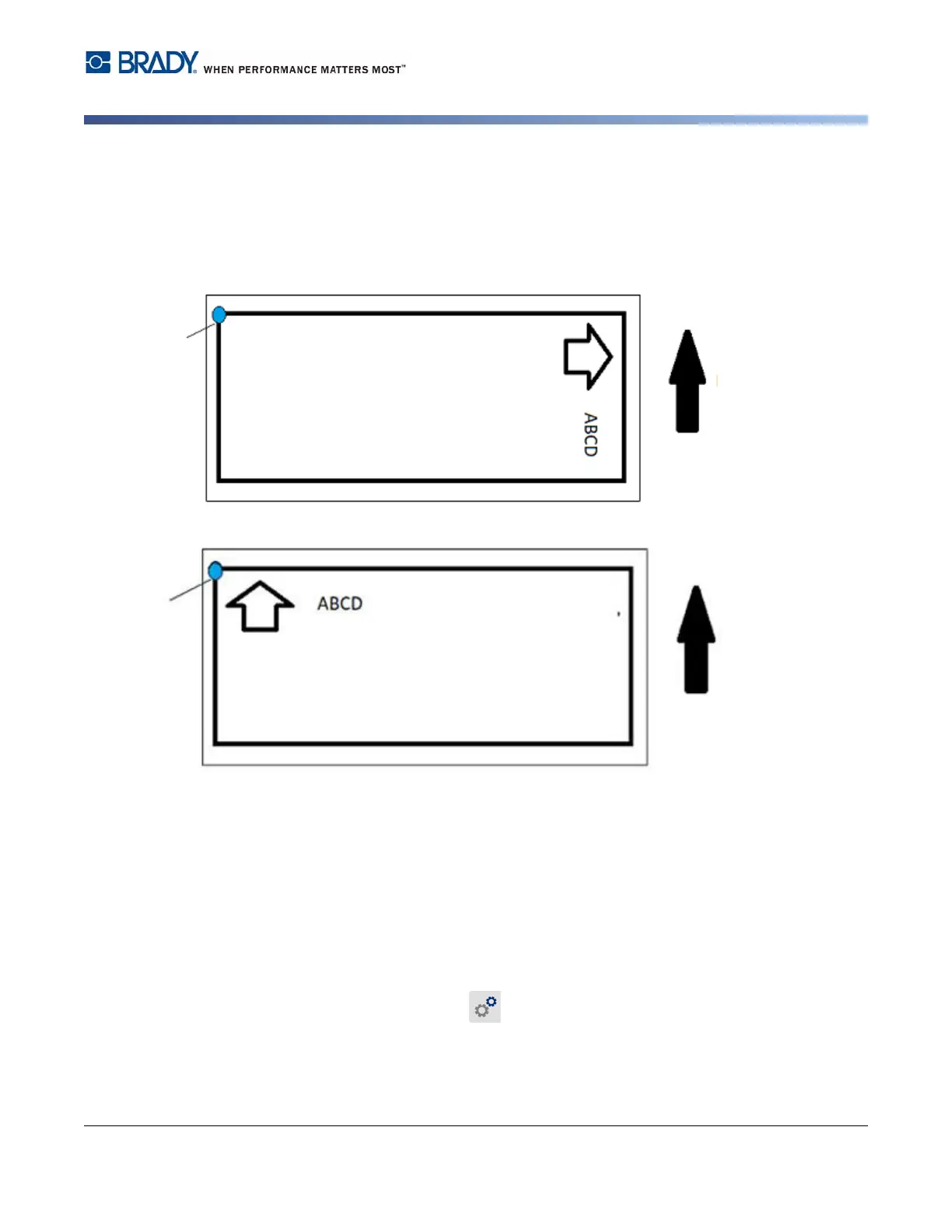
Print Orientation
Use to rotate the starting position of label for BPL script jobs.
Sample Rotated
Sample Not Rotated
Mirror Print
Print labels suitable for reading in a mirror or through the back of the label.
External Hardware
To connect an external keyboard:
1. Plug the keyboard’s USB cable into the USB port on the printer.
2. On the Home screen tap Settings.
3. Select External Hardware.
4. Select USB Keyboard then choose the appropriate type of keyboard from the list.
Starting
Position
Feed
Direction
Starting
Position
Feed
Direction















 To Next Page