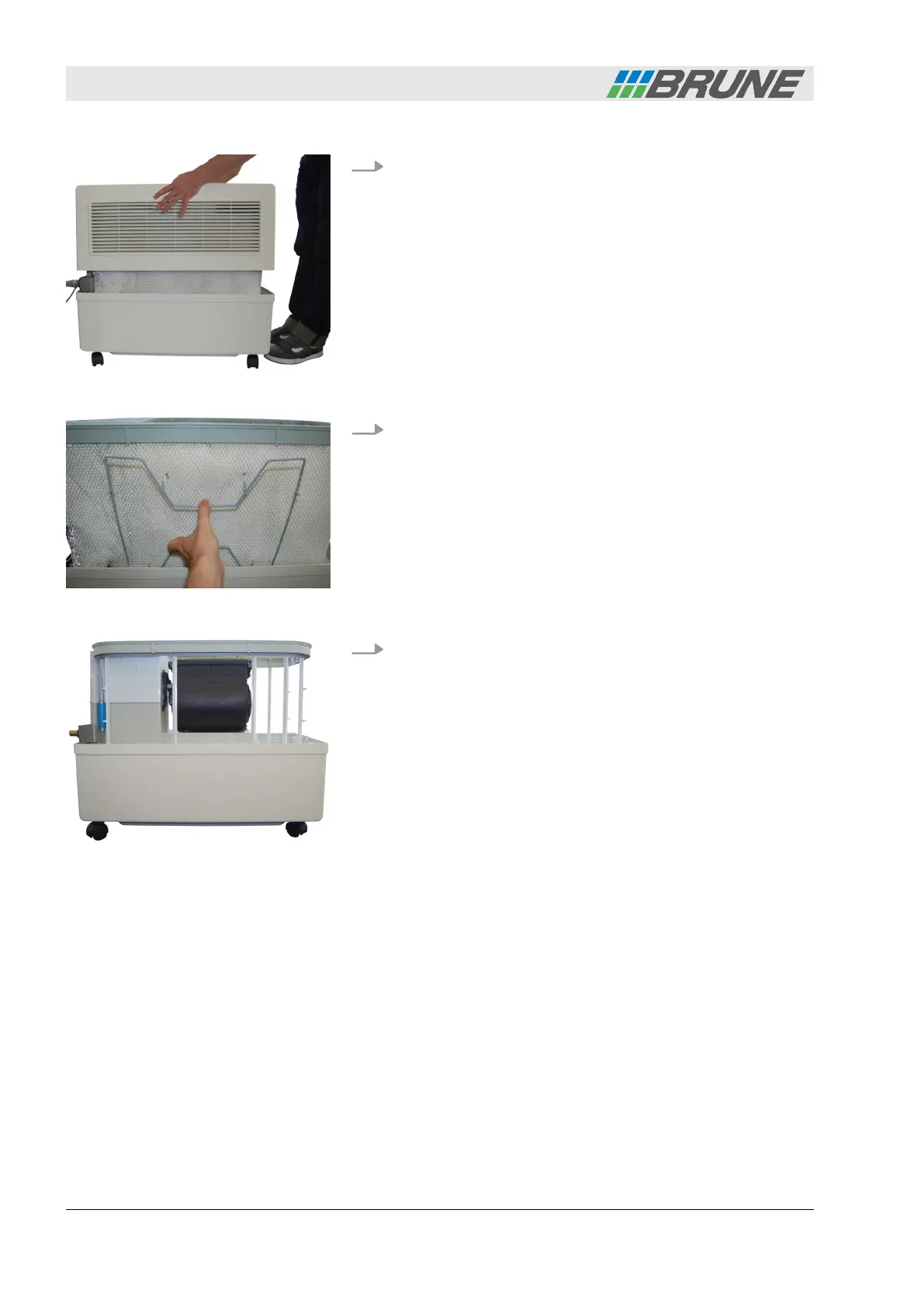
2. Lift the cover of the humidifier upwards and place it to the
side (Fig. 27).
3. Press the filter bracket together and unhinge it (Fig. 28).
4. Unlatch the attachment hooks from the filter. Then loosen the
filter along the water distribution and remove.
Fig. 27: Removing the cover
Fig. 28: Removing the filter bracket
Fig. 29: Filter removed
Cleaning and servicing the humidifier
Evaporation Humidifier B500 Professional42



 To Next Page