30 T401S Indicator User Instructions
Menus
4.6 About menu
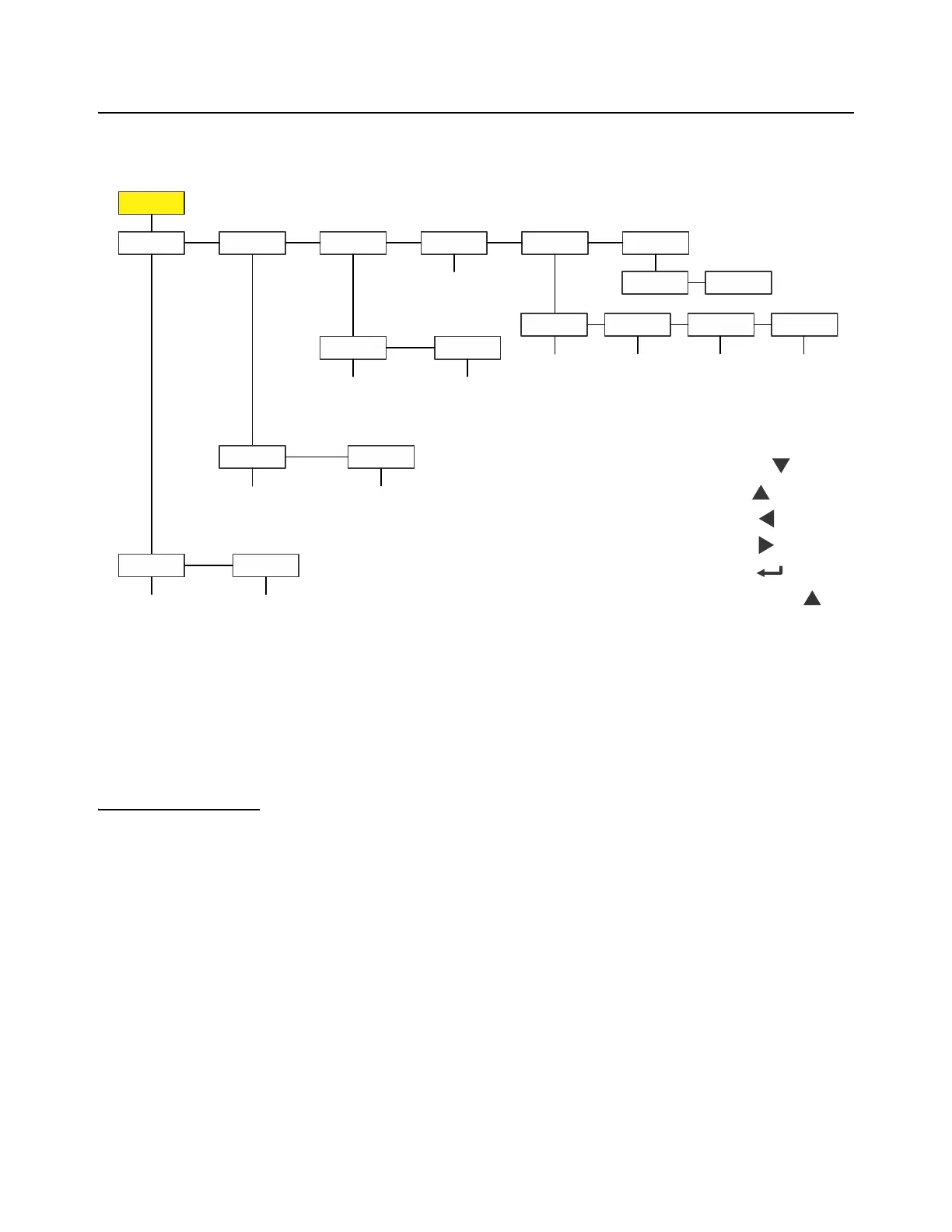
The About menu is shown in Figure 4.3.
Figure 4.3 About menu
Use this menu to display information about the various items shown in Figure 4.3. Each
is explained below. Use the Numeric entry procedure on page 11 when you need to
enter values.
4.6.1 Boot
About Boot
1. Access the About menu and press SELECT …
boot is displayed.
2. Press SELECT …
PArtno is displayed
3. Press SELECT …
The 1st half of the bootloader PN is displayed. Press UNITS to view the
2nd half.
4. Press ZERO to return to the PArtno display.
5. Press UNITS …
VErSion is displayed.
Serial
About
App.
Enet
FirmBoot
VersionPartno
IP
Subnet
VersionPartno
VersionPartno
Displays the
bootloader
PN
Displays the
bootloader
version #
Displays the
firmware
part number
Displays the
firmware
version number
Displays the
application
part number
Displays the
application
version
number
View
Serial
Number
Displays
IP address
Displays
Subnet
info
Displays
Gateway
info
Displays
Mac
info
SELECT =
TARE =
PRINT =
UNITS =
ZERO =
F1 = Escape or



 To Next Page