54 T401S Indicator User Instructions
Supervisor menu
8.5 Batching application supervisor menu
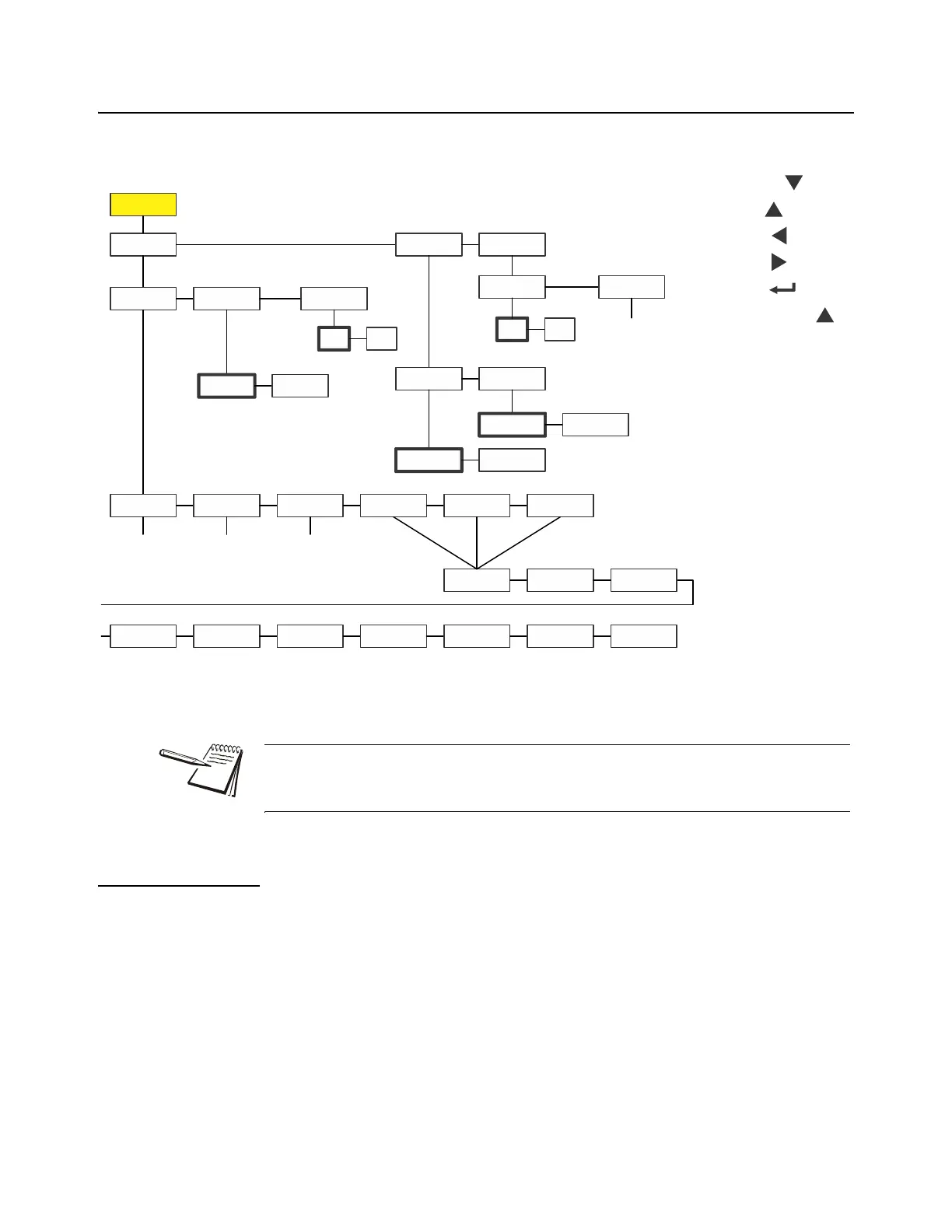
Figure 8.5 shows the Supervisor menu when you are in the Batching application:
Figure 8.5 Supervisor menu for the Batching application
Follow these steps to set the items in the Supervisor menu.
8.5.1 Batch
Super Setpoint Batch
1. With the Batching application active, access the Supervisor menu using
password 1793. Refer to Accessing the menus on page 25 for instructions.
From SuPEr, press SELECT …
SEtPnt is displayed.
Super
Setpnt
Edit Print Reset
No
Yes
Batch
Mode Disp
Off
On
Out1 Out2 Out3 In1 In2
Select Tare Zero F1 Accu
Port 1
Port 2
Bold boxes and text
denote defaults.
1-3600
minutes
Key
in
value
Key
in
value
Key
in
value
SELECT =
TARE =
PRINT =
UNITS =
ZERO =
F1 = Escape or
The Setpnt and bAttErY submenus in Figure 8.5 are the same as described in
General Weighing application supervisor menu on page 40. Go there for information
on those submenus. The unique submenus to this application are described below.



 To Next Page