T401S Indicator User Instructions 33
4.7 Audit menu
10. Press TARE until About is displayed.
11. To exit the menu, see Exiting the menus on page 26.
4.7 Audit menu
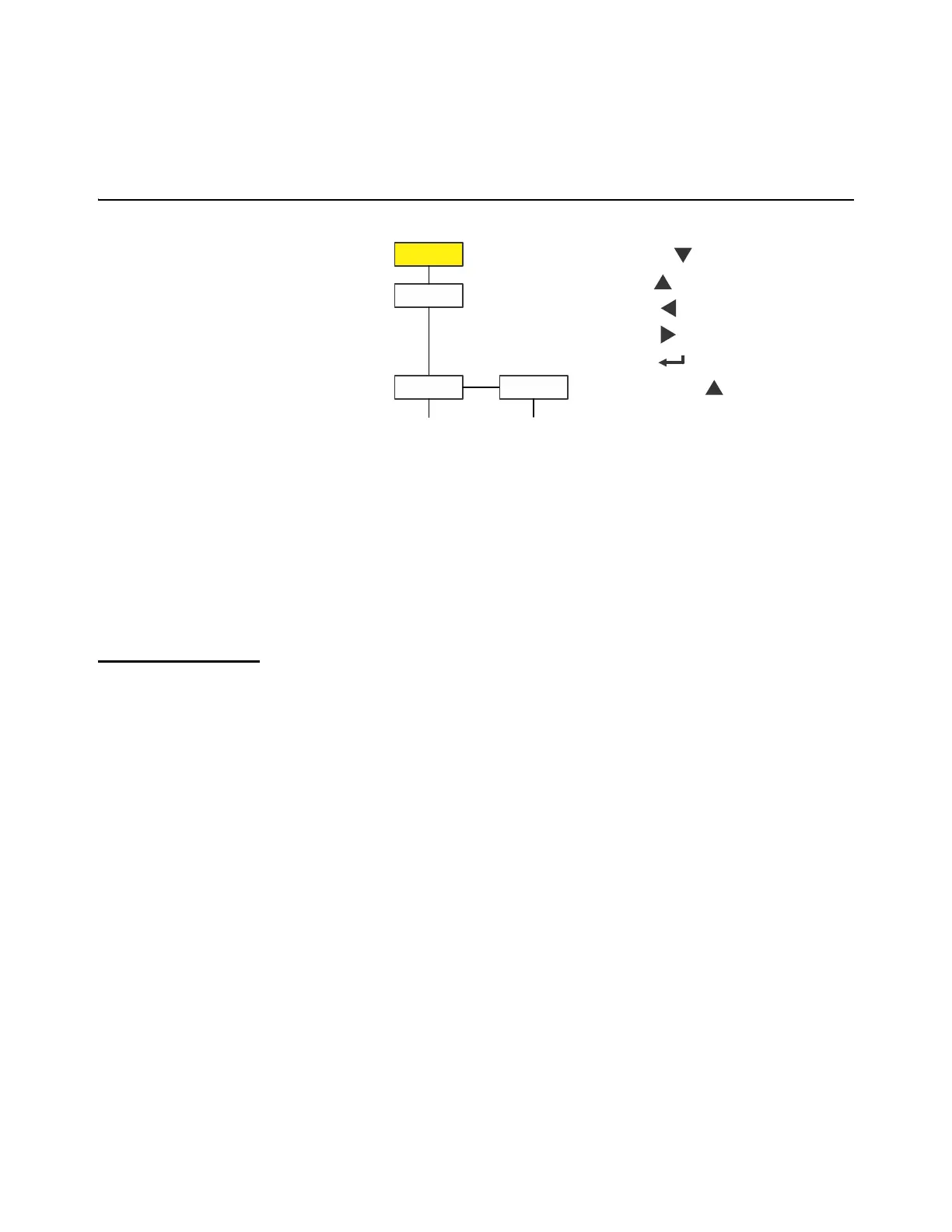
The Audit menu is shown in Figure 4.4.
Figure 4.4 Audit menu
Use this menu to display audit counters for configuration and calibration. Each is
explained below. Use the Numeric entry procedure on page 11 when you need to enter
values.
4.7.1 Counter
Audit Counter
1. Access the Audit menu and press SELECT …
countEr is displayed. This has two counters that tell you how many
times the indicator has been configured and calibrated.
2. Press SELECT …
conFig is displayed.
3. Press SELECT again …
A number appears showing how many times the indicator has been
configured.
4. Press ZERO …
conFig is displayed.
5. Press UNITS …
cALib is displayed.
6. Press SELECT …
A number appears showing how many times the indicator has been
calibrated.
Displays
number of
configurations
Displays
number of
calibrations
SELECT =
TARE =
PRINT =
UNITS =
ZERO =
F1 = Escape or



 To Next Page