T401S Indicator User Instructions 59
8.7 Remote Display application supervisor menu
8.7 Remote Display application supervisor menu
To configure the indicator for remote display operation you must choose the mode of
operation in the supervisor menu and configure the port. Configuring the port is done
through a password protected menu. Contact your supervisor or your local
representative for more information.
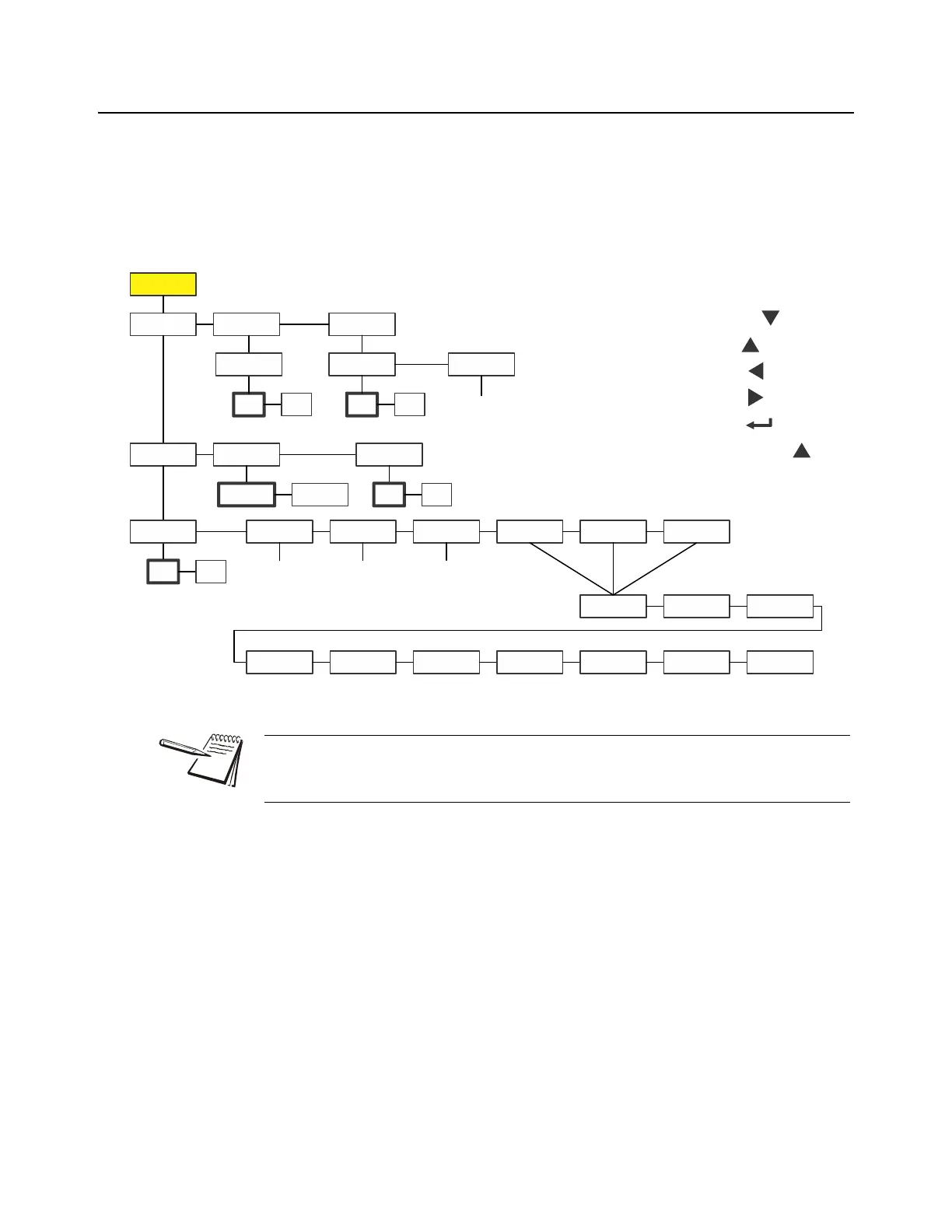
Figure 8.7 shows the Supervisor menu when you are in the Remote Display
application:
Figure 8.7 Supervisor menu for the Remote Display application
1. With r-diSP displayed press SELECT …
EnAbLE is displayed. Use this to enable or disable the remote display
function. Choices are OFF (disable) or on (enable).
2. Press SELECT …
The current setting is displayed.
3. Press UNITS to toggle between the choices and press ZERO to accept the
displayed choice …
EnAbLE is displayed.
4. Press TARE …
r-diSP is displayed.
The Setpnt and bAttErY submenus in Figure 8.7 are the same as described in
General Weighing application supervisor menu on page 40. Go there for information
on those submenus. The unique submenu to this application is described below.
Super
Setpnt
Edit Print Reset
No
Yes
R-disp
Off
On
Port 1
Port 2
Enable
Battery
Enable
Tmout
Off
On
Out1 Out2 Out3
Key
in
value
Key
in
value
Key
in
value
Bold boxes and text
denote defaults.
1-3600
minutes
SELECT =
TARE =
PRINT =
UNITS =
ZERO =
F1 = Escape or



 To Next Page