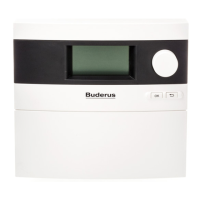
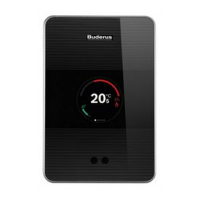
Entering system settings (Service menu – Settings)
Logamatic EMS RC35 user interface - Subject to technical modifications.38
6
Specify the frequency of
the recirculation pump
per hour.
once for 3 minutes,
twice for 3 minutes,
3 times for 3 minutes,
4 times for 3 minutes,
5 times for 3 minutes,
6 times for 3 minutes,
permanent operation
twice for
3 minutes
run recirc pump Graphical display of
number of times the pump
is switched on per hour.
Confirm changing the
recirculation program.
yes, no no Selecting “yes” takes you
to the program for hot
water circulation.
Thermal disinfection
Confirm performing a
thermal disinfection.
yes, no no
Set thermal disinfection
temperature.
140°F– 176°F
1)
(60 °C – 80 °C)
158 °F (70 °C) At temperatures above
122°F (50°C) there is a
risk of scalding at the taps
during and after thermal
disinfection.
Set the day of the thermal
disinfection.
Monday, Tuesday,
Wednesday,
Thursday, Friday,
Saturday, Sunday,
daily
Tuesday
Set the time of day of the
thermal disinfection.
12:00 am – 11:00 pm 1:00 am Times entered must
be whole hours only
(no minutes).
Should the LED of the single
charge key be activated?
yes, no yes The single charge function
(for one-off heating of
hot water) still works but
is no longer indicated by
an LED.
1) Depending on the boiler, a fixed temperature is defined and it cannot be changed.
Menu item Input range
Factory
setting Other information
Tab. 14 Navigator for Service menu SETTINGS\DHW



 To Next Page