3.2.2. Probe
WARNING!
Do not connect third-party probes to the Butterfly iQ/ iQ+/ iQ3 mobile device and do not attempt to
use the Butterfly iQ/ iQ+/ iQ3 probe with other ultrasound systems.
The Butterfly iQ/ iQ+/ iQ3 probe is only for use with the Butterfly iQ App. Do not attempt to connect the probe to
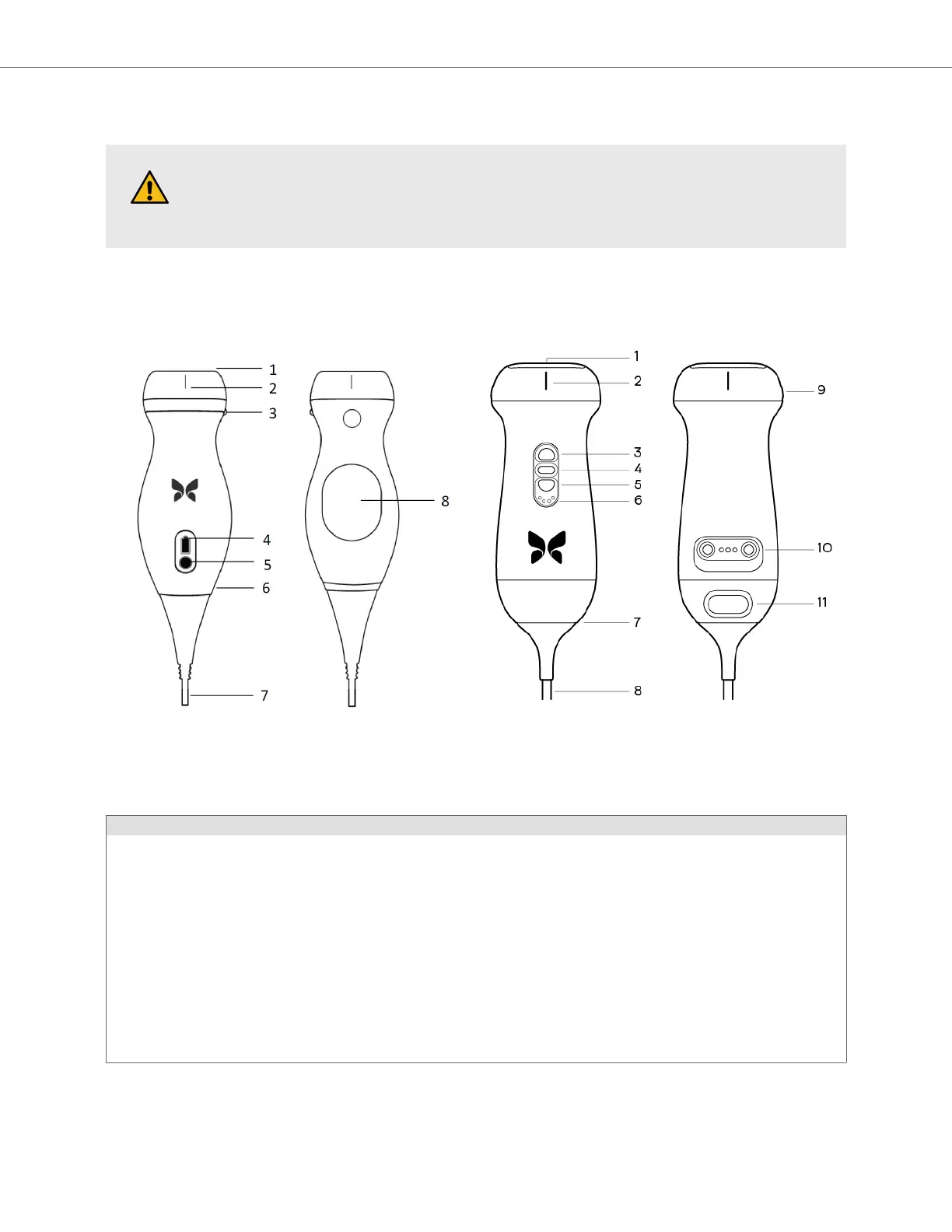
other ultrasound systems. The following figure [22] shows the parts of the probe and describes its parts.
Butterfly iQ/ iQ+ Butterfly iQ3
Probe components.
Table 3. Probe components
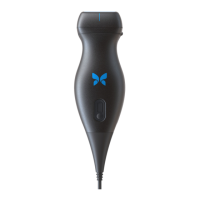
Butterfly iQ/ iQ+
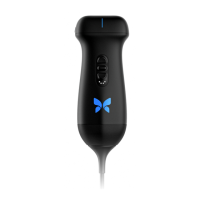
Butterfly iQ3
1. Lens
2. Midline Mark
3. Orientation Mark
4. Battery Indicator Lights
5. Battery Indicator Button
6. Probe/Cable Boundary
7. Mobile Device Cable
8. Charging Source
1. Lens
2. Midline Mark
3. Button (Up)
4. Center Button
5. Button (Down)
6. Battery Indicator Lights
7. Probe/Cable Boundary
8. Mobile Device Cable
9. Orientation Mark
10. Charging Source
11. Cable Removal Latch
System Components
System Overview 22


 To Next Page