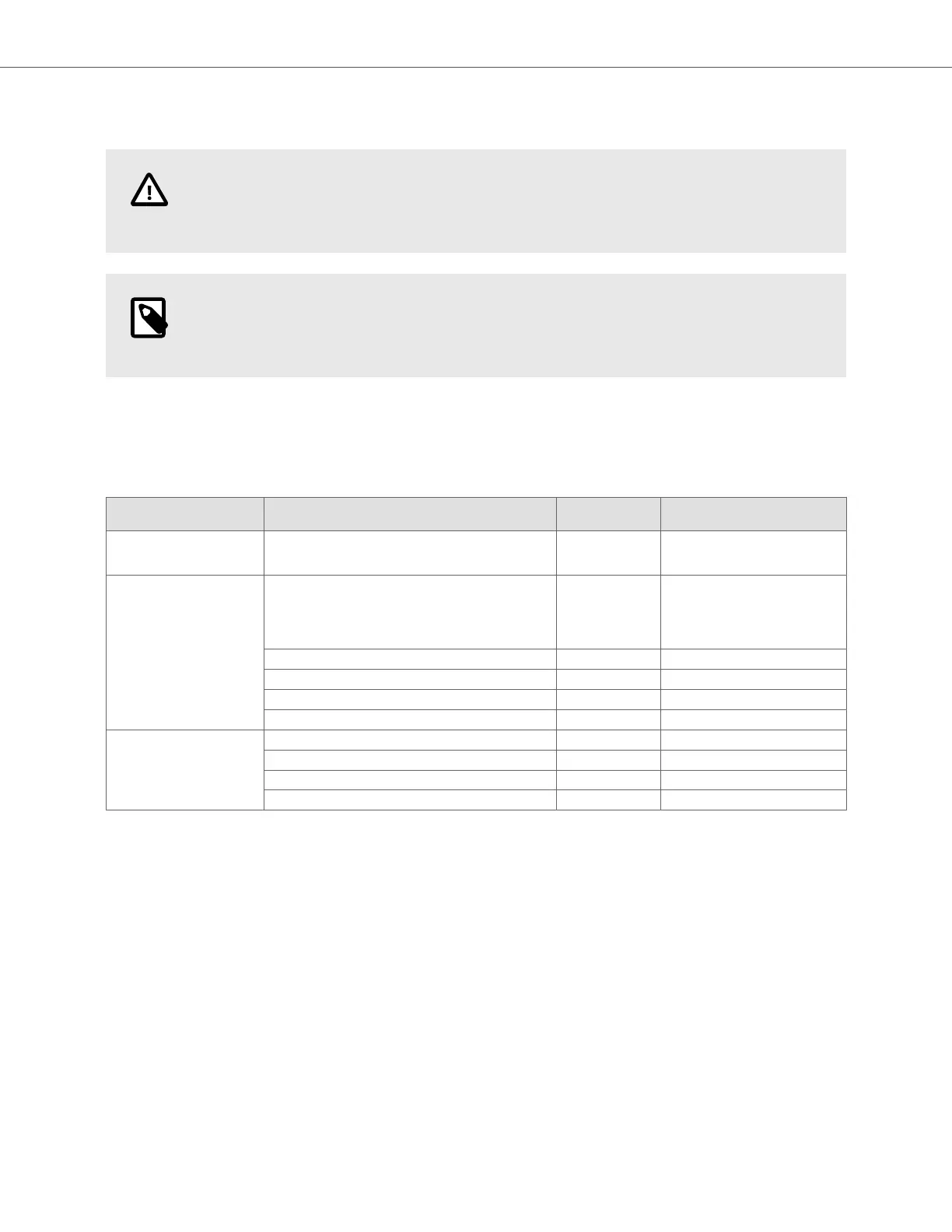
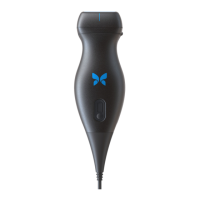
15.5. Replacing the Butterfly iQ+/ iQ3 Cable
CAUTION!
Refrain from excessively removing and installing a cable, as this will lead to premature wear of the
o-ring and enable water and dust ingress.
NOTE
Probe cable swap is only available on the Butterfly iQ+. Attempting to detach the cable on the
Butterfly iQ is not supported and may result to permanent damage to the device.
The cable on the Butterfly iQ+ probe can be replaced in the case of damage or a mobile device with a different
connector type needs to be used. The probe and cable compatibility is summarized in Table 11, “Probe and
Replaceable Cable Compatibility” [82].
Table 11. Probe and Replaceable Cable Compatibility
Probe Accessory Cables Model Number
Package SKU Number (if
applicable)
Butterfly iQ
Model Number: 850-20003
WARNING: Cable is not removable. Do not attempt to
remove/replace the cable.
- -
Butterfly iQ+
Model Number: 850-20014
Butterfly iQ+ Accessory Cable, Lightning, 1.50M 900-20010-02
This Lightning cable is not
available as a replacement. If
a replacement is needed refer
to the 490-00189-02 Lightning
Cable model.
Butterfly iQ+ Accessory Cable, Lightning, 1.50M 490-00189-02 900-20010-12
Butterfly iQ+ Accessory Cable, USB-C, 1.50M 490-00187-02 900-20011-12
Butterfly iQ+ Accessory Cable, Lightning, 2.50M 490-00189-03 900-20010-13
Butterfly iQ+ Accessory Cable, USB-C, 2.50M 490-00187-03 900-20011-13
Butterfly iQ3
Model Number: 850-20026
Butterfly iQ3 Accessory Cable, Lightning, 1.50M 490-00227-02 900-20054-02
Butterfly iQ3 Accessory Cable, USB-C, 1.50M 490-00228-02 900-20055-02
Butterfly iQ3 Accessory Cable, Lightning, 2.50M 490-00227-03 900-20054-03
Butterfly iQ3 Accessory Cable, USB-C, 2.50M 490-00228-03 900-20055-03
Replacing the Butterfly iQ+/ iQ3 Cable
Maintenance 82


 To Next Page