13. Using Butterfly iQ+ Care
This chapter provides information regarding Butterfly iQ+ Care. The feature enables new workflows with a simplified
scanning UI designed for repeated use of specific applications.
NOTES
• Depending on your platform, hardware, country and membership type, certain presets, modes
and features may not be available.
• The Butterfly iQ/ iQ+/ iQ3 and its accessories may be used multiple times on multiple patients.
Overview
Butterfly iQ+ Care requires a compatible device and access to the Butterfly iQ+ Care suite of features.
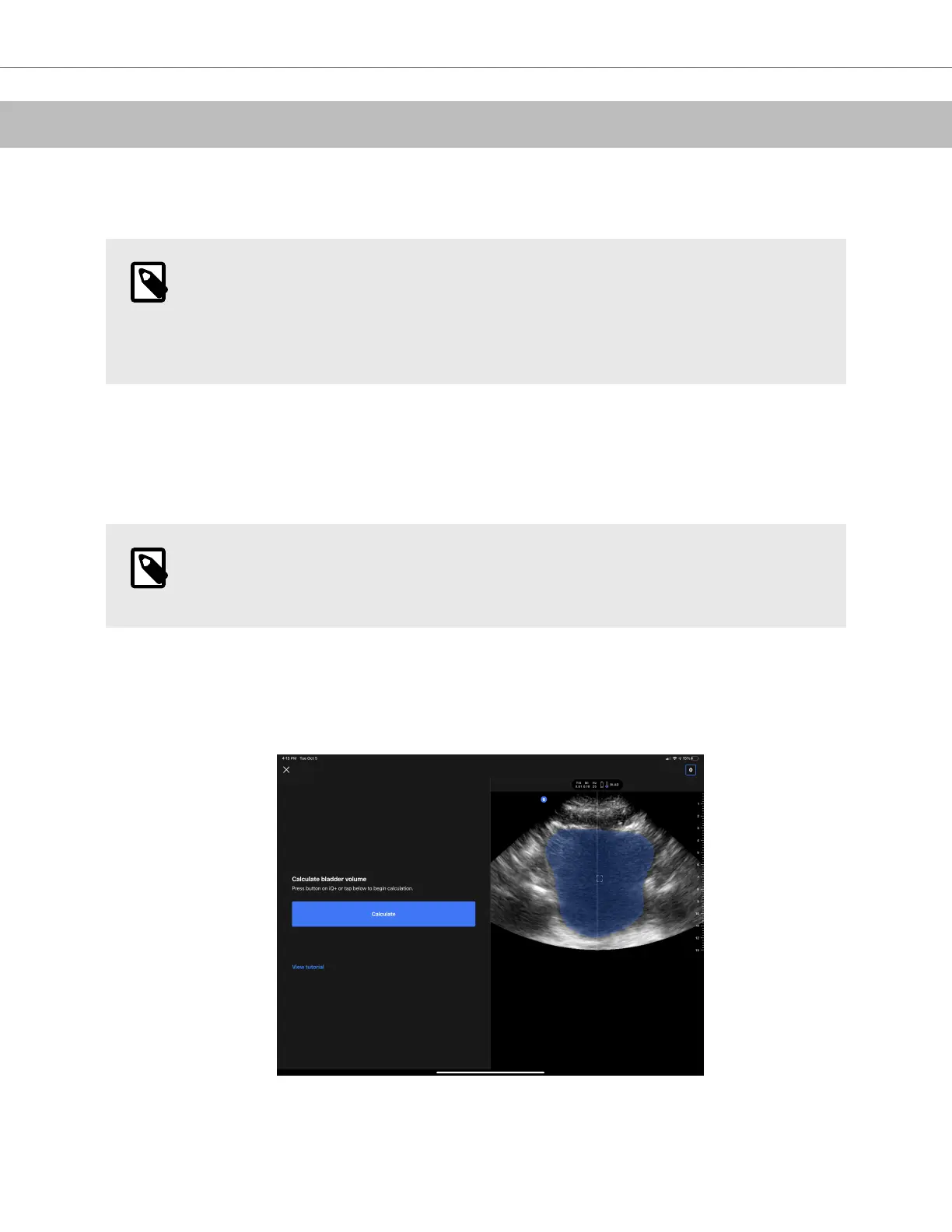
To take a bladder volume measurement - on iPad
NOTE
See Automatically Estimating Bladder Volume [61] for important information, including indications
for use and contraindications.
1. Plug-in the probe
2. Tap on the “Bladder scanner” button if available
3. Optionally, enter patient details if available
4. On the calculate screen, place the probe on the bladder, center the bladder and press calculate
5. Optionally, view tutorial which contains a video and a step by step walkthrough of a bladder scan
Using Butterfly iQ+ Care
Using Butterfly iQ+ Care 70


 To Next Page