134 4-4 Starting and Driving
4-4 Starting and Driving
Start the vehicle
Normal starting method of the
vehicle:
■ Securely apply parking brake.
■ Place the gearshift lever in P or N
position.
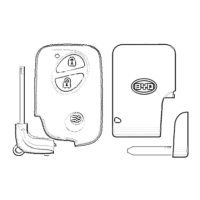
■ Carry the correct intelligent key on
board.
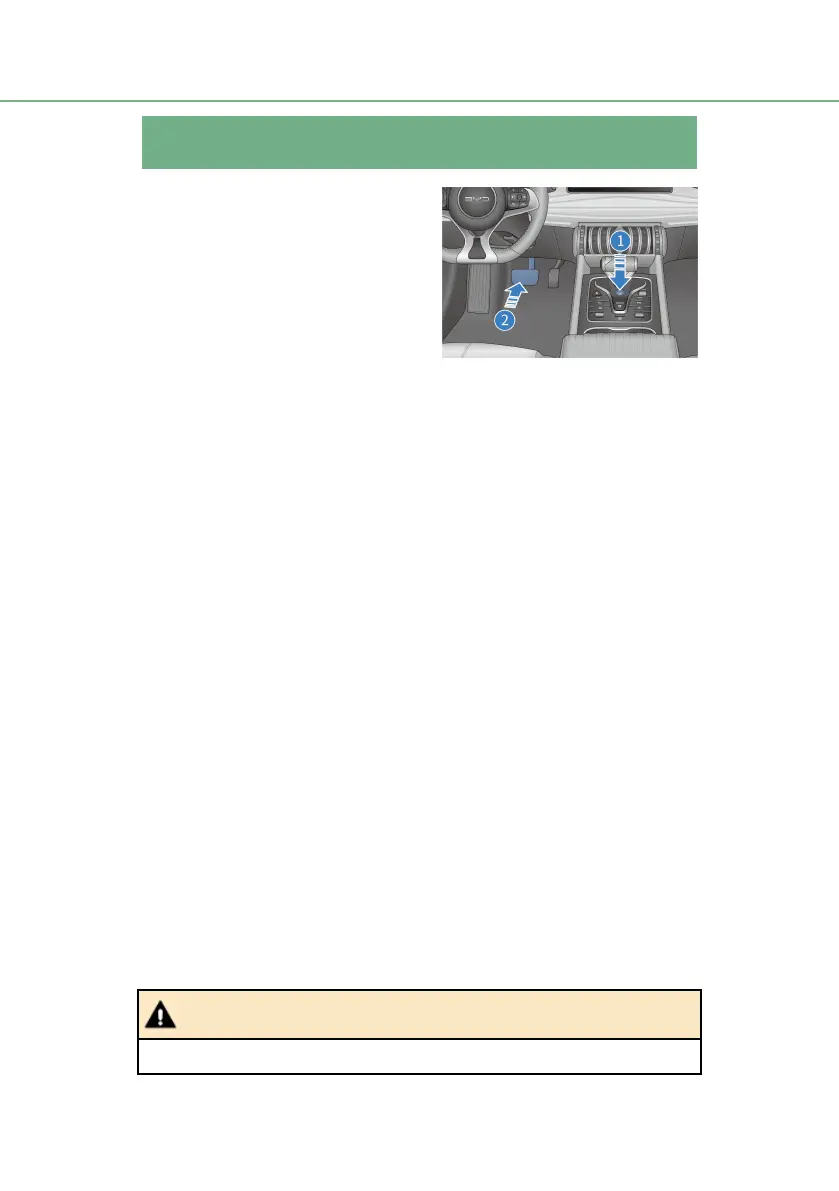
■ Depress the brake pedal ① and
press the START/STOP ② button.
■ When the OK indicator on the instrument illuminates, it indicates that the
vehicle is ready to be driven.
Circumstances in which the vehicle cannot be started
■ The vehicle cannot be started in the following circumstances:
● When the START/STOP button is pressed, if the intelligent key system
warning light turns on, the speaker in the vehicle sounds, and the
message of "Key is not detected" is displayed on the information
display screen in the middle of the combination instrument, it indicates
that the electronic intelligent key is not in the vehicle or cannot be
detected due to interference.
● The vehicle may also fail to start even if the electronic intelligent key is
in the vehicle but at wrong place (however, on the floor, in the cup
holder or in the trunk lid or glove box).
Emergency starting method of the vehicle:
■ Securely apply parking brake.
■ Turn off all unnecessary vehicle lights and accessories.
■ Set the vehicle power in OFF mode.
■ Confirm the electronic intelligent key is in the vehicle.
■ Press and hold the START/STOP button for more than 15s to start the
vehicle.
■ Do not touch the “START/STOP” button when driving the vehicle.



 To Next Page