170 4-5 Driving Auxiliary Functions
■ After the vehicle is started, if the multimedia system has not been fully
started, when the all-around view monitor start button is operated or the R
button is pressed at this time, the all-around view monitor display interface
output will be delayed or "blinking screen" will occur. This is a normal
power-on process when the camera is activated.
■ During driving of the vehicle at a low speed, the transparent all-around view
function is affected by speed fluctuation or multiple stops and braking, and
there will be misalignment between the image below the vehicle and the
exterior image.
Parking assist system
■ During vehicle reversing, the parking assist system can prompt the driver
the distance between the vehicle and an obstacle through display of
indicator on the multimedia display screen* and the alarm of the speaker.
This system detects obstacles by utilizing sensors.
■ Parking assist system is a method for helping reversing. Observe the
environment behind the vehicle and the surroundings during reversing.
■ When you reverse the vehicle, a reversing image will be displayed on the
system screen automatically.
■ For your driving safety, when the reversing image is displayed, all buttons
will be disabled except some volume and phone related buttons.
■ After reversing ends, the interface will be restored.
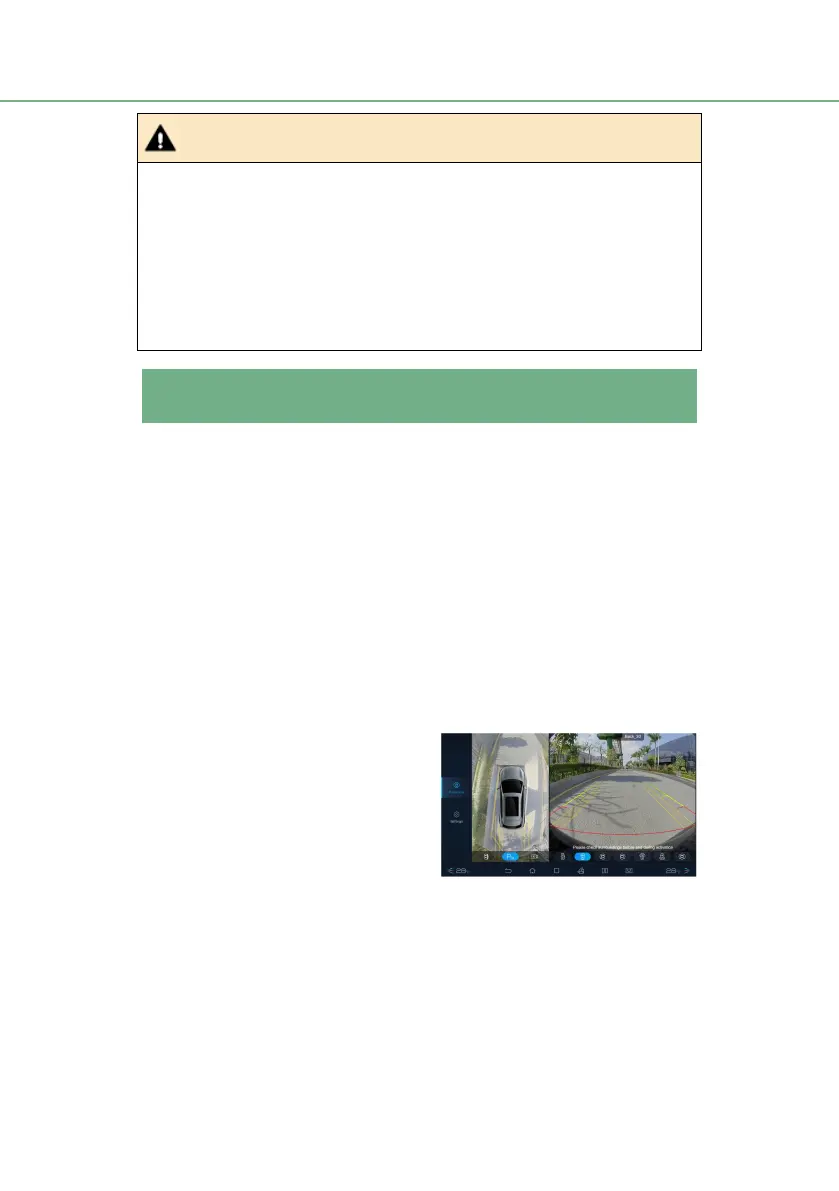
Reversing image
■ The two lines shown in the figure
are safety lines for reversing.
● Red: within about 0 ~ 0.5 m
● Yellow: within about 0.5 ~ 1m
● Green: within about 1 ~ 3m
■ The zone displayed will vary with
different vehicle directions and
road conditions.



 To Next Page