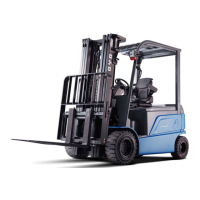
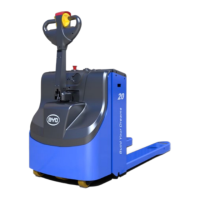
PMW20
18
PMW20
19
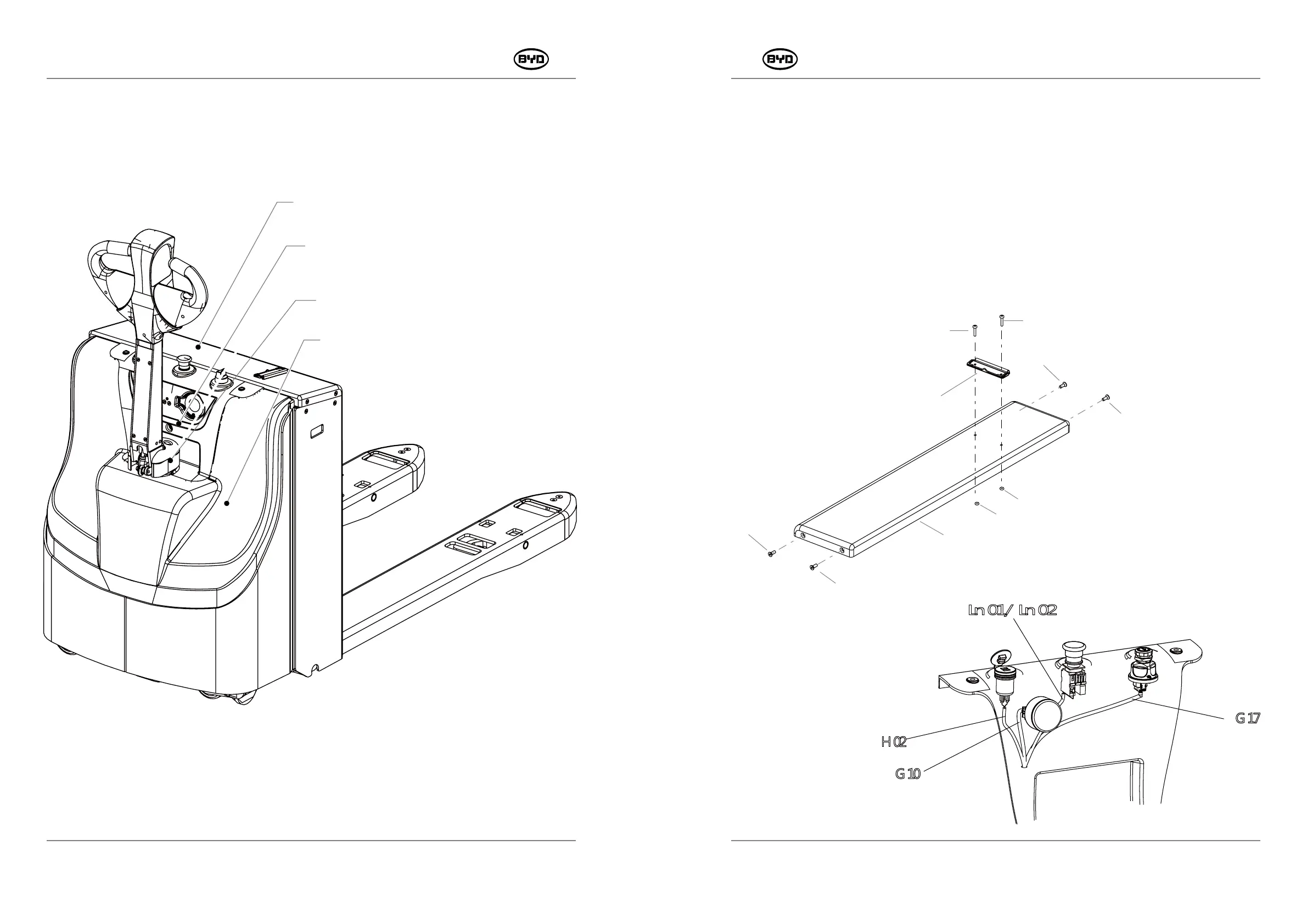
4.1 REMOVE AND INSTALL GUARD
1. REMOVE(Remove the cover plate of the battery box)
1) Remove the guard with the cross screwdriver (Codes13/15/18).
2) Remove the fastener on the battery cover plate with a 4mm Allen wrench (Code 10).
3) Unscrew the instrument assembly on the instrument panel, dual USB charging
connector, self-resetting ignition switch and emergency switch.
4) Unplug the wire harness connectors (H02/G17/Ln01/Ln02/G10).
11
12
13
14
14
13
10
10
10
10
MAINTAIN ATTACHMENTS
This chapter will describe how to maintain attachments.
.
2T2T
-
-
SM-PMW202020001-EN
SM-PMW202020001-EN
Cover Plate of the Battery Box
Instrument Panel
Guard of Tiller
Guard Plate of the Rear Forklift Body


 To Next Page