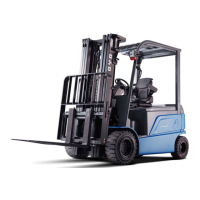
PMW20
36
PMW20
37
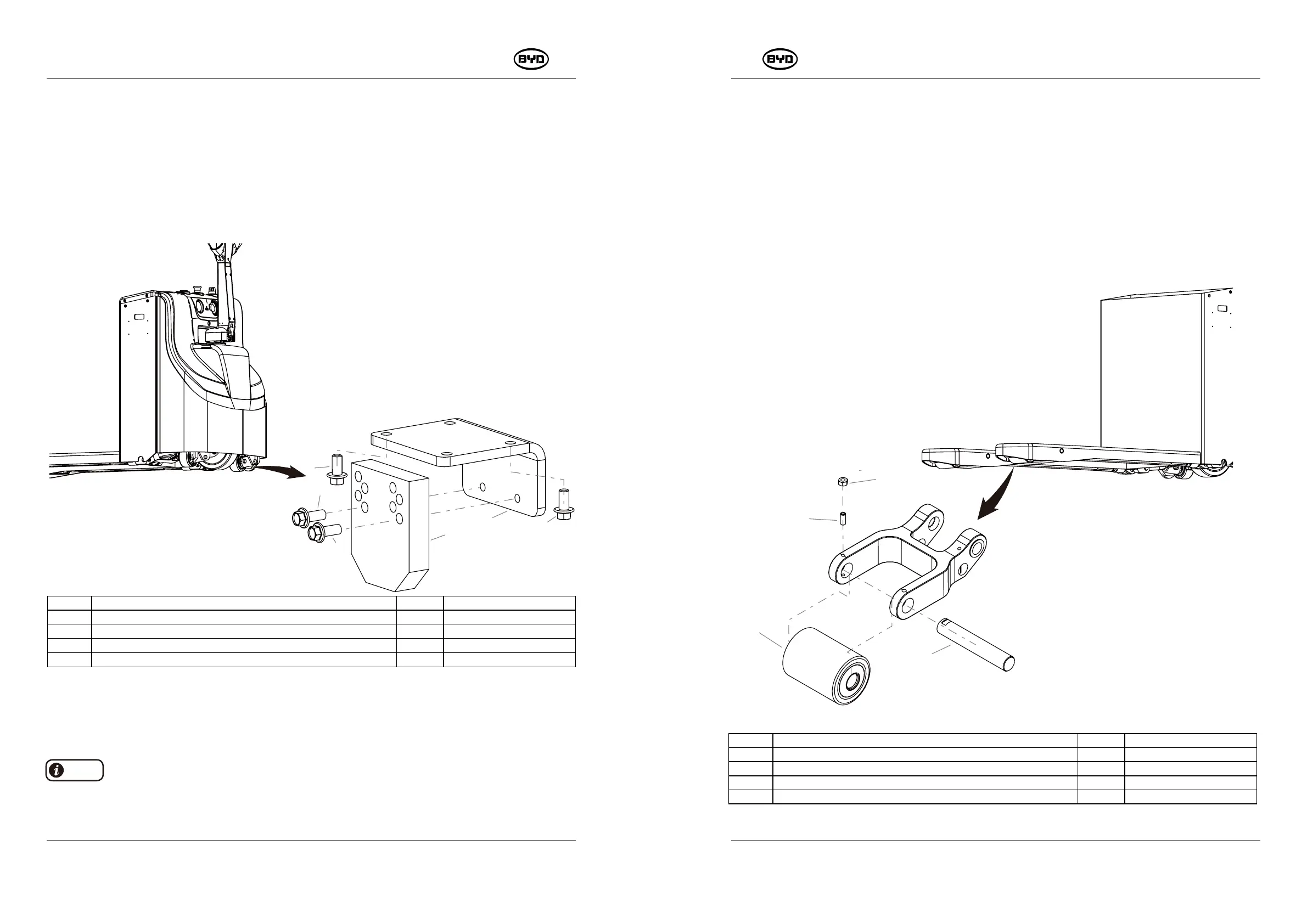
5.10 REMOVE AND INSTALL THE ASSISTING SUPPORT ASSEMBLY
1. Remove
1) Lift the rear of the forklift with a jack, Unscrew the bolt (Code 13) and remove the
assisting support plate.
2) Then unscrew the bolt (Code 11) and remove the assisting mounting plate.
3) Replace the assisting support assembly on the other side in the same way.
13
12
11
13
10
11
2 Install
When the assisting support plate (Code 12) is worn, adjust the holes on the support plate
downwards in turn.
5.11 REMOVE AND INSTALL THE ASSISTING SUPPORT ASSEMBLY
1) Lift the front end of the fork ,fill up a solid piece of wood,press the emergency stop
switch.
2) Unscrew the screw (Code 10) with a 13mm open-end wrench and then unscrew
the screw (Code 11) with a 4mm Allen wrench. Tap out the mounting shaft for the
support wheel with a copper rod (Code 12) and then replace the support wheel
assembly (Code 13).
3) Replace the support wheel assembly of the other side of the fork.
13
12
11
10
SM-PMW202020001-EN
SM-PMW202020001-EN
CODE PART NAME QTY
OTHER INFORMATION
10 ASSISTING MOUNTING PLATE 1
11 HEXAGON FLANGE BOLT _M10×20
4
12 ASSISTING SUPPORT PLATE
1
13 HEXAGON FLANGE BOLT _M10×25
2
CODE PART NAME QTY OTHER INFORMATION
10 TYPE 1 HEXAGON NUT _M8 1
11 HEXAGON SOCKET SET SCREW_M8×20 1
12 MOUNTING SHAFT FOR SUPPORT WHEELS -Φ25×144 1
13 SUPPORT WHEEL ASSEMBLY -Φ82×110 1
1)Install the assisting mounting plate first and then tighten the bolt (Code 11).
2)Install the assisting support plate and tighten the bolt (Code 13).
Note


 To Next Page