TOTAL LITE Revision 1
SERVICE MANUAL FOR INNOVATION TOTAL LITE Single-Cup Brewer
32
This text refers to the previous page
2. This allows you to change the serial number of the unit if you have changed the ash card. Anytime you
change a ash card, make sure the serial number in this box is the same as the serial number inside the
machine over the fan Ex: TL1204-123456. If the serial number is different, it will be impossible to connect
to the web management tool. Do not forget to SAVE after entering the serial number.
3. This box allows to modify the admin and tech password.
If you cannot log into any user levels because the passwords have been changed and you lost or forgot
the passwords, you will have to do a general reset. Contact our technical support team for the procedure.
Doing a general reset will reset all drinks recipes, settings and passwords except the permanent sales
counters, users list and serial number data.
6.8 Audit Screen
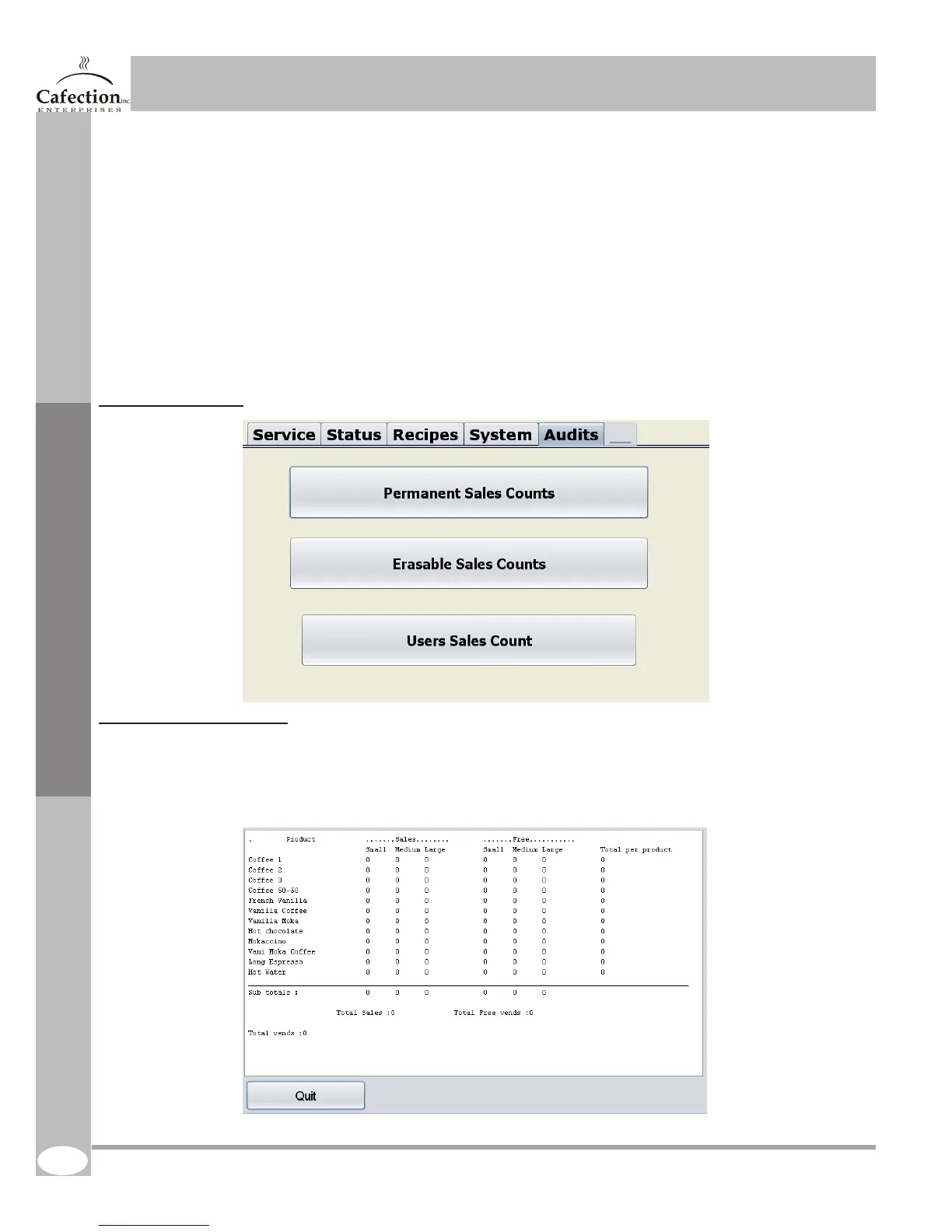
6.8.1 Permanent counters
To get to the screen below press the setup (white) button (SW1 as shown in section 4.7) on the main
board inside the door of the machine and press the AUDITS tab. This tab indicates the amount of drinks
sold since the machine as been built.
Service Software



 To Next Page