_o*,o Recording
Zooming
([33 12)
: In addition to the optical
zoom, the digital zoom is also available
(q3 38).
Optical zoom: 35x
Digitalzoom*: 1,000x
* _ only.
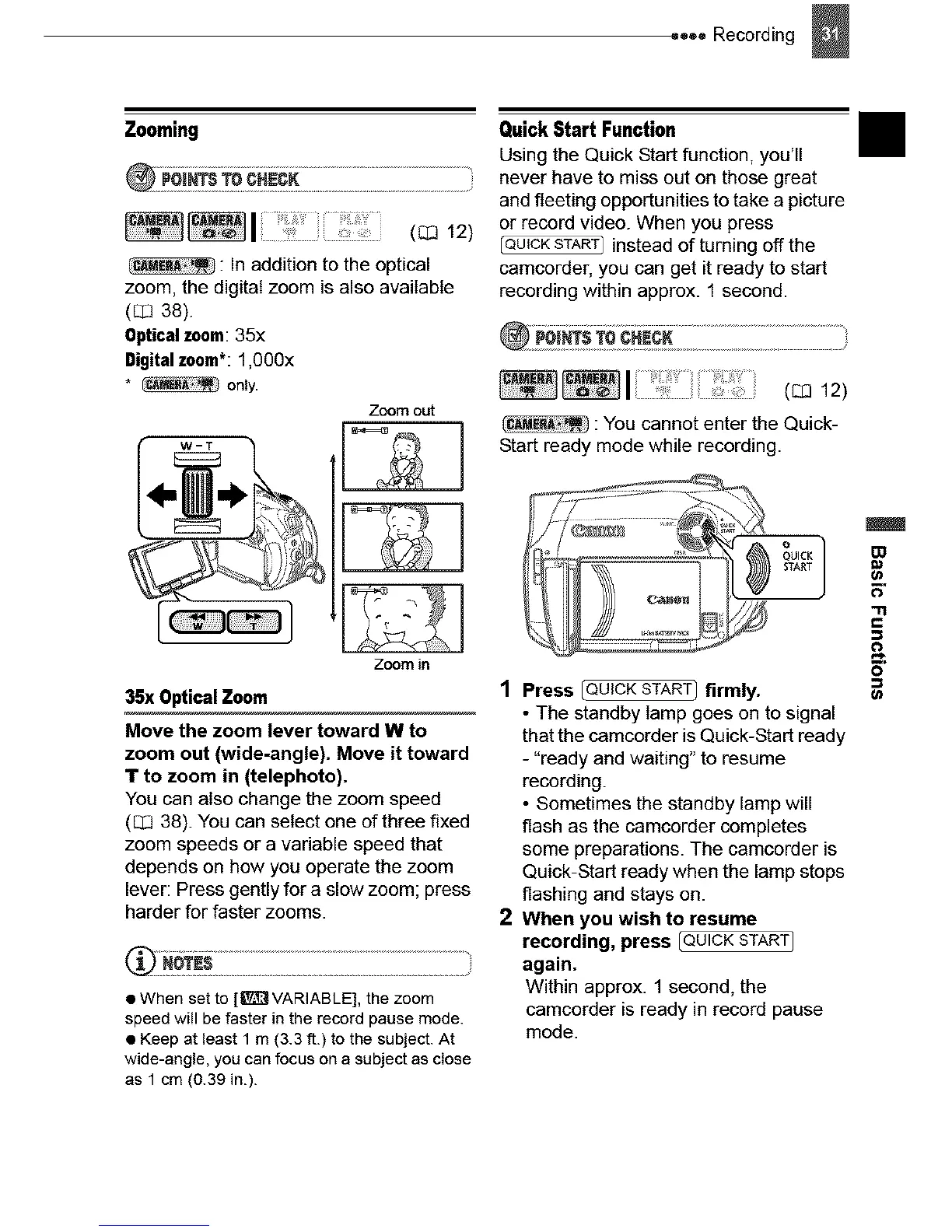
Zoom out
Quick Start Function
Using the Quick Start function, you'll
never have to miss out on those great
and fleeting opportunities to take a picture
or record video. When you press
instead of turning off the
camcorder, you can get it ready to start
recording within approx. 1 second.
I ( 12)
: You cannot enter the Quick-
Start ready mode while recording.
II
r
Zoom in
35x Optical Zoom
Move the zoom lever toward W to
zoom out (wide-angle). Move it toward
T to zoom in (telephoto).
You can also change the zoom speed
(_ 38) You can select one of three fixed
zoom speeds or a variable speed that
depends on how you operate the zoom
lever: Press gently for a slow zoom; press
harder for faster zooms.
• When set to [l[_ VARIABLE], the zoom
speed will be faster in the record pause mode.
• Keep at least 1 m (3.3 ft.) to the subject. At
wide-angle, you can focus on a subject as close
as 1 cm (0.39 in.).
1 Press _ firmly.
• The standby lamp goes on to signal
that the camcorder is Quick-Start ready
- "ready and waiting" to resume
recording.
• Sometimes the standby lamp will
flash as the camcorder completes
some preparations. The camcorder is
Quick-Start ready when the lamp stops
flashing and stays on.
2 When you wish to resume
recording, press [QUICKSTARTJ
again.
Within approx. 1 second, the
camcorder is ready in record pause
mode.



 To Next Page