OtherFunctions®_e_
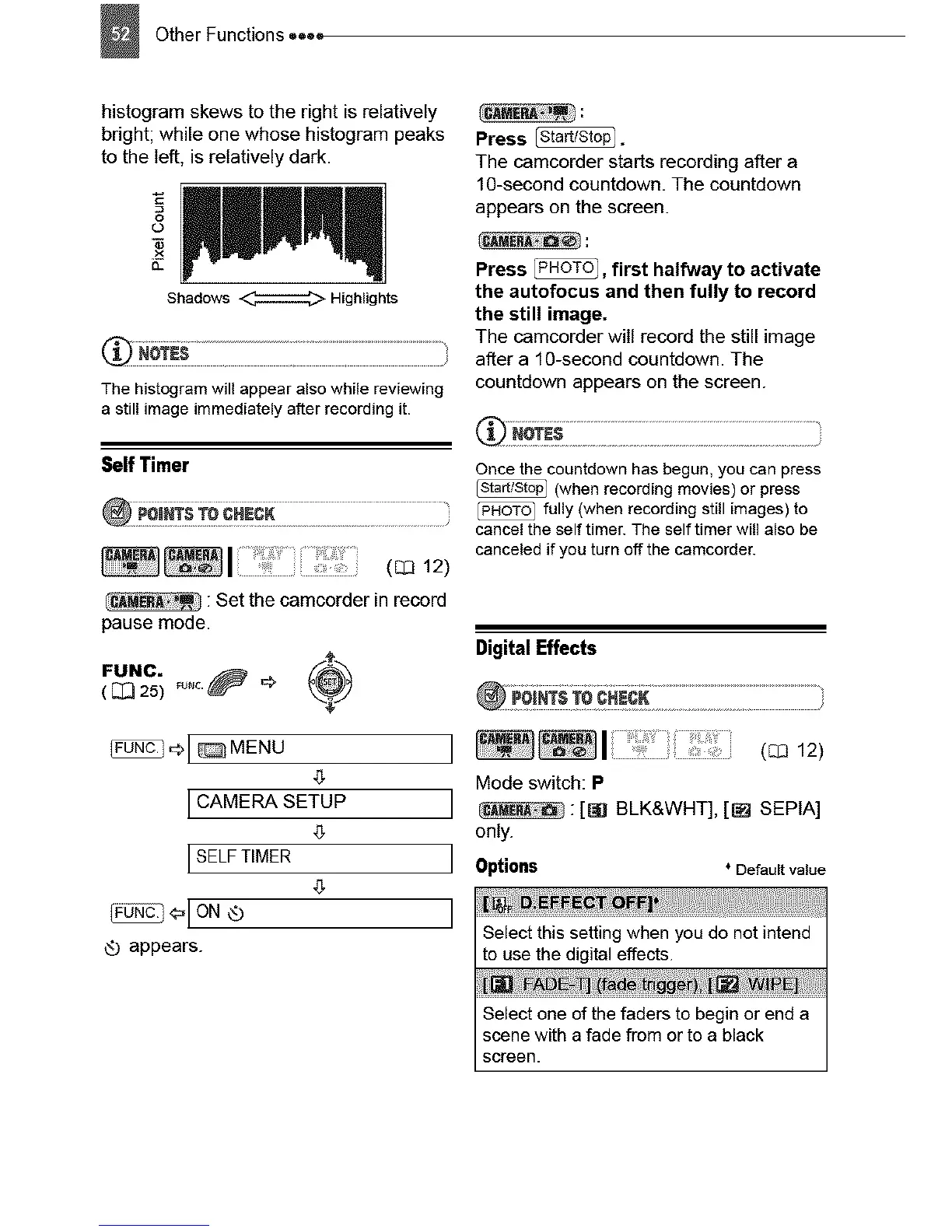
histogramskewstotherightisrelatively
bright;whileonewhosehistogrampeaks
totheleft,isrelativelydark.
£3
O-
Shadows _ Highlights
The histogram will appear also while reviewing
a still image immediately after recording it.
Self Timer
(C_312)
: Set the camcorder in record
pause mode.
FUNC. _u_c._ _ _
( _ 25)
_[@MENU
CAMERA SETUP
SELFTIMER
_[ON ®
Q appears.
Press _.
The camcorder starts recording after a
1C-second countdown. The countdown
appears on the screen.
Press _, first halfway to activate
the autofocus and then fully to record
the still image.
The camcorder will record the still image
after a 10-second countdown. The
countdown appears on the screen.
Once the countdown has begun, you can press
(when recording movies) or press
fully (when recording still images) to
cancel the self timer. The self timer will also be
canceled if you turn off the camcorder.
DigitalEffects
Mode switch: P
] :[Sg BLK&WHT], [_ SEPIA]
only.
Options ° Default value
]
Select this setting when you do not intend
to use the digital effects.
Select one of the faders to begin or end a
scene with a fade from or to a black
screen.



 To Next Page