MenuOptionsLists_,o®
DISPLAYSETUP
.°°.,.°,...°,...°....°....°...°°.,..°.,.°,
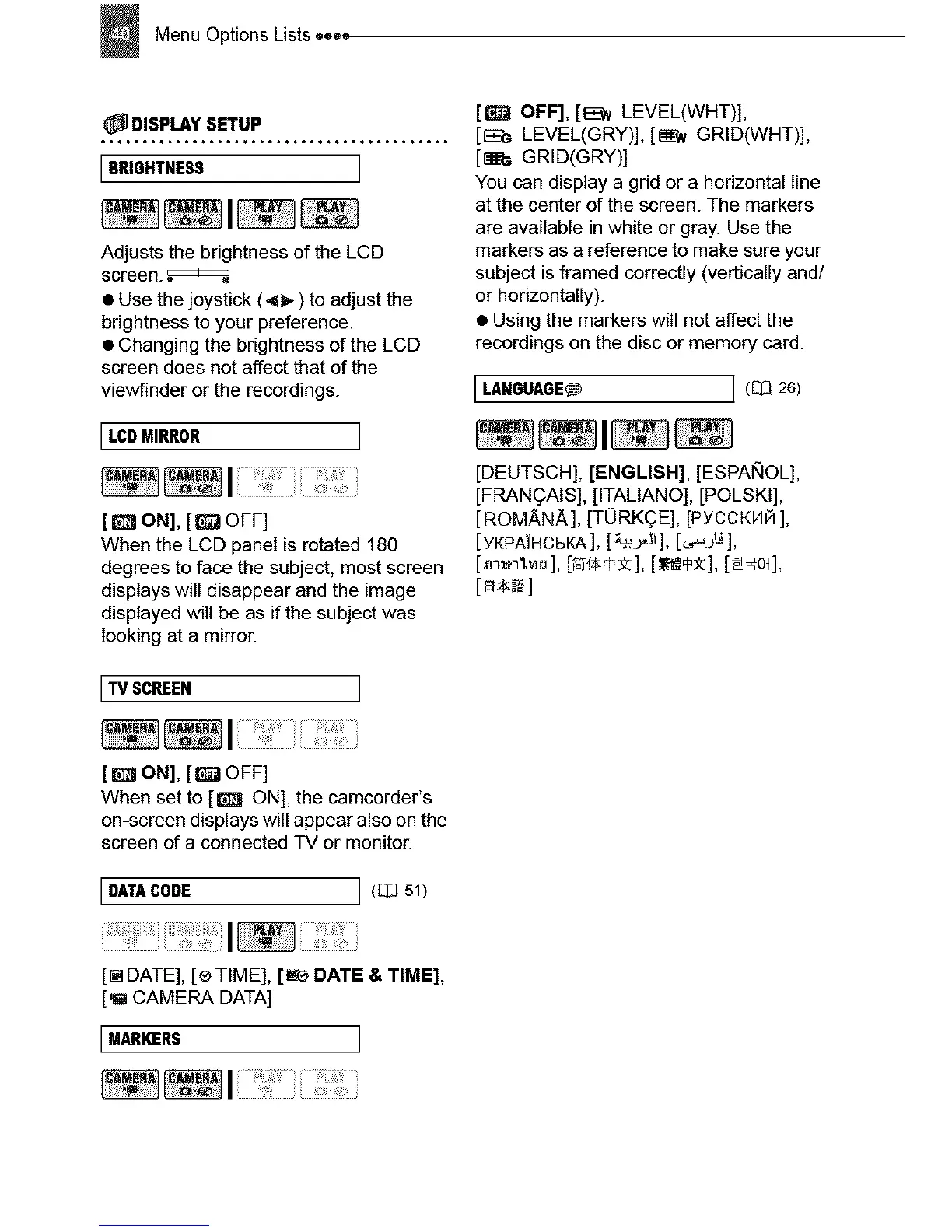
BRIGHTNESS
Adjusts the brightness of the LCD
screen.
• Use the joystick (4b-) to adjust the
brightness to your preference.
• Changing the brightness of the LCD
screen does not affect that of the
viewfinder or the recordings.
LCD MIRROR ]
[_ ON], [_ OFF]
When the LCD panel is rotated 180
degrees to face the subject, most screen
displays will disappear and the image
displayed will be as if the subject was
looking at a mirror.
TVSCREEN ]
[_] OFF], [E'w LEVEL(WHT)],
[EE_ LEVEL(GRY)], [_N GRID(WHT)],
[_; GRID(GRY)]
You can display a grid or a horizontal line
at the center of the screen. The markers
are available in white or gray. Use the
markers as a reference to make sure your
subject is framed correctly (vertically and/
or horizontally).
• Using the markers will not affect the
recordings on the disc or memory card.
I LANGUAGE_ j (_ 26)
[DEUTSCH], [ENGLISH], [ESPAIXlOL],
[FRANQAtS], [ITALtANO], [POLSKt],
[ROM_,N_], [TORKQE], [PYCCKH_ ],
[YKPATHCbKA], [_'.,,J_], [_.._jL_],
[a_]
[8 ON], [_ OFF]
When set to [_ ON], the camcorder's
on-screen displays will appear also on the
screen of a connected TV or monitor.
DATACODE ] (C_351)
[r_ DATE], [® TIME], [_® DATE & TIME],
[g CAMERA DATA]
[MARKERS ]



 To Next Page