®o,=,_Managing Photos
Managing Photos
Erasing Photos
You can erase still images recorded on
the disc (DVD-RW only).
Be careful when erasing images. Erased
images cannot be recovered.
Images on a protected disc cannot be erased.
Erasing a Single Image
@ii_!£_ii_i_@_iiiiiiiiiiiiiiiiiiiiiiii....................11111]_)
(q3 12)
Disc type: _ DVD-RW • VR mode
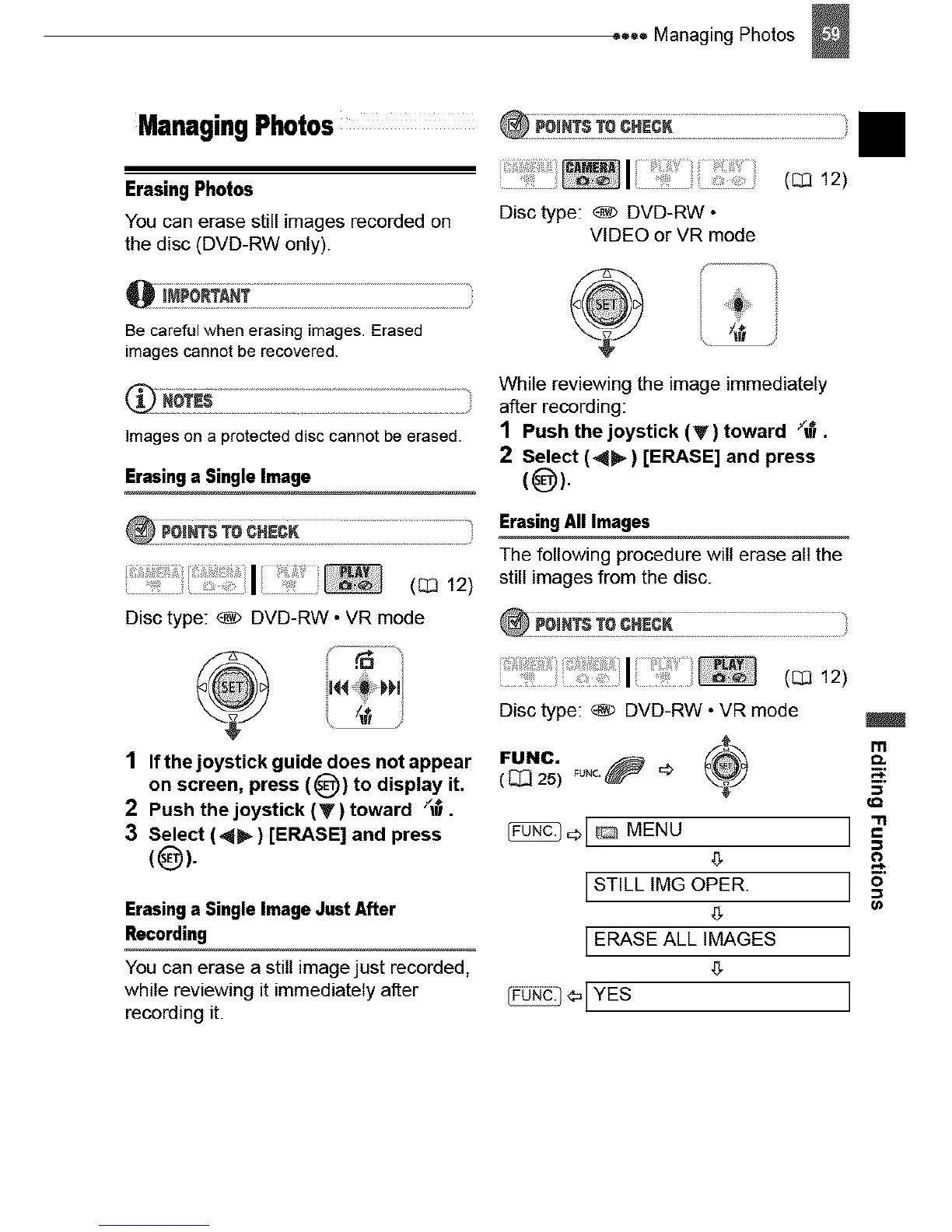
1 Ifthejoystick guidedoesnotappear
on screen, press (_)) to display it.
2 Push the joystick (y) toward /_.
3 Select (_) [ERASE] and press
(0)-
Erasing a Single Image Just After
Recording
You can erase a still image just recorded,
while reviewing it immediately after
recording it.
@i_=£_1:i_!!!!!i!i )
Disc type: _ DVD-RW •
VIDEO orVR mode
¢
While reviewing the image immediately
after recording:
1 Push the joystick (V) toward /_.
2 Select (_) [ERASE] and press
{@).
Erasing All Images
The following procedure will erase all the
still images from the disc.
i!I ',
Disc type: _ DVD-RW • VR mode
( _ 25)
_L_ MENU
LSTILL IMG OPER.
g
ERASE ALL IMAGES
g
I_o._[YES
II



 To Next Page