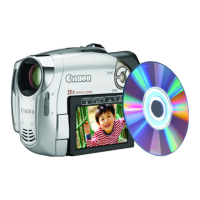
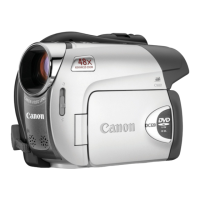
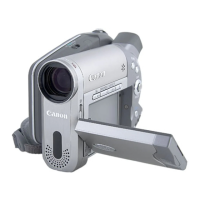
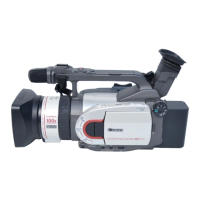
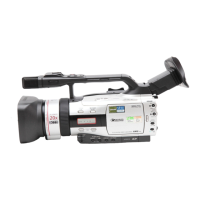
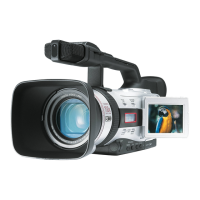
+..+GettingtoKnowtheCamcorder
Com_nentsGuide H
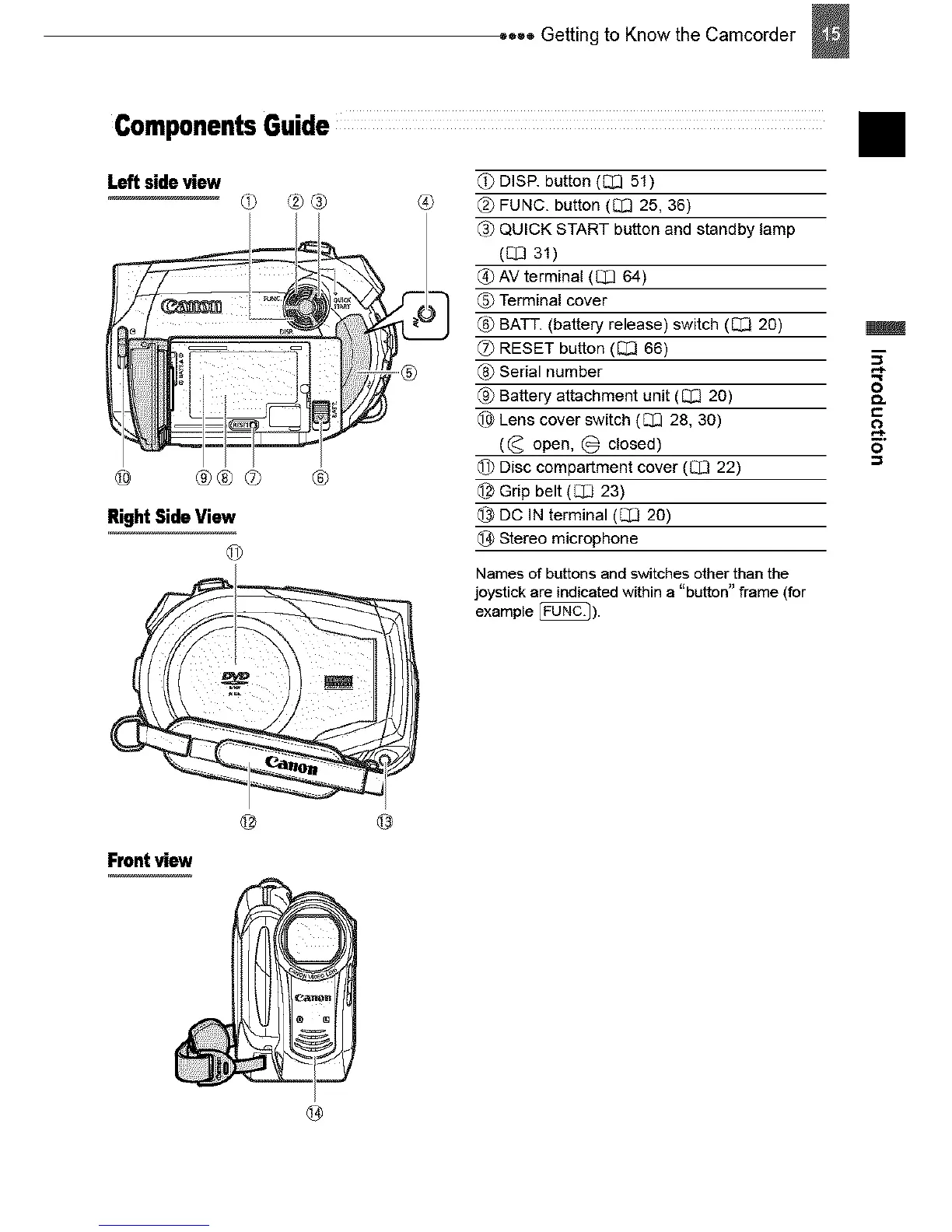
Leftsideview
® ®®® ®
Right Side View
@
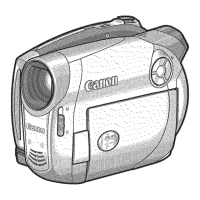
Front view
@
{1_DISP. button (C_351)
FUNC. button (_ 25, 36)
_3_QUICK START button and standby lamp
([_ 31)
_} AV terminal (E_ 64)
Terminal cover
(6} BATT. (battery release) switch (IZ[_ 20)
(_ RESET button ([_] 66)
Serial number
{9) Battery attachment unit ([_ 20)
lq_Lens cover switch (_ 28, 30)
((_ open, @ closed)
di} Disc compartment cover ([Z_] 22)
@ Grip belt (E]_J23)
DC IN terminal ([_J 20)
_ Stereo microphone
Names of buttons and switches other than the
joystick are indicated within a "button" frame (for
example _).
8
c
o


 To Next Page