Magnifying Photos during Playback
During playback, still images can be
magnified up to 5 times.
(C[3 12)
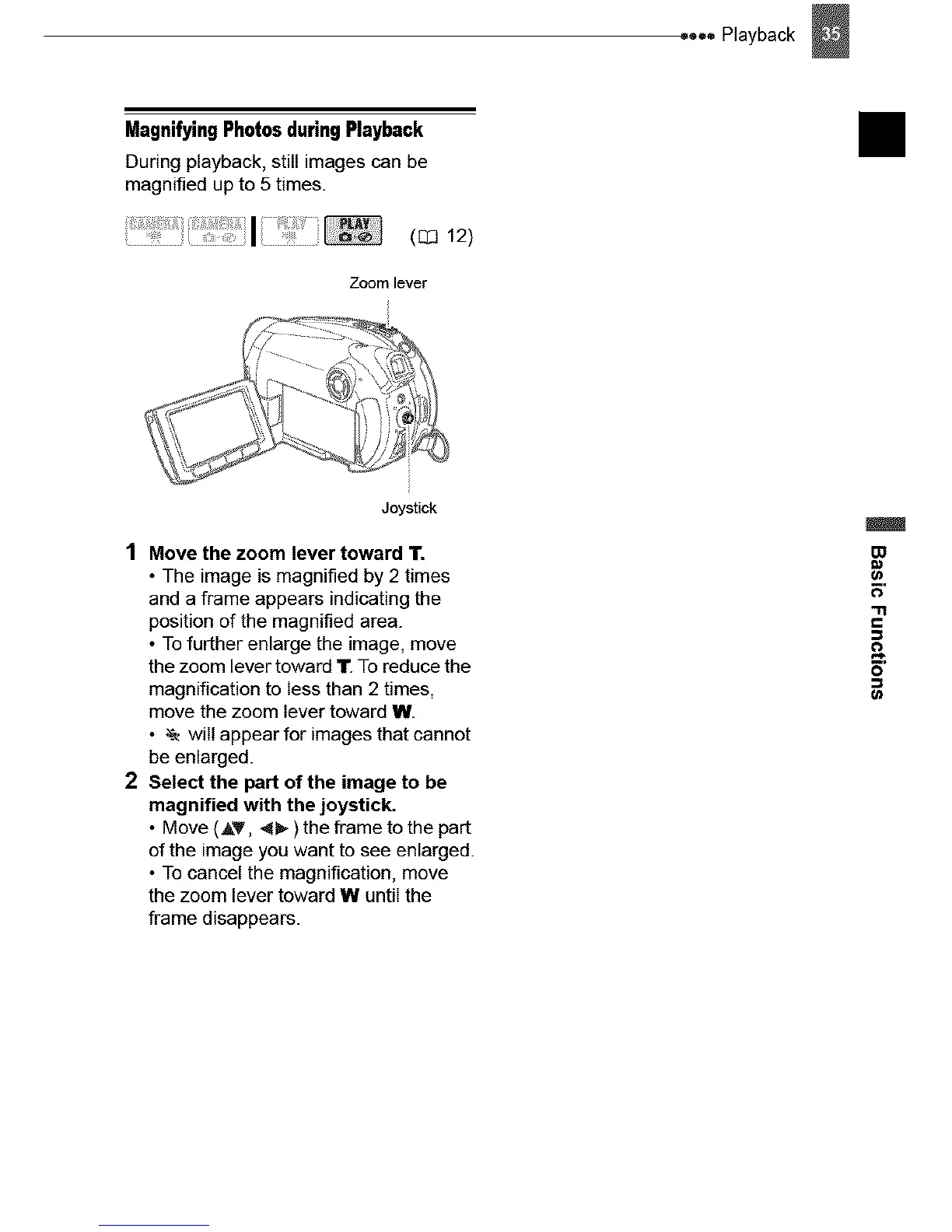
Zoom lever
Joystick
1 Move the zoom lever toward 11.
• The image is magnified by 2 times
and a frame appears indicating the
position of the magnified area.
• To further enlarge the image, move
the zoom lever toward 11".To reduce the
magnification to less than 2 times,
move the zoom lever toward W.
• ,'e will appear for images that cannot
be enlarged.
2 Select the part of the image to be
magnified with the joystick.
• Move (AT, <_. ) the frame to the part
of the image you want to see enlarged.
• To cancel the magnification, move
the zoom lever toward W until the
frame disappears.
• ooo Playback
II



 To Next Page