Managing Photos o,_,,_
Converting Photos into Photomovie
Scenes
Still images are recorded using JPEG
compression, but a DVD player only
recognizes the MPEG standard. Thus, to
play back your still images with your DVD
player, first you need to create a
Photomovie scene - a slide show of all
still images on the disc, where each
image will be displayed for approx. 3
seconds.
(Q3 12)
We recommend setting [TV TYPE] to
[_] NORMAL TV] (E_341) before
creating the Photomovie scene.
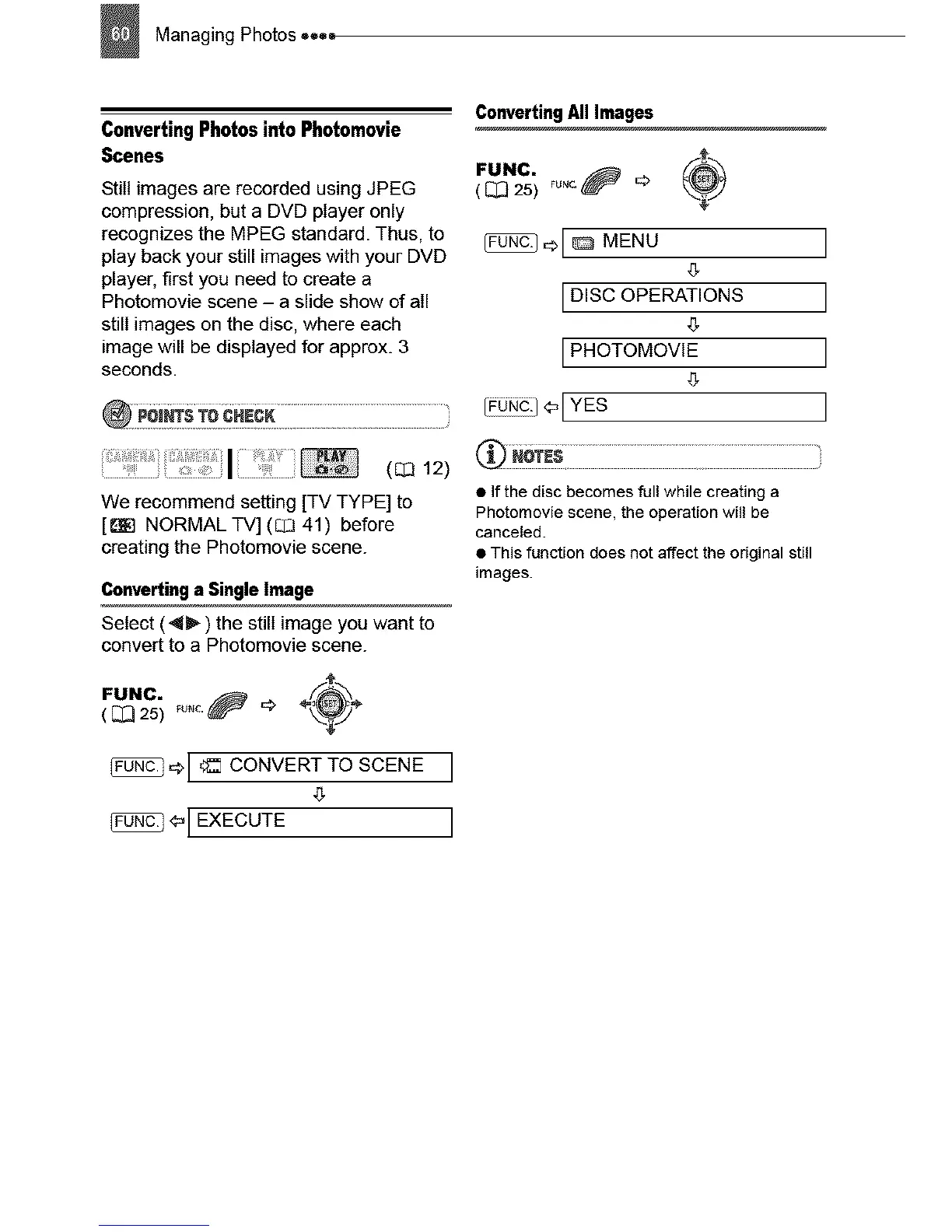
Converting a Single Image
Select (4_") the still image you want to
convert to a Photomovie scene.
FUNC. _uNc._ _ ÷_÷
( (_ 25)
_[ _ CONVERTTOSCENE ]
4_
_[ EXECUTE ]
Converting All Images
FUNC. Fu.c._ _> _-_+)( [_ 25)
,::>[_ MENU
IDISC OPERATIONS
IPHOTOMOVIE
g
I o o-I YES
• ff the disc becomes full while creating a
Photomovie scene, the operation will be
canceled.
• This function does not affect the original still
images.
]
]
]
]



 To Next Page