Corel
Application
Disc
-
Movie
Playback
and
Editing
and
Various
Disc
Operations
The Corel Application Disc CD-ROM includes software that will allow you to play back
movies, transfer movies to a computer and easily edit them, make copies of your disc or
create (author) new personalized discs, and more. For further details, refer to the help files
of each program.
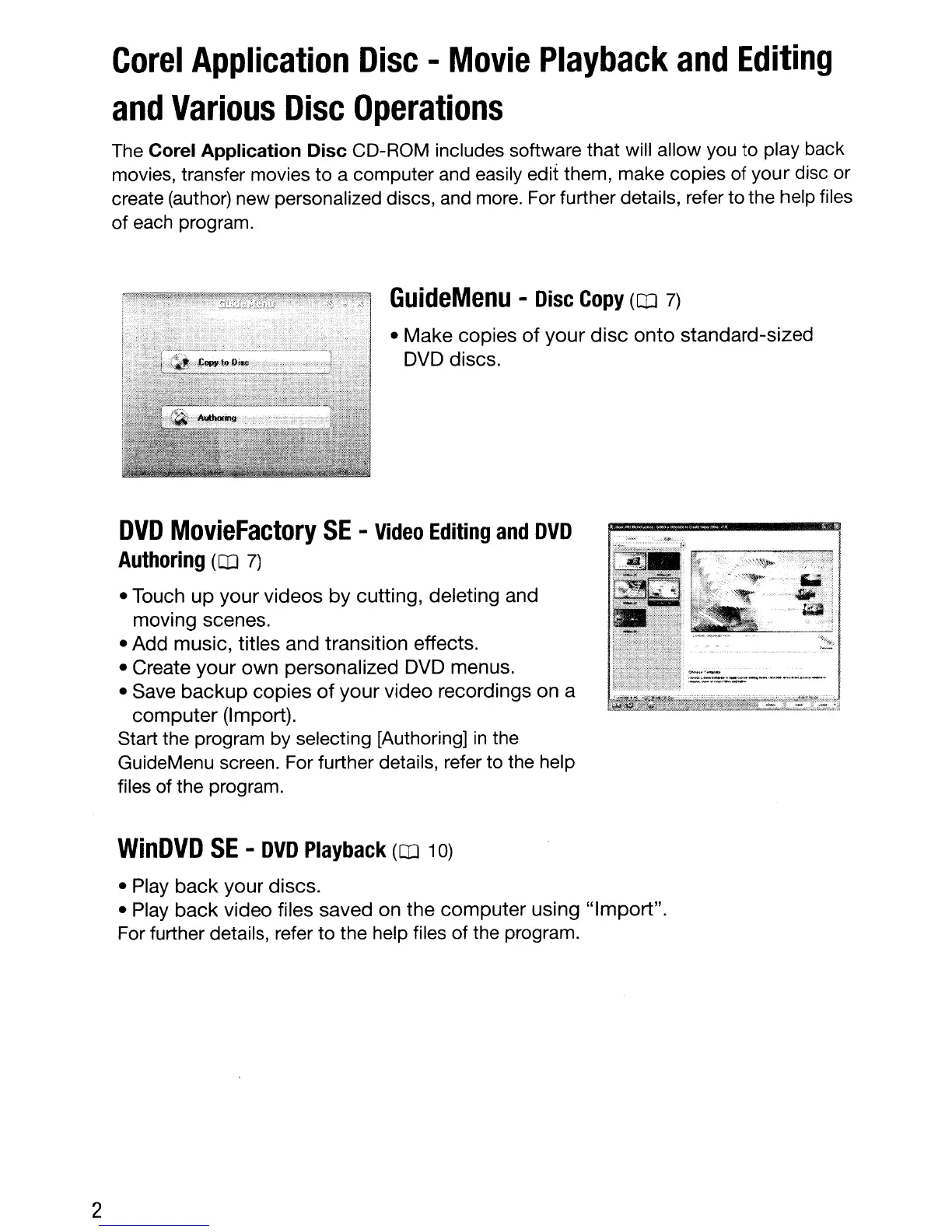
GuideMenu
-
Disc
Copy
(OJ
7)
• Make copies
of
your
disc
onto
standard-sized
DVD discs.
2
DVD
MovieFactory
SE
-
Video
Editing
and
DVD
Authoring
(OJ
7)
• Touch
up
your videos
by
cutting, deleting and
moving scenes.
• Add music, titles and transition effects.
• Create your
own
personalized DVD menus.
• Save
backup
copies
of
your
video recordings on a
computer
(Import).
Start the program by selecting [Authoring]
in
the
GuideMenu screen. For further details, refer to the help
files of the program.
WinDVD
SE
-
DVD
Playback
(OJ 10)
• Play
back
your
discs.
• Play
back
video files saved on the
computer
using
"Import".
For further details, refer to the help files of the program.



 To Next Page