Connecting
to
a
Computer
CD
USB
Terminal
Use
the
USB
connection
to
print
still
images
and
transfer
them
to
a
computer.
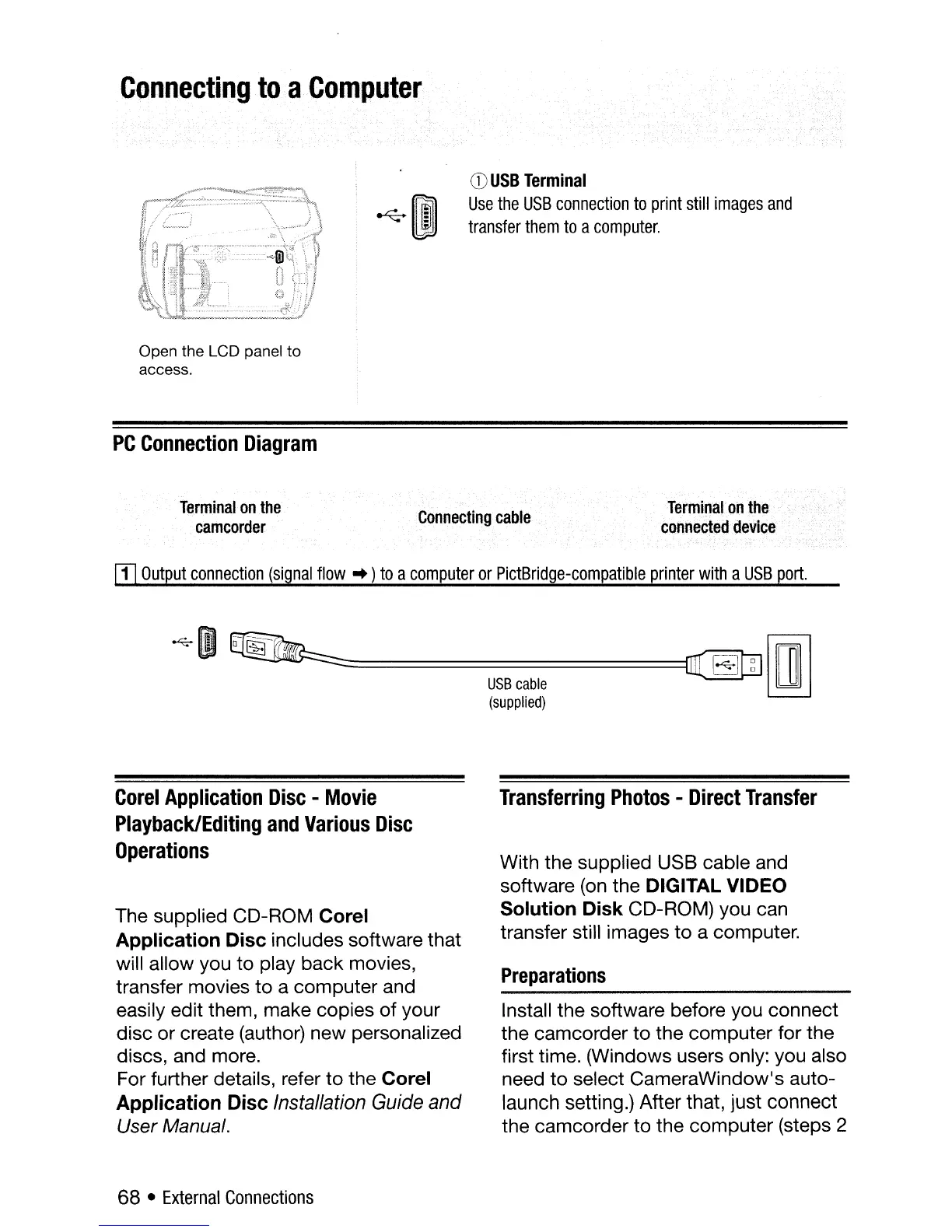
Open the LCD panel to
access.
PC
Connection
Diagram
Terminal
on
the
camcorder
Connecting
cable
Terminal
on
the
connected
device
[!]
Output
connection
(signal
flow'"
)
to
a
computer
or
PictBridge-compatible
printer
with
a
USB
port.
~
OJ
~=====================================~W
Imln
USB
cable
~
(supplied)
Corel
Application
Disc
-
Movie
Playback/Editing
and
Various
Disc
Operations
The supplied CD-ROM Corel
Application Disc
includes software that
will allow you to play back movies,
transfer movies to a computer and
easily edit them, make copies
of
your
disc or create (author) new personalized
discs, and more.
For further details, refer to the
Corel
Application Disc
Installation
Guide
and
User Manual.
68 •
External
Connections
Transferring
Photos
-
Direct
Transfer
With the supplied USB cable and
software
(on
the DIGITAL VIDEO
Solution Disk
CD-ROM) you can
transfer still images
to
a computer.
Preparations
Install the software before you connect
the camcorder to the computer for the
first time. (Windows users only: you also
need to select CameraWindow's auto-
launch setting.) After that, just connect
the camcorder to the computer (steps 2



 To Next Page