How
to
Select
a
DVD
Disc
There are many types
of
DVD discs but this camcorder uses only the following three
types
of
8
cm
mini DVD discs: DVD-R, DVD-R DL and DVD-RW. Read the differences
between them and select the
disc
that
best fits your needs.
DVD-R
Best
for
Compatibility
DVD-Rs can be recorded only once - you cannot edit
or
delete the recordings. On the
other hand, these discs are comparatively cheaper.
DVD-R
DL
Best
for
Recording
Time
~:~:~
~
I
<~:~:
~
?J
J
Recording
surface
Dual-layered discs allow writing up
to
80%
more data (approx. 2.6 GB) on a single
recording side. However, you cannot edit
or
delete the recordings.
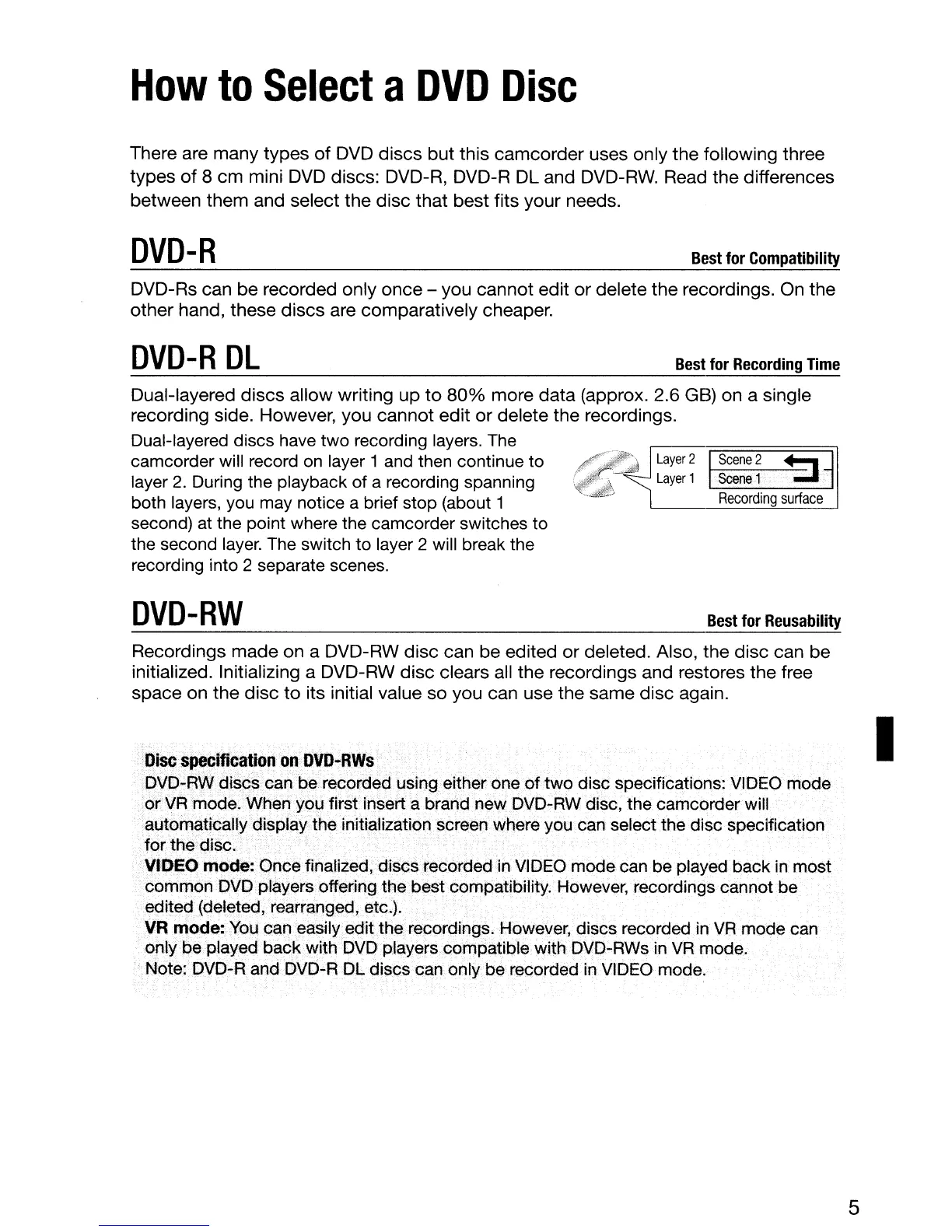
Dual-layered discs have two recording layers. The
camcorder will record
on
layer 1
and
then continue to
layer
2.
During the playback of a recording spanning
both layers, you may notice a brief stop (about 1
second)
at
the point where the camcorder switches to
the second
layer.
The switch to layer 2 will break the
recording into 2 separate scenes.
DVD-RW
Best
for
Reusability
Recordings
made
on a DVD-RW
disc
can be edited
or
deleted. Also, the disc can be
initialized. Initializing a DVD-RW
disc
clears all the recordings and restores the free
space on
the
disc
to
its initial value
so
you can use the same disc again.
Disc
specification
on
DVD·RWs
DVD-RW discs can be recorded using either one of two disc specifications:
VIDEO
mode
or
VR
mode. When you first insert a brand new DVD-RW disc, the camcorder will
automatically display the initialization screen where you can select the disc specification
for the disc.
VIDEO mode: Once finalized, discs recorded
in
VIDEO
mode can be played back
in
most
common
DVD
players offering the best compatibility. However, recordings cannot be
edited (deleted, rearranged, etc.).
VR mode:
You
can easily edit the recordings. However, discs recorded
in
VR
mode
can
only be played back with
DVD
players compatible with DVD-RWs
in
VR
mode.
Note: DVD-R and
DVD-R
DL
discs
can
only be recorded in
VIDEO
mode.
5
I



 To Next Page