Quick
Start
Function
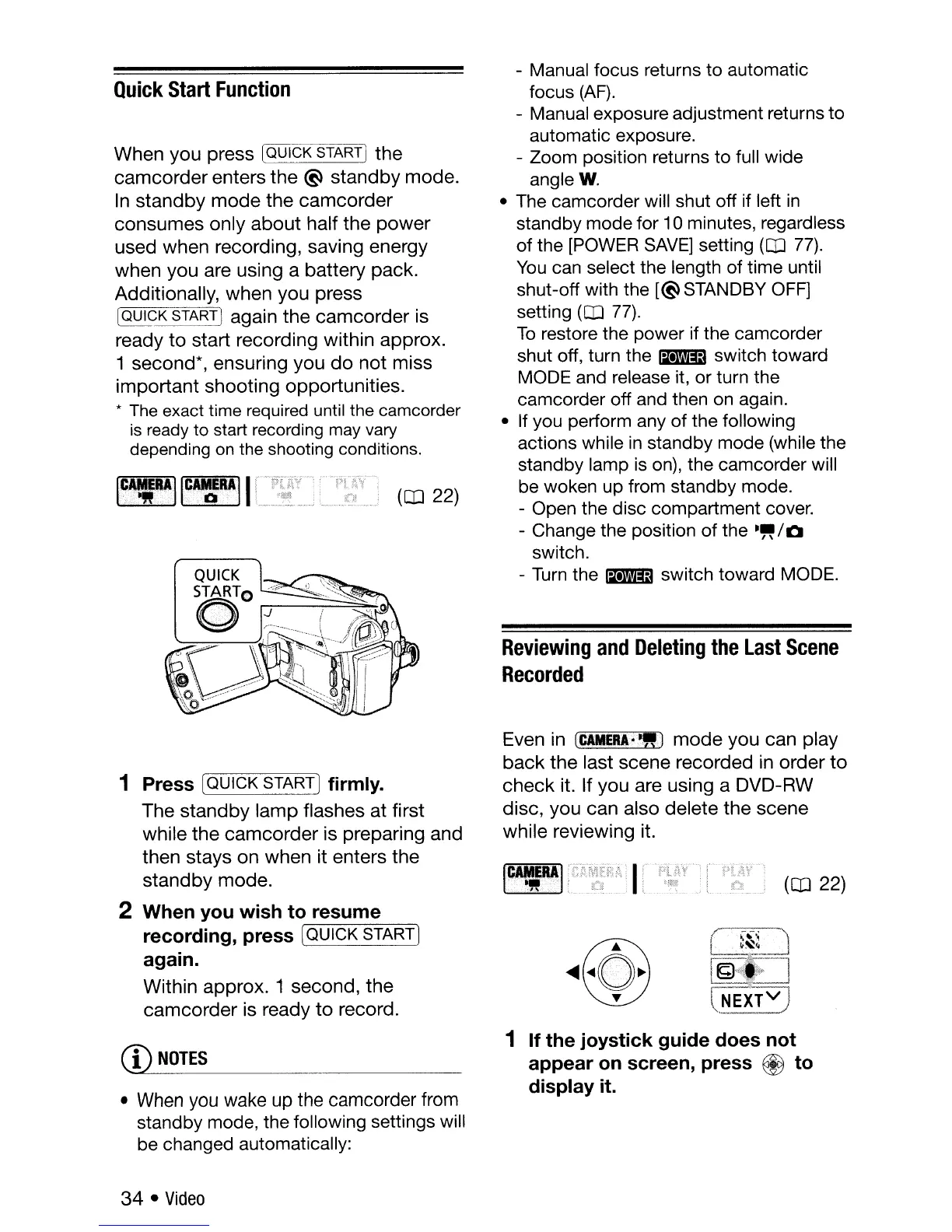
When you press [QUICK START] the
camcorder
enters
the
~
standby
mode.
In
standby
mode
the
camcorder
consumes only
about
half
the
power
used when recording, saving energy
when you are using a battery pack.
Additionally, when you press
IQQICK START I again the
camcorder
is
ready
to
start recording within approx.
1 second*, ensuring you
do
not
miss
important
shooting opportunities.
*
The
exact time
required
until
the
camcorder
is
ready
to start
recording
may
vary
depending
on
the
shooting conditions.
(CD
22)
- Manual focus returns to automatic
focus
(AF).
- Manual exposure adjustment returns to
automatic exposure.
- Zoom position returns to full wide
angle
W.
• The camcorder will shut off if left
in
standby mode for 10 minutes, regardless
of the
[POWER
SAVE]
setting
(CD
77).
You
can select the length of time until
shut-off with the
[~STANDBY
OFF]
setting
(CD
77).
To
restore the power if the camcorder
shut off, turn the
~
switch toward
MODE and release it, or turn the
camcorder off and then
on
again.
• If you perform any of the following
actions while
in
standby mode (while the
standby lamp
is
on),
the camcorder will
be woken up from standby mode.
- Open the disc compartment cover.
- Change the position of the
-"/0
switch.
-
Turn
the
~
switch toward MODE.
Reviewing
and
Deleting
the
Last
Scene
Recorded
Even in
CtAMERA.,-WJ
mode
you can play
back
the
last scene recorded in order
to
check
it. If you are using a DVD-RW
disc, you can also delete
the
scene
while reviewing it.
1 Press (QUICK STARTIfirmly.
The
standby
lamp
flashes at first
while
the
camcorder
is preparing and
then stays on when it enters the
standby
mode.
2 When
you
wish
to
resume
recording,
press
[QUICK START]
again.
Within approx. 1 second,
the
camcorder
is ready
to
record.
(CD
22)
C!LNOTES
• When you wake up the camcorder from
standby mode, the following settings will
be changed automatically:
34
•
Video
1
If
the
joystick
guide
does
not
appear
on
screen,
press
@
to
display
it.



 To Next Page