image, but the image quality may be
lower, and the autofocus may not work
well.
- The image may flicker when recording
with fast shutter speeds.
-
Recording
movies
under
fluorescent
lights:
If the screen starts to flicker, select
[ii!J SHUTTER-PRIO.AE] and set the
shutter speed
to
1/100.
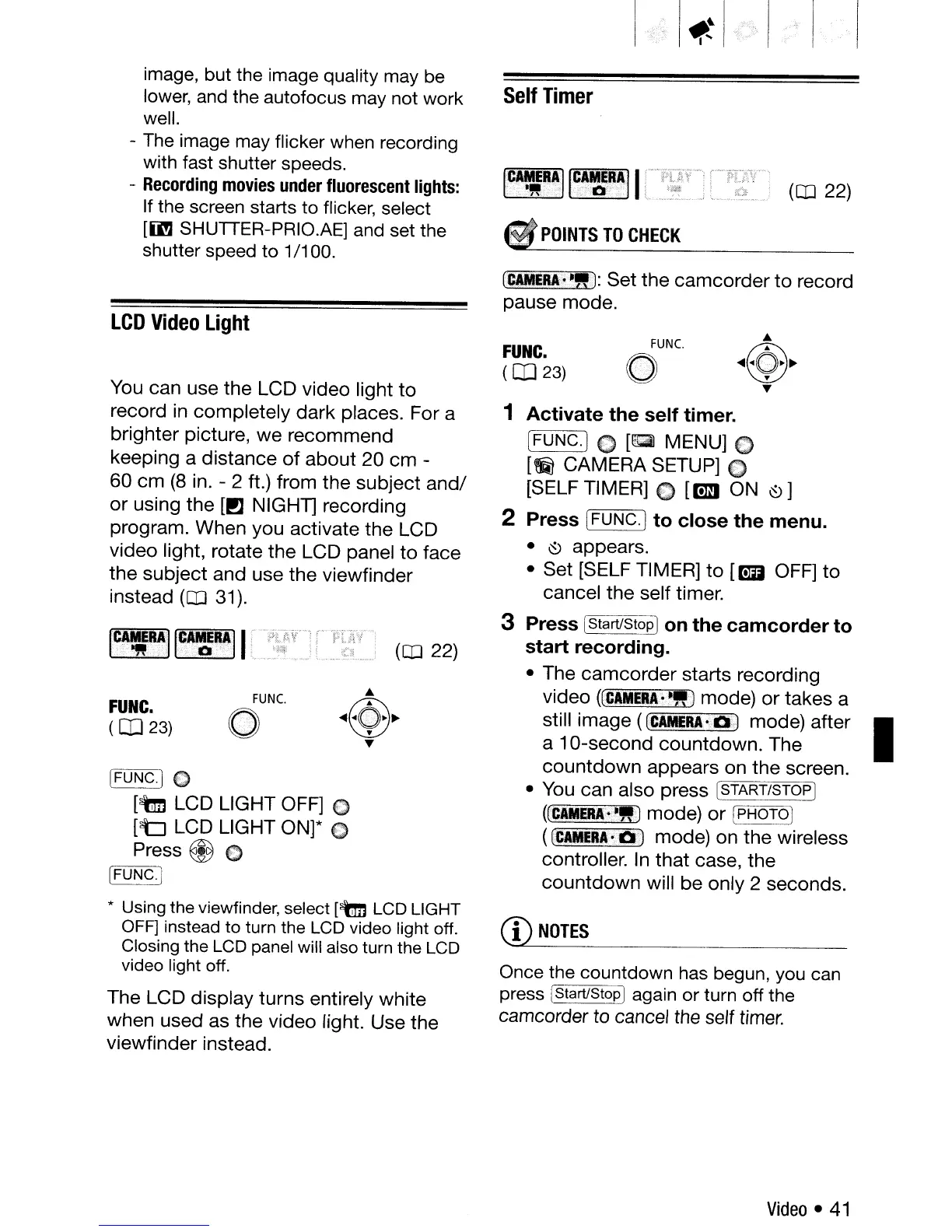
Self
Timer
(CO
22)
POINTS
TO
CHECK
LCD
Video
Light
[FUNC.)
(')
[tm
LCD
LIGHT
OFF]
(')
[t:J
LCD
LIGHT
ON]*
(]
Press @
€)
WONCJ
* Using the viewfinder, select [tm
LCD
LIGHT
OFF] instead to turn the
LCD
video light off.
Closing the
LCD
panel
will also turn the
LCD
video light off.
The
LCD
display
turns
entirely
white
when
used
as
the
video
light.
Use
the
viewfinder
instead.
FUNC.
o
CD
NOTES
Once the countdown has begun, you can
press (Start/StopIagain
or
turn off the
camcorder to cancel the self
timer.
1
Activate
the
self
timer.
[FUNC.]
0
[~
MENU]
0
[~
CAMERA
SETUP]
€)
[SELF TIMER] C [om
ON
~]
2
Press
(FUNC.]
to
close
the
menu.
• ~
appears.
•
Set
[SELF TIMER]
to
[mJ
OFF]
to
cancel
the
self timer.
3
Press
[Start/StopI
on
the
camcorder
to
start
recording.
•
The
camcorder
starts
recording
video
((C~NERA;!!)
mode)
or
takes
a
still
image
([C~MERA·O.)
mode)
after
I
a
10-second
countdown.
The
countdown
appears
on
the
screen.
• You
can
also
press
[START/STOP]
((CAMER.~"-)
mode)
or
(PHOTO]
((CAMUA-01
mode)
on
the
wireless
controller. In
that
case,
the
countdown
will
be
only
2
seconds.
FUNC.
(
CD
23)
[IWJJERA~~"J:
Set
the
camcorder
to
record
pause
mode.
(Q]
22)
FUNC.
o
FUNC.
(
CD
23)
You
can
use
the
LCD
video
light
to
record
in
completely
dark
places.
For
a
brighter
picture,
we
recommend
keeping
a
distance
of
about
20
cm
-
60
cm
(8
in. - 2 ft.)
from
the
subject
and/
or
using
the
[!l
NIGHT]
recording
program.
When
you
activate
the
LCD
video
light,
rotate
the
LCD
panel
to
face
the
subject
and
use
the
viewfinder
instead
(CO
31).
1C41~IIG~~RAll
'
Video
•
41



 To Next Page