••••
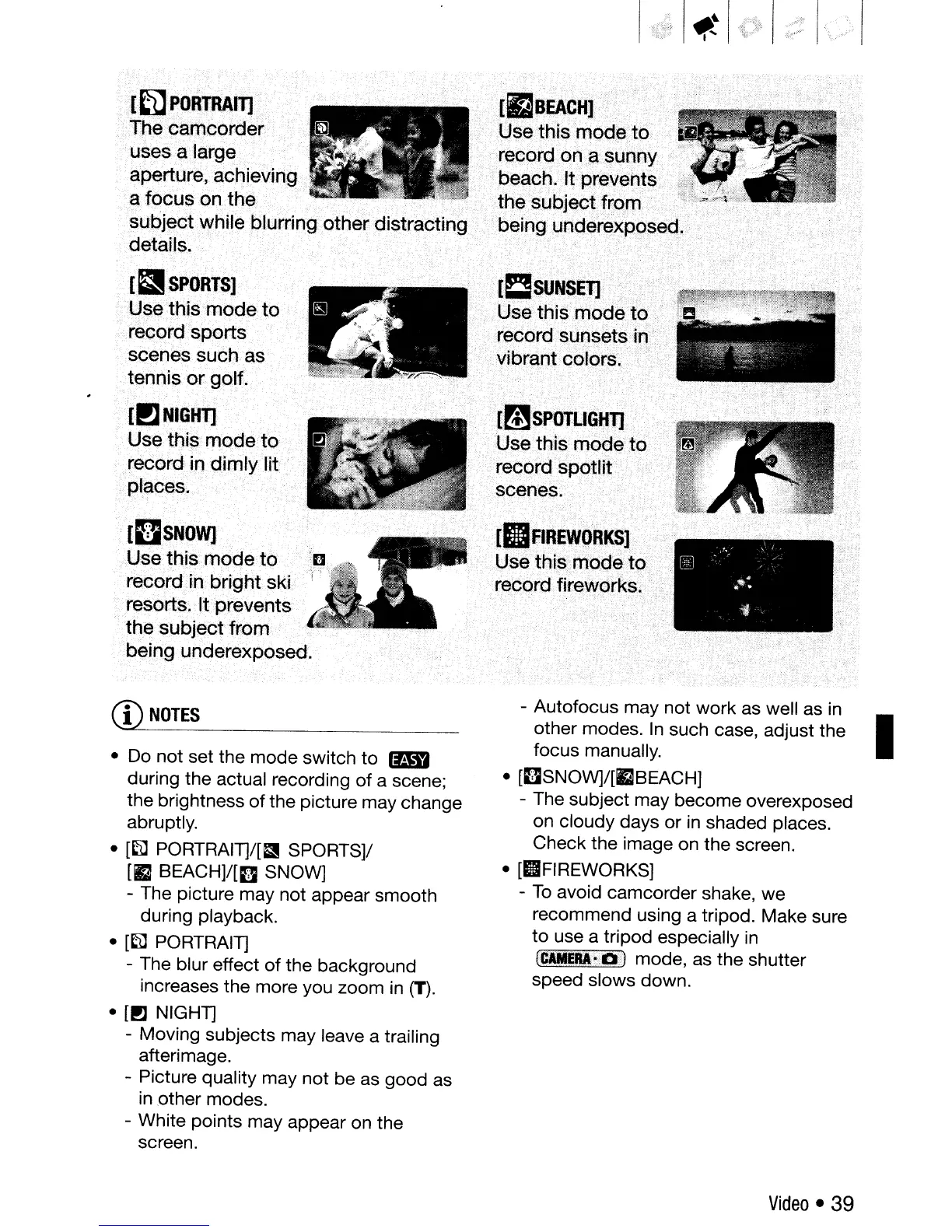
rIlF1REW()RKS]·
Usethis},rl1odeto' "
recordJirewdrks,;" .
.
:,
.-
.-;,
.~".:
'rmSPOT'..IGtlTl·'
UseJt)is
rnod~tO
'
.record spotlit
'Ci
scenes~
It;!S~~~EJ)....
'
.......•
:
...
Use
this
oiodeto
. record sunsets
in},'
vibrant
:c610[s';
"
[(JSNOW]
Use this mode to
recordin bright ski
resorts. It prevents
the subjectfrorll
being underexposed.
"
[~SPORTS]
Use this modeto
record sports
scenes such as
.tennis
or
golf:
[!1NIGHT]
Use this mode to .
racordin dimlyJit
places.
]
filPORTRAIT]
[fJBEACHl
The:CarncorderiUsethiSrTl°d~
..
t()
~s~salargerecorcl.on.c:rSlinOY
.
aperture, achieving,
bea<;::h.lt,
prevents
,a focus
on
the.
.'
,.'
.
.....
..,
•.
.•.....
thesubjectf~om"
§ubj~ctwhile
blurringotheroistracting
..
< ',. <
beinguoder~xposeg.
de-t.ails-~
' . "
'."
',.
""
CD
NOTES
•
Do
not set the mode switch
to
(lID
during the actual recording
of
a scene;
the brightness
of
the picture may change
abruptly.
•
[~
PORTRAIT]/[a SPORTS]/
[12
BEACH]/[D
SNOW]
- The picture may not appear smooth
during playback.
•
[~
PORTRAIT]
- The blur effect
of
the background
increases the more you zoom
in
(T).
•
[PJ
NIGHT]
- Moving subjects may leave a trailing
afterimage.
- Picture quality may not be as good as
in
,other modes.
- White points may appear on the
screen.
- Autofocus may not work as well as
in
other modes.
In
such case, adjust the I
focus manually.
•
[DSNOW]/[fJBEACH]
- The subject may become overexposed
on cloudy days or
in
shaded places.
Check the image on the screen.
• [IIFIREWORKS]
-
To
avoid camcorder shake, we
recommend using a tripod. Make sure
to
use a tripod especially
in
(CAMEflA:'Dl
mode, as the shutter
speed slows down.
Video
• 39



 To Next Page