Fax
5-13
Sending Fax Documents
Sending Fax Documents
This section describes the settings and procedures for sending fax documents.
Basic Methods for Sending Faxes
This section describes the flow of sending faxes.
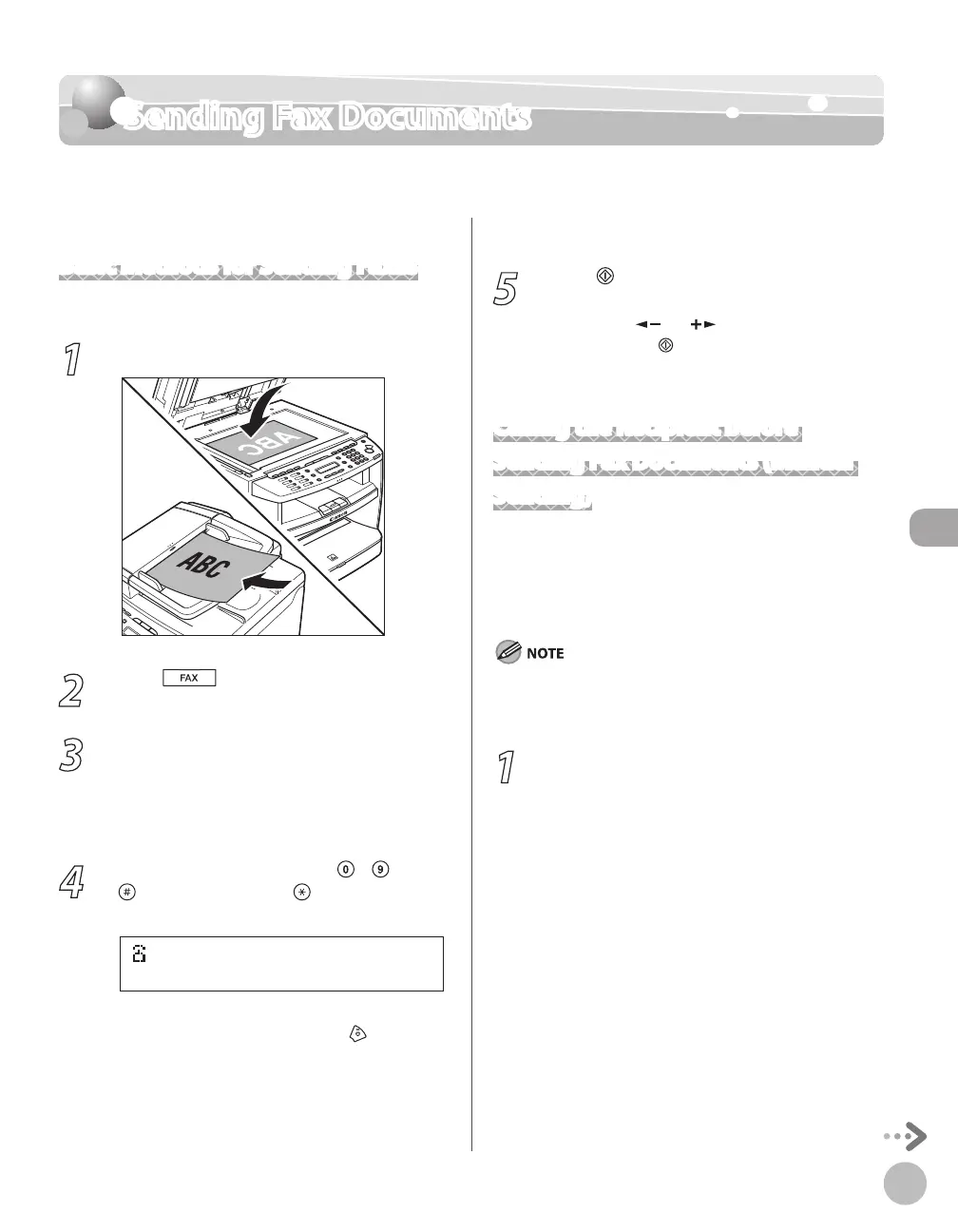
1
Place documents.
2
Press [FAX].
3
Adjust any necessary scan settings for
your documents.
For details, see “Adjusting Density,” on p. 5-23,
“Selecting Image Quality,
” on p. 5-24, and “2-
Sided Document,
” on p. 5-25.
4
Enter the fax number using
– ,
[numeric keys] and [Tone].
If you enter a wrong number when
specifying a fax number, press
[Stop/
Reset].
5
Press [Start].
When you place the documents on the platen
glass, press [
] or [ ] to select the document
size, then press
[Start] for each document.
When scanning is complete, press [OK] to start
sending.
Calling the Recipient before
Sending Fax Documents (Manual
Sending)
Use manual sending when you want to talk to the
recipient before sending a document, or if the
recipient does not have a fax machine that can
receive automatically.
You cannot use the platen glass for manual sending.
You cannot use group addresses for manual sending.
You cannot use 2-sided scanning mode for manual sending.
1
Connect an external telephone to the
machine if you want to talk to the
recipient before sending a document.
For information on how to connect an external
telephone to the machine, see “Make Fax
Settings,” in the Starter Guide or “Set Up the
Machine,” in the e-Manual.
–
–
–















 To Next Page