Fax
5-39
Rejecting Incoming Faxes from the Unidentified Senders
Rejecting Incoming Faxes from the
Unidentified Senders
This function enables you to reject incoming faxes from senders who do not transmit their
fax numbers (telephone numbers) to your machine. This can be useful when you do not
want to receive direct mail (DM).
The default setting is <OFF>.
1
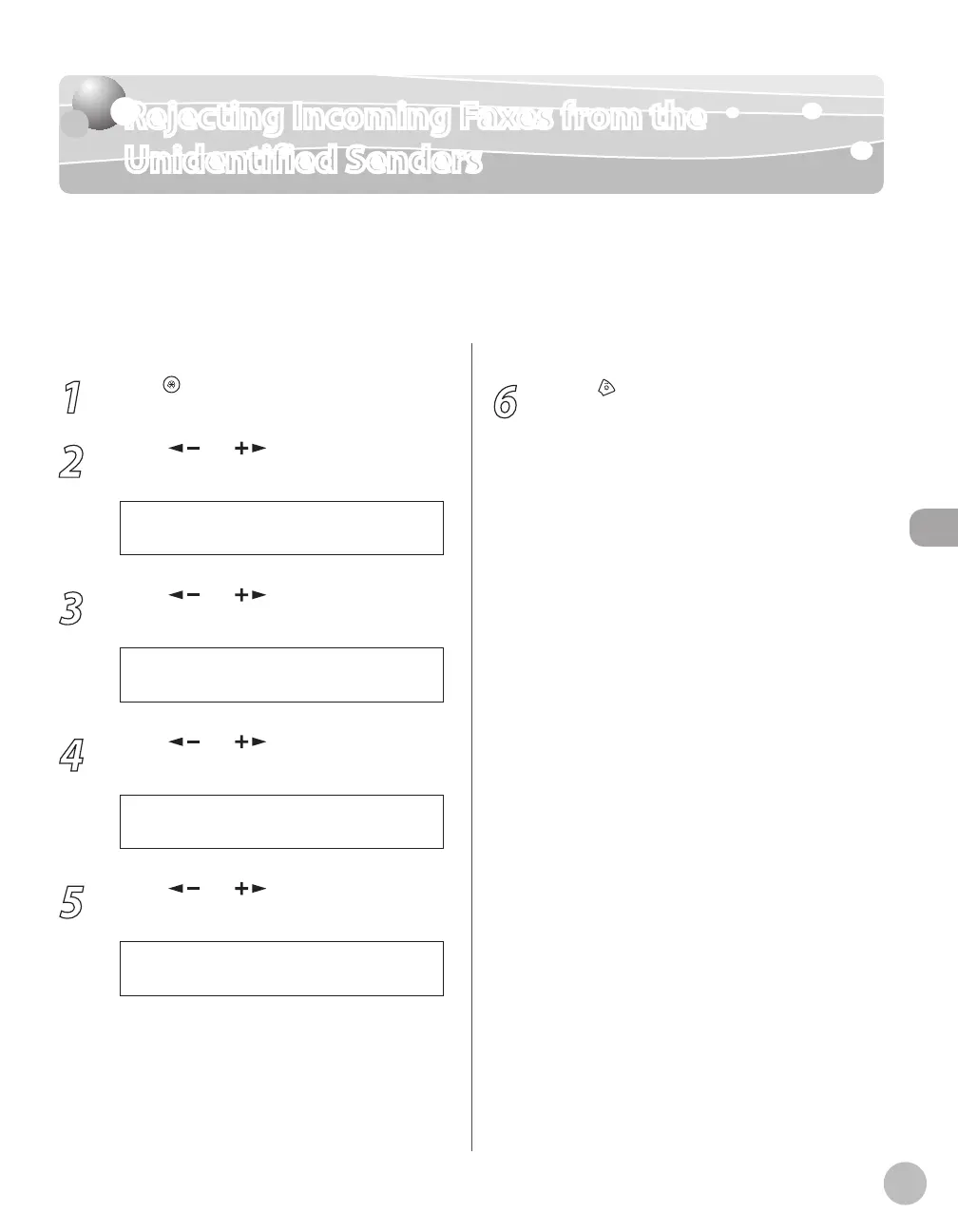
Press [Menu].
2
Press [ ] or [ ] to select <FAX
SETTINGS>, then press [OK].
5 F A X S E T T I N G S
M E N U
3
Press [ ] or [ ] to select <RX
SETTINGS>, then press [OK].
4 R X S E T T I N G S
F A X S E T T I N G S
4
Press [ ] or [ ] to select <RX
RESTRICTION>, then press [OK].
5 R X R E S T R I C T I O N
R X S E T T I N G S
5
Press [ ] or [ ] to select <OFF> or
<ON>, then press [OK].
O F F
R X R E S T R I C T I O N
<OFF>: Does not reject to receive faxes from
unknown senders.
<ON>: Rejects to receive faxes from unknown
senders.
–
–
6
Press [Stop/Reset] to return to the
standby mode.















 To Next Page