Fax
5-15
Sending Fax Documents
5
Enter the numbers requested by the
information service using
– [numeric
keys].
= 0 3 1 X X X X X T 7 8 9 #
Ex.
6
If you want to receive faxes, press
[Start].
If you are using the external telephone, hang up
the handset after pressing
[Start].
Dialing an Overseas Number (With
Pauses)
When you dial or register an overseas number, you
may need to insert a pause within the number.
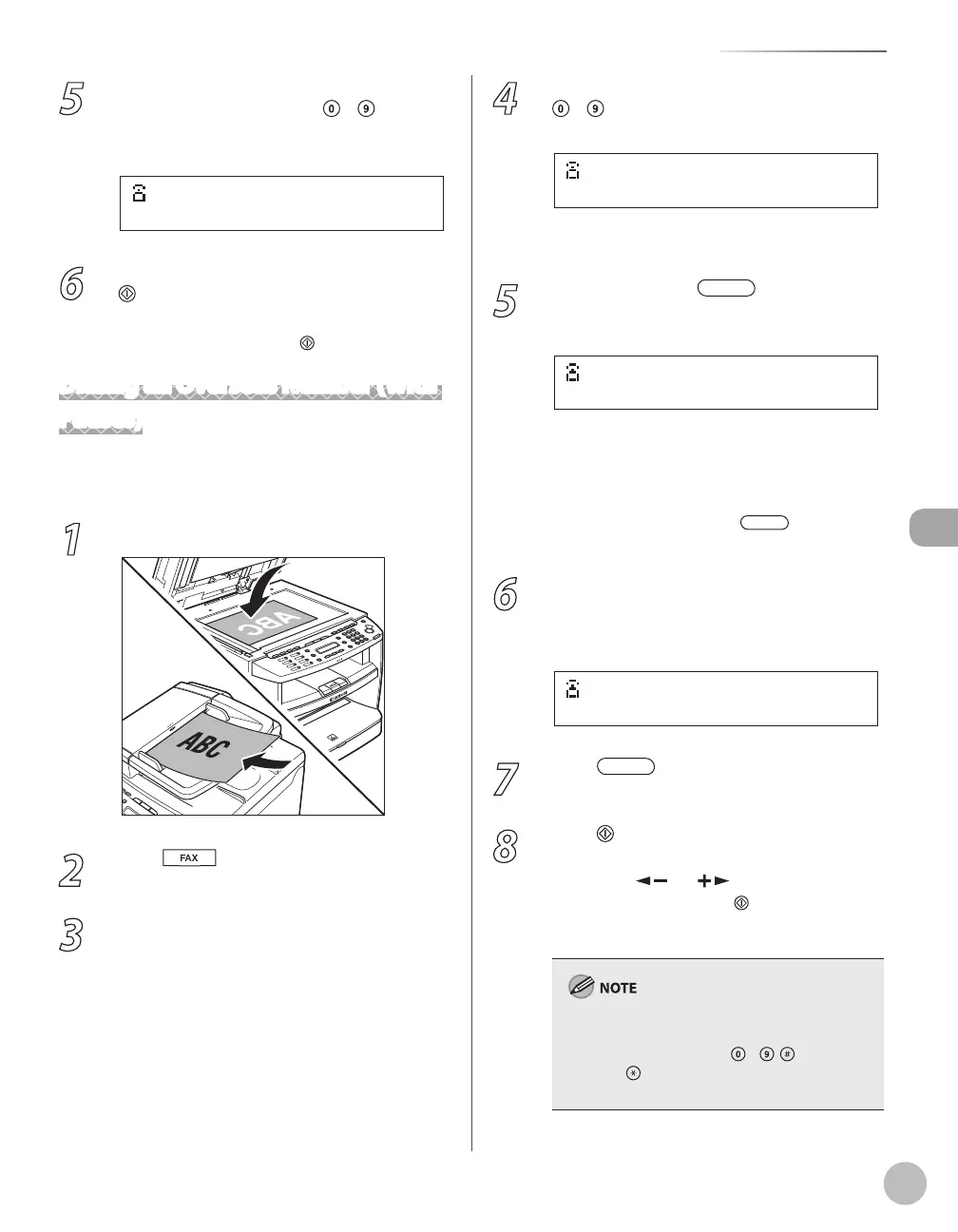
1
Place documents.
2
Press [FAX].
3
Adjust any necessary scan settings for
your documents.
For details, see “Adjusting Density,” on p. 5-23,
“Selecting Image Quality,
” on p. 5-24, and “2-
Sided Document,
” on p. 5-25.
4
Enter the international access code using
– [numeric keys].
For details on international access codes,
contact your local telephone company.
5
If necessary, press [Redial/Pause]
to insert a pause.
The letter <P> is displayed between the
numbers.
<P> in the fax/telephone number represents
2.5-second pause.
For a longer pause, press
[Redial/
Pause] again.
6
Enter the country code, the area code,
and the fax/telephone number of the
recipient.
= 0 1 2 P 2 3 X X X X X X
Ex.
7
Press [Redial/Pause] to enter a
pause at the end of the number.
8
Press [Start].
When you place the documents on the platen
glass, press [
] or [ ] to select the
document size, then press
[Start] for each
document. When scanning is complete, press
[OK] to start sending.
If <CONFIRM FAX NO.> in <ACCESS TO DEST.> in
<SYSTEM SETTINGS> is set to <ON> and you
specify a fax number using – , [numeric
keys] and [Tone], you need to enter the fax
number again for comfirmation, then press [OK].
–
–
–















 To Next Page