Fax
5-33
Printing Footer Information on a Received Document
Printing Footer Information on a Received
Document
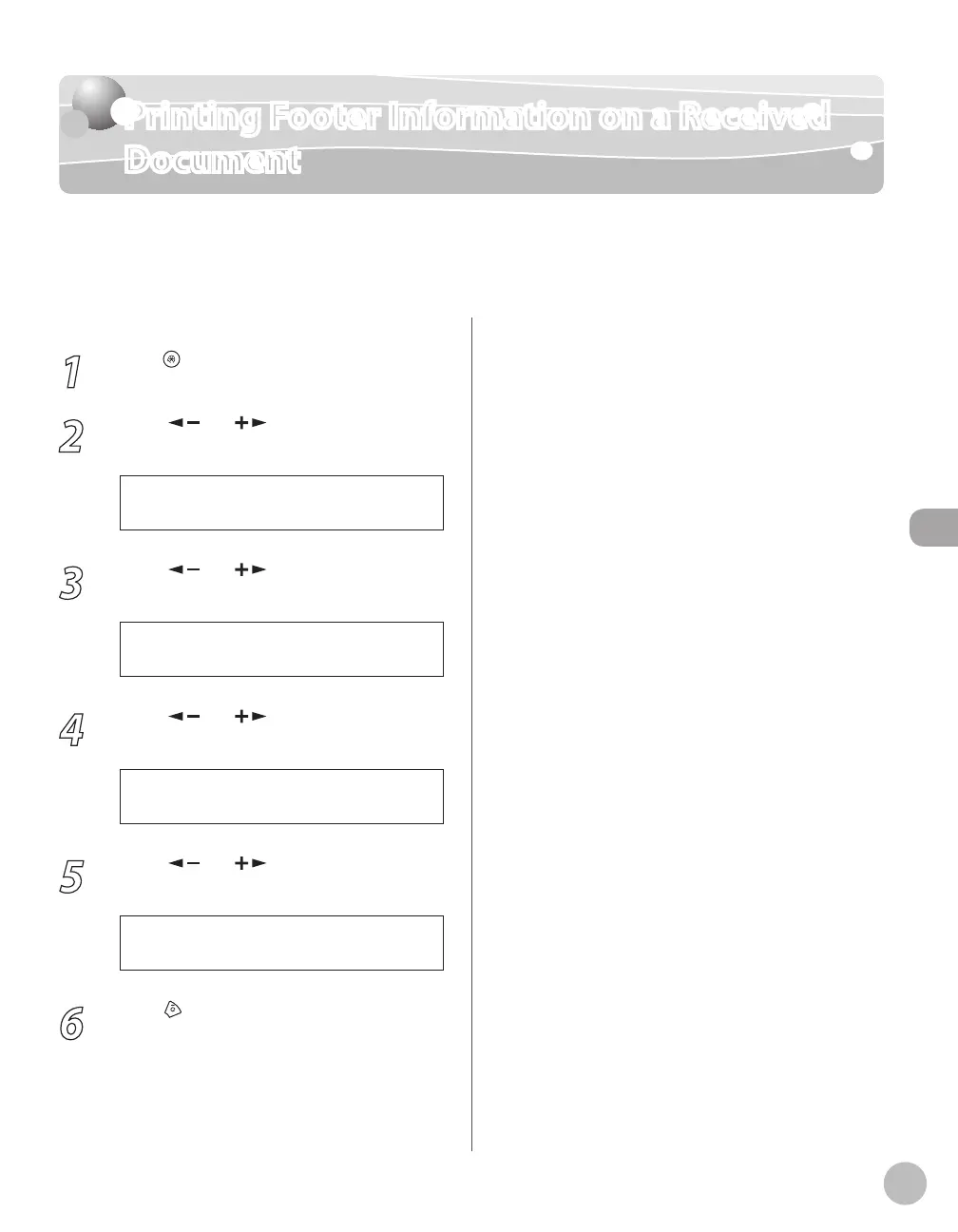
You can set whether to insert the machine’s fax number and the sender information on
received faxes.
The default setting is <OFF>.
1
Press [Menu].
2
Press [ ] or [ ] to select <FAX
SETTINGS>, then press [OK].
5 F A X S E T T I N G S
M E N U
3
Press [ ] or [ ] to select <RX
SETTINGS>, then press [OK].
4 R X S E T T I N G S
F A X S E T T I N G S
4
Press [ ] or [ ] to select <RX
TERMINAL ID>, then press [OK].
4 R X T E R M I N A L I D
R X S E T T I N G S
5
Press [ ] or [ ] to select <OFF> or
<ON>, then press [OK].
O F F
R X T E R M I N A L I D
6
Press [Stop/Reset] to return to the
standby mode.















 To Next Page