Fax
5-29
Changing Standard Mode
Changing Standard Mode
This mode enables you to specify the standard scan settings for density and image quality.
1
Press [Menu].
2
Press [ ] or [ ] to select <FAX
SETTINGS>, then press [OK].
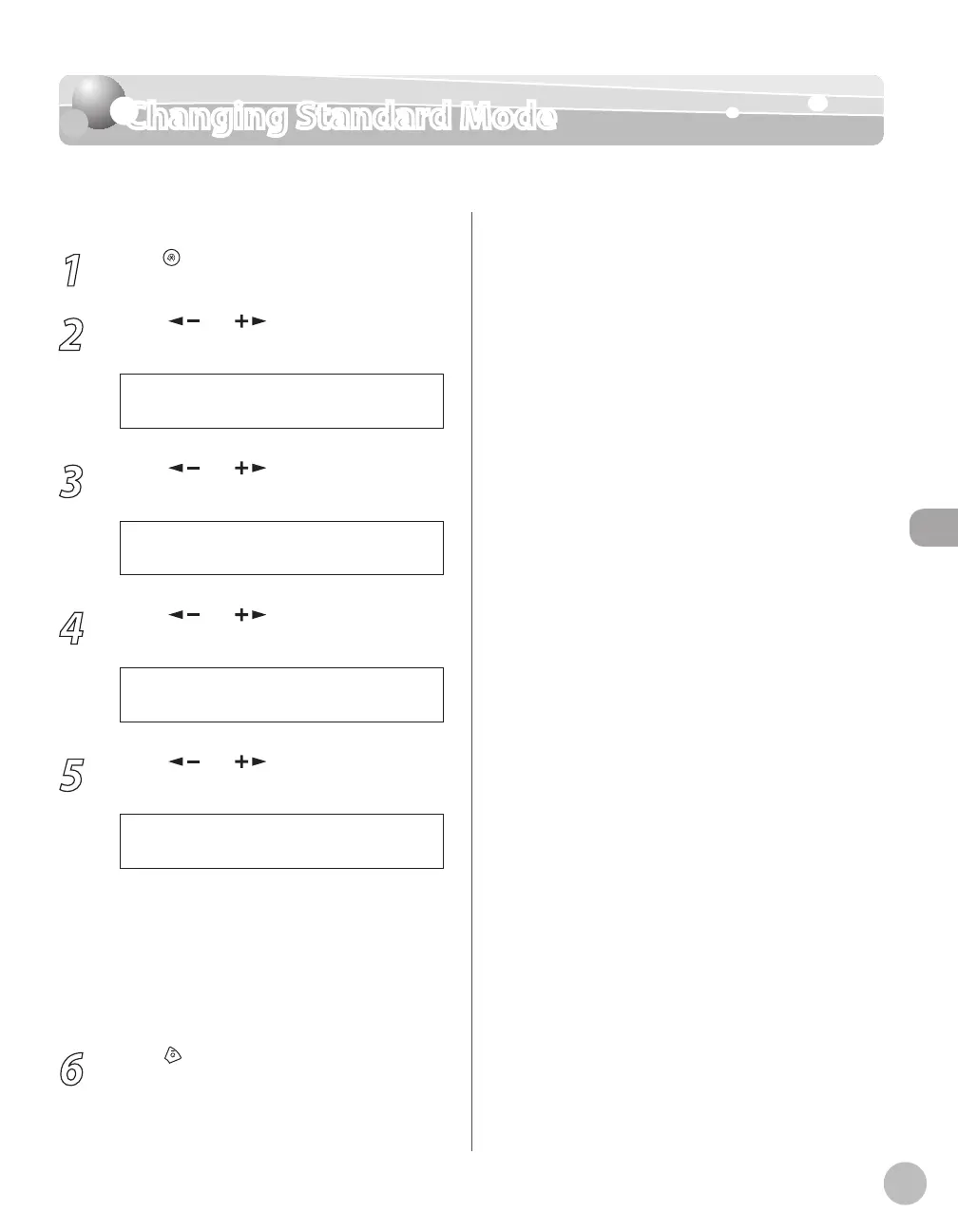
5 F A X S E T T I N G S
M E N U
3
Press [ ] or [ ] to select <USER
SETTINGS>, then press [OK].
2 U S E R S E T T I N G S
F A X S E T T I N G S
4
Press [ ] or [ ] to select <STANDARD
SETTINGS>, then press [OK].
5 S T A N D A R D S E T T I N G S
U S E R S E T T I N G S
5
Press [ ] or [ ] to select the desired
setting item, then press [OK].
1 D E N S I T Y
S T A N D A R D S E T T I N G S
You can specify the following settings:
<DENSITY>: Adjusts the density of
documents. (See “Adjusting Density,
” on p. 5-
23.)
<IMAGE QUALITY>: Adjusts the image quality
of documents. (See “Selecting Image Quality,”
on p
. 5-24.)
6
Press [Stop/Reset] to return to the
standby mode.
–
–















 To Next Page