Fax
5-40
Receive Start Speed
Receive Start Speed
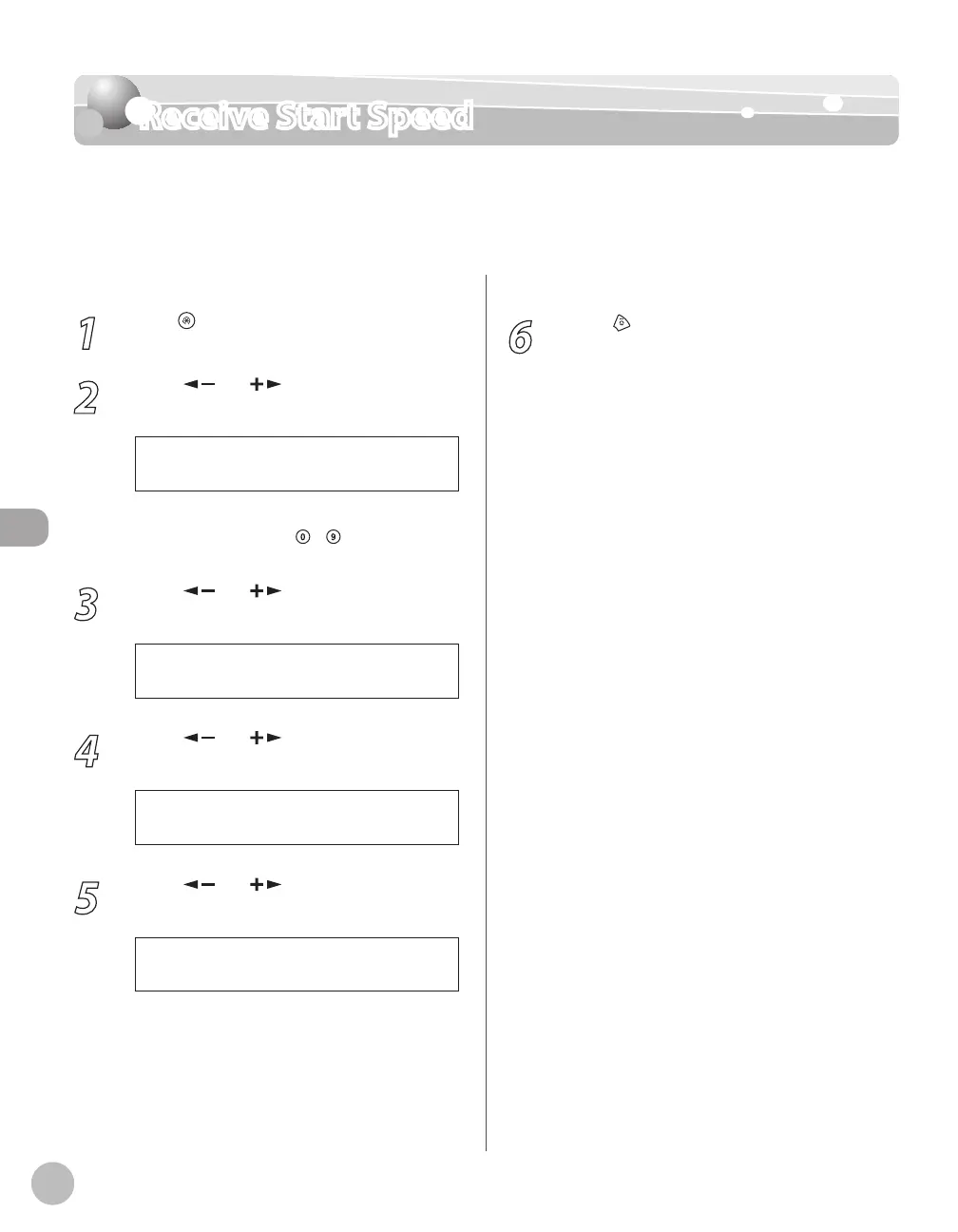
This function enables you to change the receive start speeds, which is useful when there is
difficulty initiating the receiving of a document.
The default setting is <33600bps>.
1
Press [Menu].
2
Press [ ] or [ ] to select <SYSTEM
SETTINGS>, then press [OK].
1 1 S Y S T E M S E T T I N G S
M E N U
If the System Password has been set, enter the
System Password using
– [numeric keys],
then press [OK].
3
Press [ ] or [ ] to select
<COMMUNICATIONS>, then press [OK].
4 C O M M U N I C A T I O N S
S Y S T E M S E T T I N G S
4
Press [ ] or [ ] to select <RX START
SPEED>, then press [OK].
2 R X S T A R T S P E E D
C O M M U N I C A T I O N S
5
Press [ ] or [ ] to select the desired
receive speed, then press [OK].
3 3 6 0 0 b p s
R X S T A R T S P E E D
If your document reception is slow in starting,
this may mean that the telephone lines in your
area are in poor condition. Select a slower
speed. You can select <33600bps>,
<14400bps>, <9600bps>, <7200bps>,
<4800bps>, or <2400bps>.
6
Press [Stop/Reset] to return to the
standby mode.















 To Next Page