Copying
4-21
2-Sided Copying
2 to 1-Sided Copying
You can make 1-sided copies from 2-sided
documents.
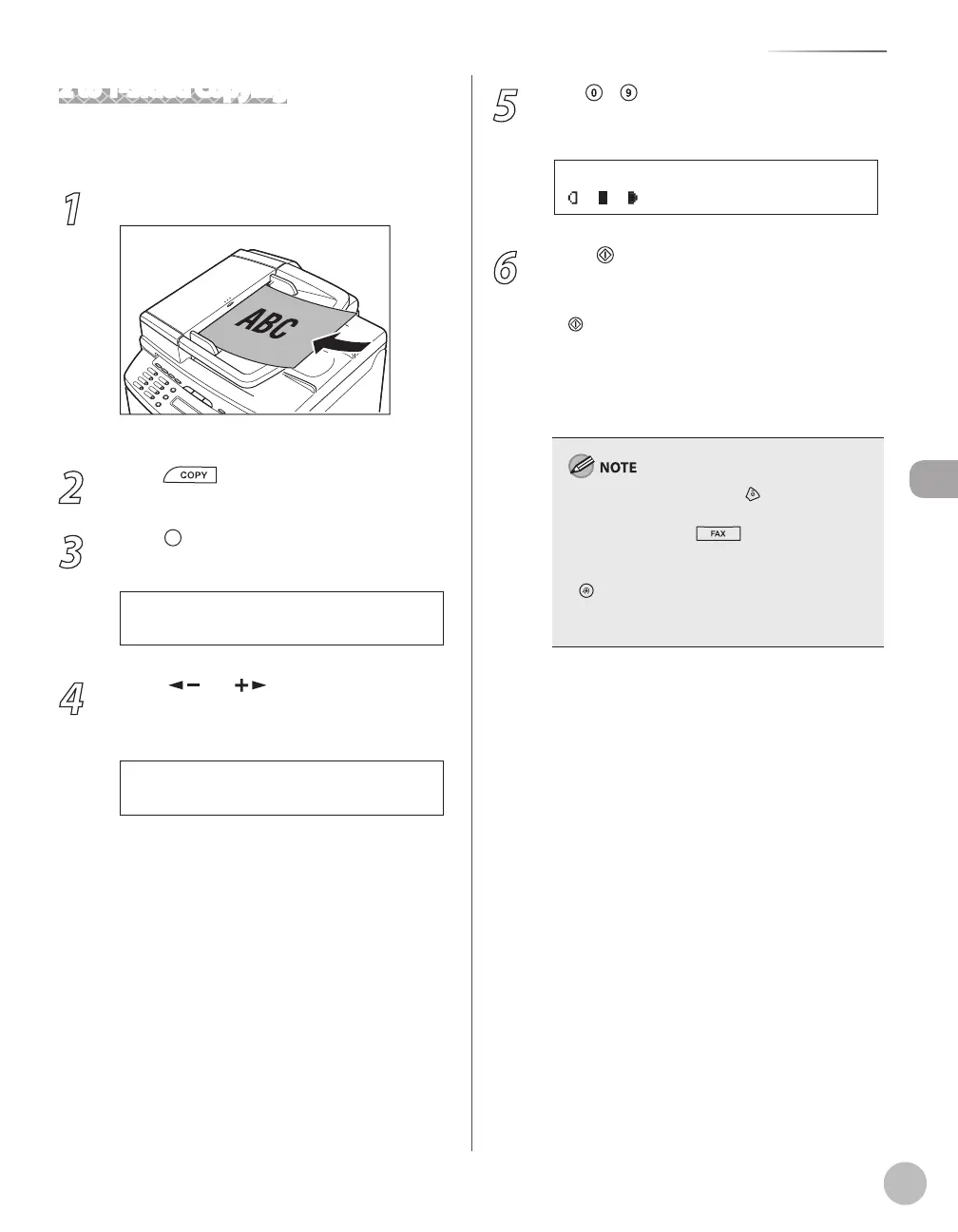
1
Place documents in the ADF.
For details, see “Placing Documents,” on p. 2-4.
2
Press [COPY].
3
Press [2-Sided] to select <2 >1-SIDED>,
then press [OK].
2 > 1 - S I D E D
2 - S I D E D
4
Press [ ] or [ ] to select <BOOK
TYPE> or <CALENDAR TYPE>, then press
[OK].
B O O K T Y P E
T Y P E O F O R I G I N A L
<BOOK TYPE>: The front and back sides of the
document have the same top-bottom
orientation.
<CALENDAR TYPE>: The front and back sides
of the document will have the opposite top-
bottom orientation.
–
–
5
Use
– [numeric keys] to enter the
desired copy quantity (1 to 99).
T E X T / P H O T O 1
1 0 0 % * L T R
Ex.
6
Press [Start].
If you want to copy multiple documents using
the platen glass, place a document and press
[Start] once for each page. When scanning
is complete, press [OK].
You can skip step 5. In this case, the machine
scans 2-sided documents in the <BOOK
TYPE> orientation to make 1-sided copies.
To cancel all settings, press [Stop/Reset].
When you switch the mode by pressing the
mode keys such as [FAX], all settings will
be canceled. If you want to keep the settings,
store the settings as follows:
[Menu] → <COPY SETTINGS> → <STANDARD
SETTINGS> → <2-SIDED> (See “COPY SETTINGS,”
on p. 12-5.)
–
–
–
–















 To Next Page