Fax
5-45
Checking/Changing the Status of Fax Documents in Memory
Checking/Changing the Status of Fax
Documents in Memory
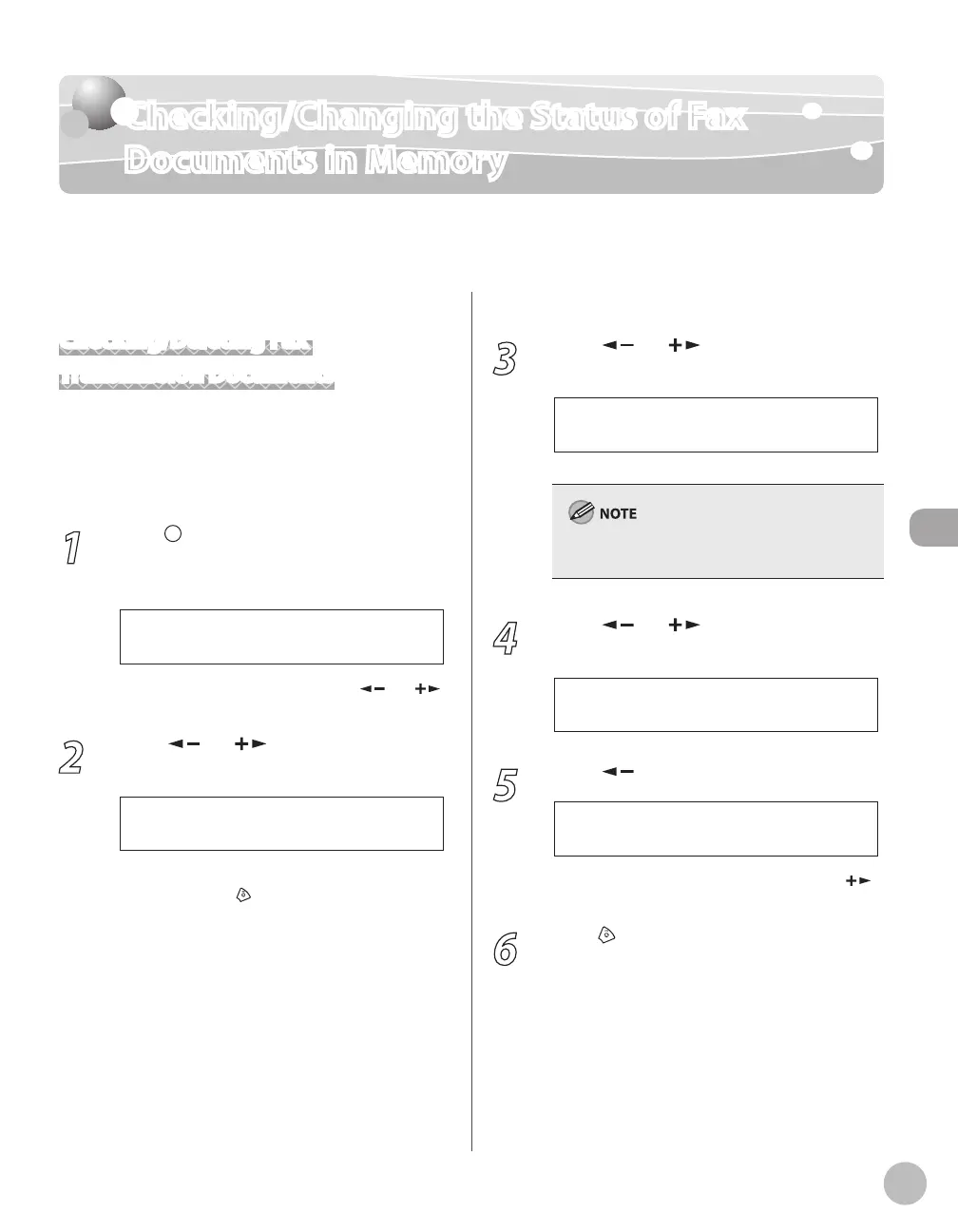
The Status Monitor screen enables you to view and change the status of fax documents in
memory.
Checking/Deleting Fax
Transmission Documents
You can check the detailed information of fax
documents currently being sent or waiting to be
sent, then delete unwanted documents as
necessary.
1
Press [Job Cancel/Status Monitor]
repeatedly to select <TX/RX STATUS> or
<JOB CANCEL>, then press [OK].
If you select <JOB CANCEL>, press [ ] or [ ]
to select <TX/RX>, then press [OK].
2
Press [ ] or [ ] to scroll trough the
job list.
T E C O I M A G E
0 0 1 M E M O R Y T X
If you want to delete a job, go to the next step.
Otherwise, press
[Stop/Reset] to return to the
standby mode.
3
Press [ ] or [ ] to select the job you
want to delete, then press [OK].
T E C O
0 0 3 M E M O R Y T X
For <BROADCAST>, all recipients entered for a
broadcasting job will be canceled.
4
Press [ ] or [ ] to select <CANCEL>,
then press [OK].
5
Press [ ] to select <YES>.
< Y E S N O >
C A N C E L ?
If you do not want to cancel the job, press [ ]
to select <NO>.
6
Press [Stop/Reset] to return to the
standby mode.















 To Next Page