Registering Destinations in the Address Book
3-11
Storing/Editing Recipients for Group Dialing
7
Press [OK].
[ 0 2 ] C a n o n E
N O . 0 0 2 = 1 2 3 X X X X X X
Ex.
8
Press [Stop/Reset] to return to the
standby mode.
Changing Group Name
1
Press [Menu].
2
Press [ ] or [ ] to select <ADDRESS
BOOK SET.>, then press [OK].
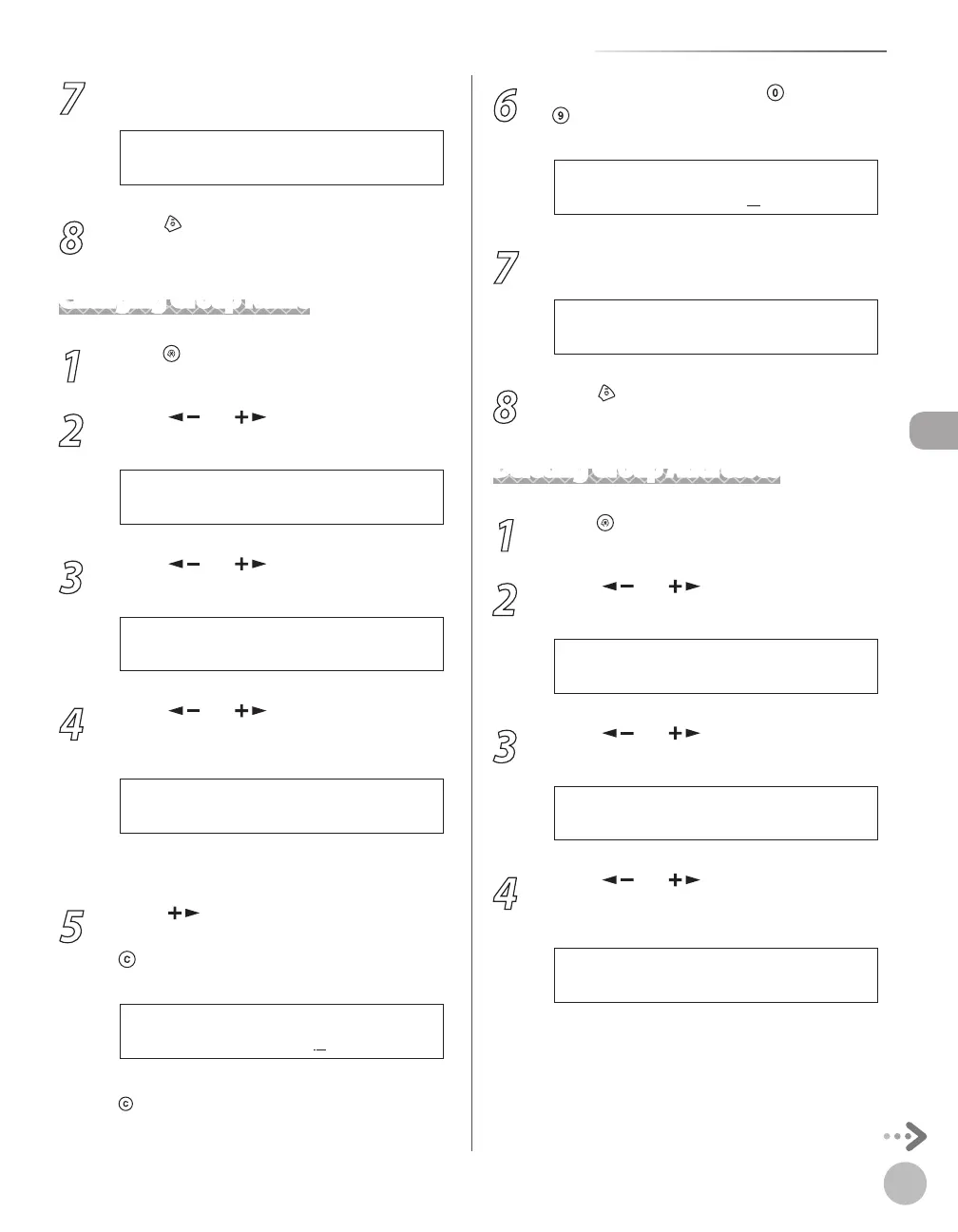
6 A D D R E S S B O O K S E T .
M E N U
3
Press [ ] or [ ] to select <GROUP
DIAL>, then press [OK].
3 G R O U P D I A L
A D D R E S S B O O K S E T .
4
Press [ ] or [ ] to select a group to
edit, then press [OK].
[ 0 5 ] C a n o n G r o u p A
G R O U P D I A L
Ex.
You can specify a group to edit by pressing the
corresponding one-touch key.
5
Press [ ] repeatedly to go to the
character you want to change, then press
[Clear].
C a n o n G r o u p A
N A M E [ A ]
Ex.
To delete the entire name, press and hold
[Clear].
6
Enter a new character with
–
[numeric keys], then press [OK].
C a n o n G r o u p B
N A M E [ A ]
Ex.
7
Press [OK].
[ 0 5 ] C a n o n G r o u p B
G R O U P D I A L
Ex.
8
Press [Stop/Reset] to return to the
standby mode.
Deleting Group Addresses
1
Press [Menu].
2
Press [ ] or [ ] to select <ADDRESS
BOOK SET.>, then press [OK].
6 A D D R E S S B O O K S E T .
M E N U
3
Press [ ] or [ ] to select <GROUP
DIAL>, then press [OK].
3 G R O U P D I A L
A D D R E S S B O O K S E T .
4
Press [ ] or [ ] to select a group to
delete, then press [OK].
[ 0 5 ] C a n o n G r o u p
G R O U P D I A L
Ex.
You can specify a group to delete by pressing
the corresponding one-touch key.















 To Next Page