Fax
5-44
Forwarding Received Fax Documents in Memory
Forwarding Received Fax Documents in
Memory
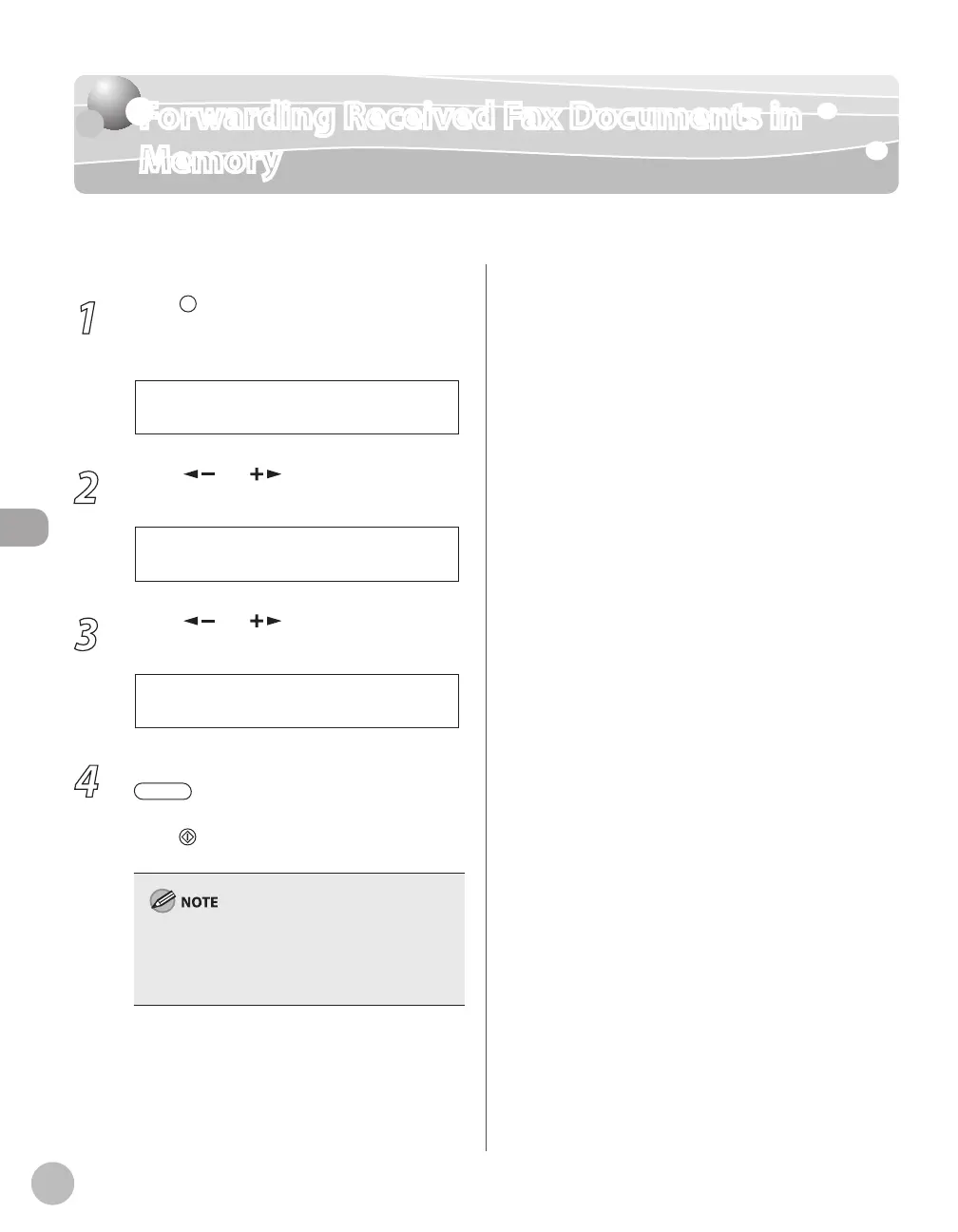
You can redirect the fax documents received in memory to the specified destination.
1
Press [Job Cancel/Status Monitor]
repeatedly to select <TX/RX STATUS>,
then press [OK].
2
Press [ ] or [ ] to select the job you
want to transfer, then press [OK].
1 2 3 X X X X X X
0 0 1 R X
3
Press [ ] or [ ] to select
<FORWARD>, then press [OK].
4
Press the desired one-touch key or
[Coded Dial] followed by the two-
digit code to select the destination, then
press [Start].
To be able to select a forwarding destination, it is
necessary to register destinations in the Address
Book beforehand. (See “Registering Destinations
in the Address Book,” on p. 3-1.)















 To Next Page