Documents and Print Media
2-13
Setting Paper Size and Type
For the Multi-Purpose Tray
1
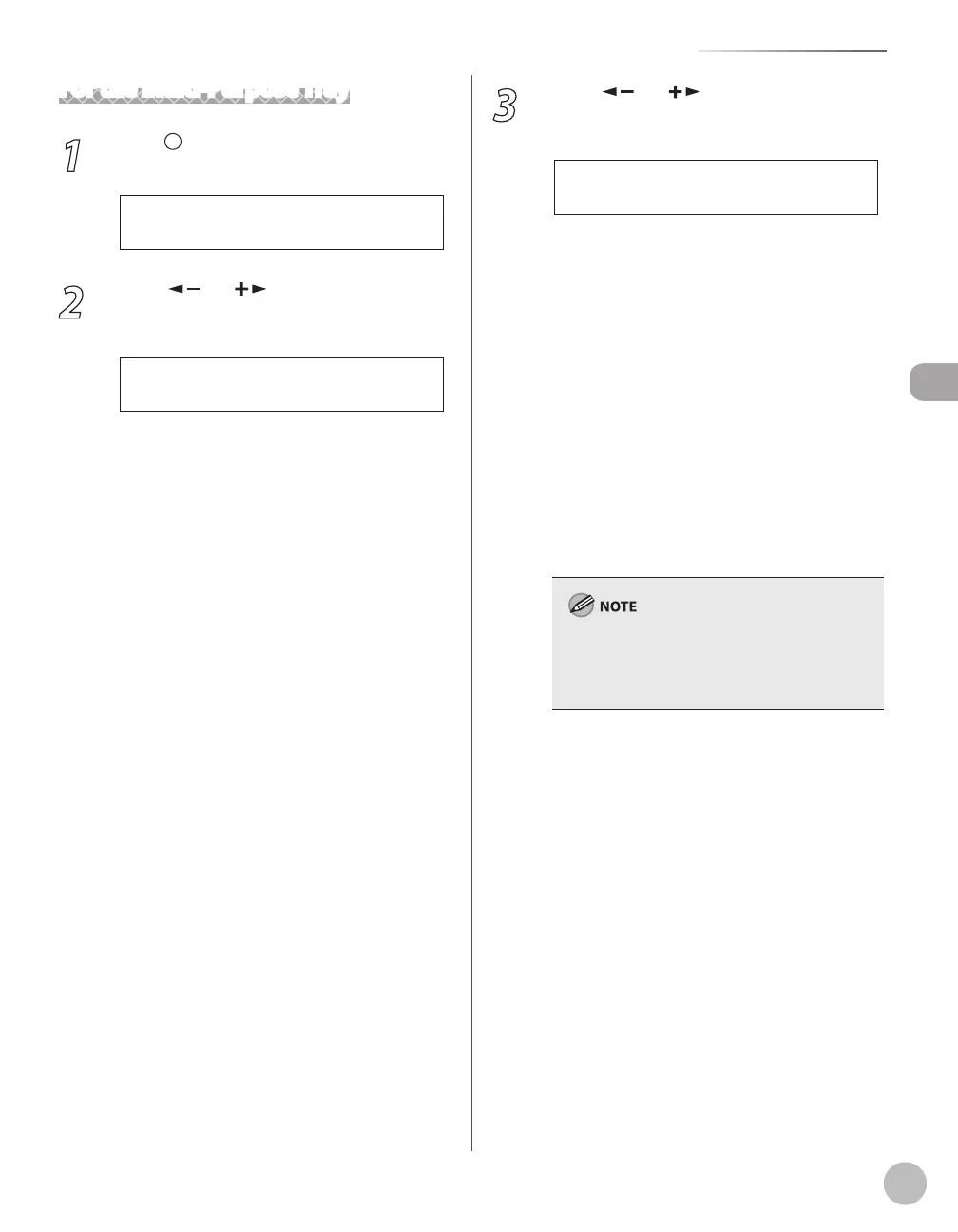
Press [Paper Settings] repeatedly to
select <MP TRAY>, then press [OK].
2
Press [ ] or [ ] to select the paper
size, then press [OK].
L T R
P A P E R S I Z E
Ex.
You can select from the following paper sizes:
<LTR>, <LGL>, <A4>, <B5>, <A5>,
<EXECUTIVE>, <COM10>, <MONARCH>, <DL>,
<ISO-C5>, <OFICIO>, <BRAZIL-OFICIO>,
<MEXICO-OFICIO>, <GOVERNMENT-LETTER>,
<GOVERNMENT-LEGAL>, <FOOLSCAP>
3
Press [ ] or [ ] to select the paper
type, then press [OK].
P L A I N P A P E R
P A P E R T Y P E
Ex.
You can select from the following paper types:
<PLAIN PAPER> or <PLAIN PAPER L>*
1
for
Plain paper (17 lb to 24 lb (64 g/m
2
to 90 g/
m
2
))
<HEAVY PAPER> or <HEAVY PAPER H>*
2
for
Heavy paper (Paper cassette: 28 lb to 34 lb
(105 g/m
2
to 128 g/m
2
), Multi-purpose tray:
28 lb to 43 lb (105 g/m
2
to 163 g/m
2
)) or
Envelope
<TRANSPARENCY> for Transparency
*
1
If paper curls excessively when printed with
<PLAIN PAPER> selected, select <PLAIN PAPER
L>.
*
2
If print fixing is not sufficient when printed
with <HEAVY PAPER> selected, select <HEAVY
PAPER H>.
If you have selected <B5>, <A5>, <EXECUTIVE>,
<COM10>, <MONARCH>, <DL> or <ISO-C5> for
the paper size in step 2, <PAPER TYPE> is not
displayed.
–
–
–















 To Next Page