Copying
4-15
Multiple Documents onto One Sheet (2 on 1)
Multiple Documents onto One Sheet (2 on 1)
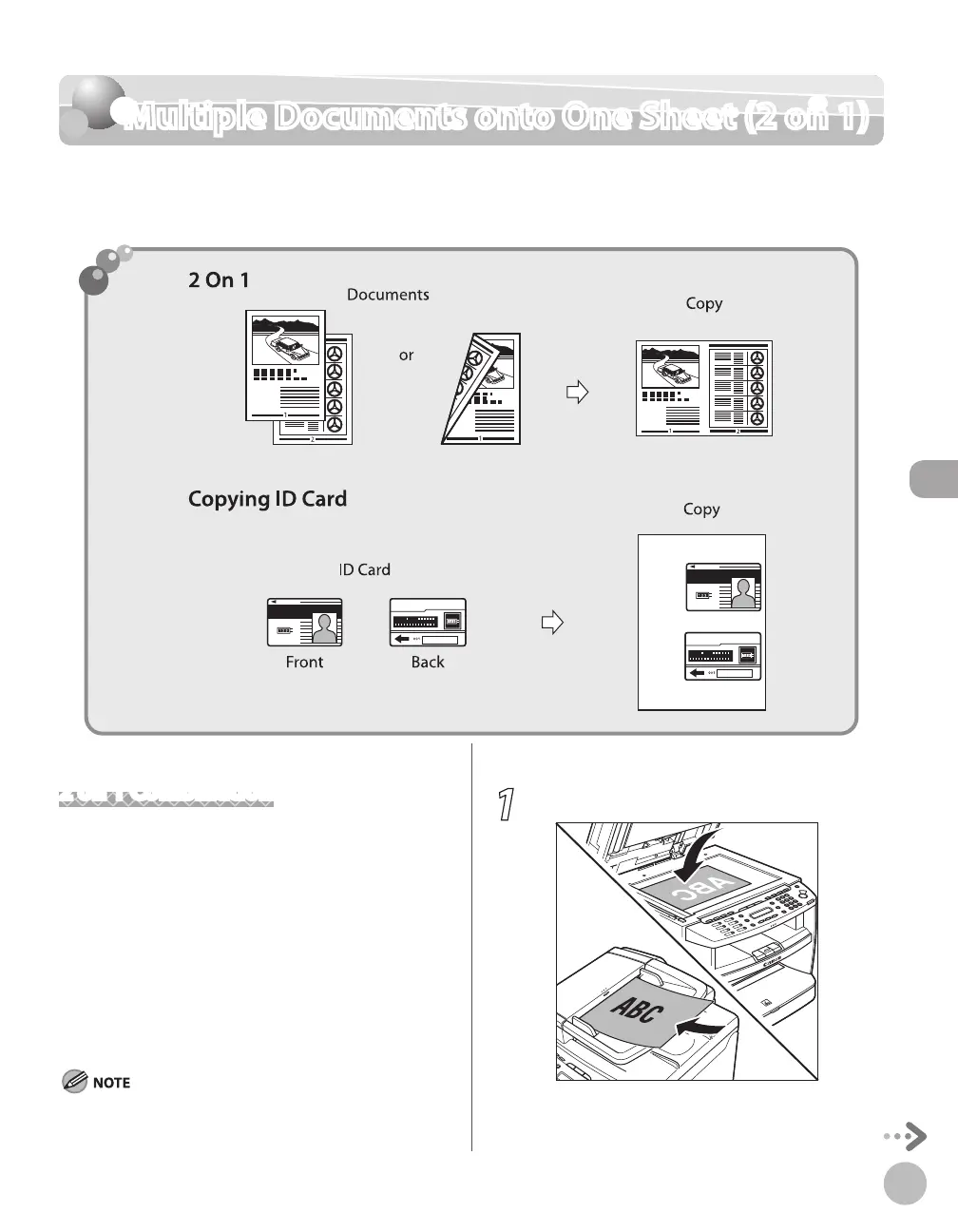
This mode enables you to reduce two-page documents to fit on one sheet of paper (1-sided/
2-sided).
2 on 1 Combination
2 on 1 mode automatically reduces two documents
to fit on the selected paper size. You can make well-
organized copies by copying multiple documents
onto one sheet. This mode enables you to cut print
costs by saving copy papers, and it is also useful for
saving space. This feature can be used together with
both ”Collating Copies”
(see p. 4-13) and ”2-Sided
Copying”
(see p. 4-18).
The default setting is <OFF>.
The reduction ratio is automatically set so that the documents fit
onto the selected paper size.
1
Place documents.
For details, see “Placing Documents,” on p. 2-4.















 To Next Page