Fax
5-43
Printing All Documents Stored in the Memory Lock Reception Mode
Printing All Documents Stored in the
Memory Lock Reception Mode
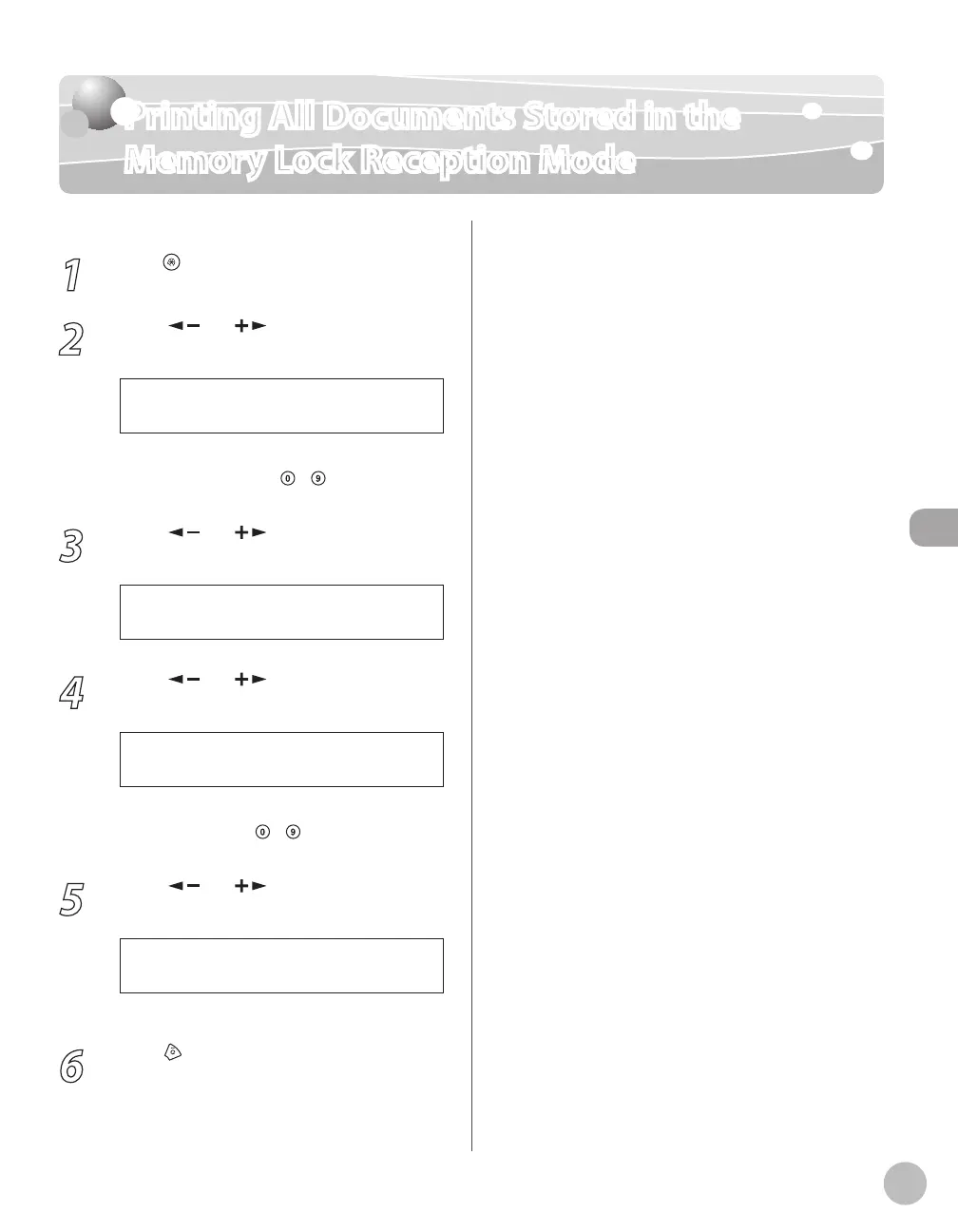
1
Press [Menu].
2
Press [ ] or [ ] to select <SYSTEM
SETTINGS>, then press [OK].
1 1 S Y S T E M S E T T I N G S
M E N U
If the System Password has been set, enter the
System Password using
–
[numeric keys],
then press [OK].
3
Press [ ] or [ ] to select
<COMMUNICATIONS>, then press [OK].
4 C O M M U N I C A T I O N S
S Y S T E M S E T T I N G S
4
Press [ ] or [ ] to select <MEMORY
LOCK>, then press [OK].
3 M E M O R Y L O C K
C O M M U N I C A T I O N S
If the memory lock password has been set, enter
the password using
–
[numeric keys], then
press [OK].
5
Press [ ] or [ ] to select <OFF>, then
press [OK].
The received documents are printed.
6
Press [Stop/Reset] to return to the
standby mode.















 To Next Page