Copying
4-23
Changing Standard Mode
Changing Standard Mode
The Standard mode is the combination of copy modes that the machine automatically
applies when the power is turned ON, or when
[Stop/Reset] is pressed. You can change
the Standard mode to suit your needs.
The default settings are the followings:
<IMAGE QUALITY>: TEXT/PHOTO
<DENSITY>: MANUAL (5)
<ZOOM RATIO>: 100%
<AUTO COLLATE>: OFF
<2-SIDED>: OFF
–
–
–
–
–
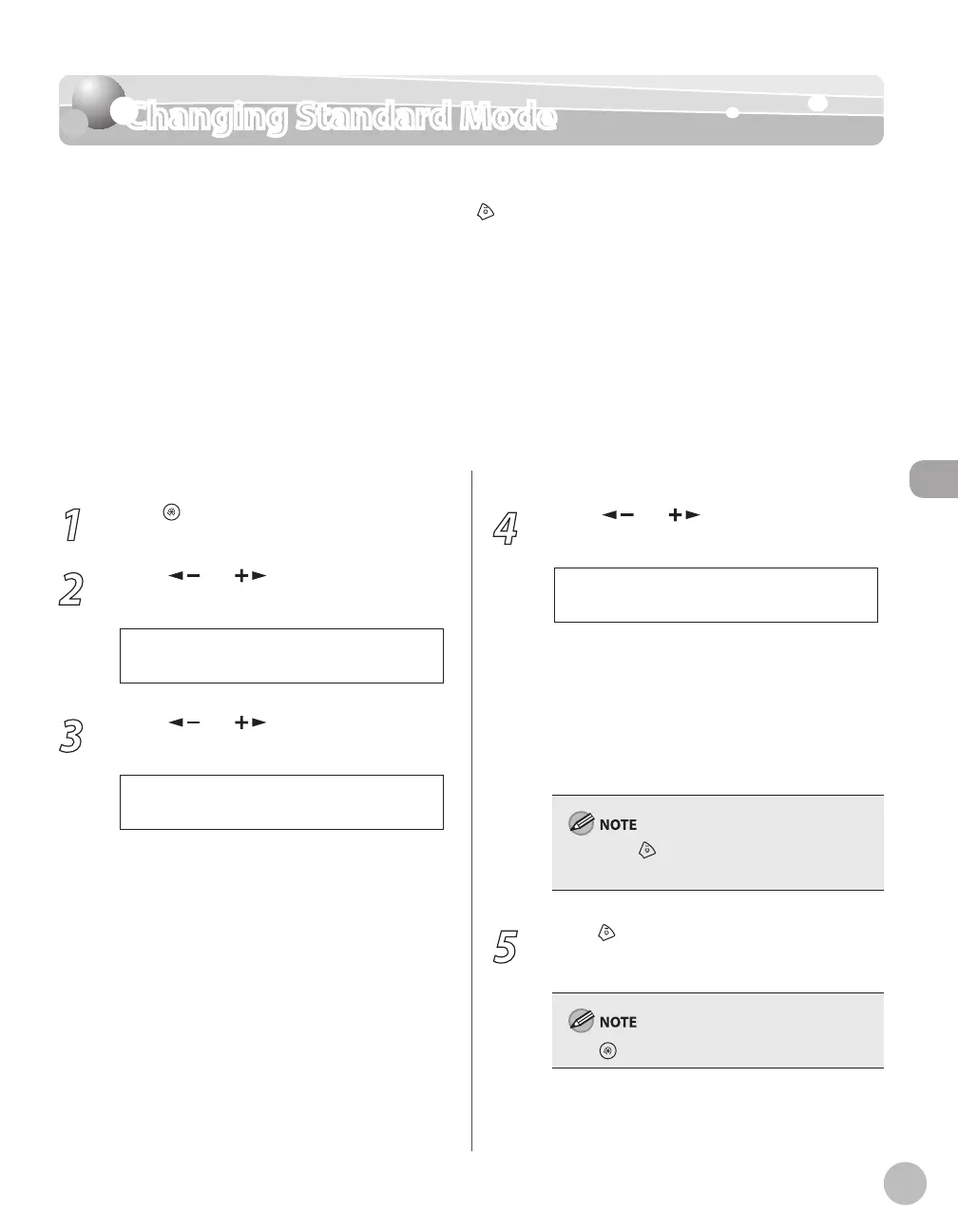
1
Press [Menu].
2
Press [ ] or [ ] to select <COPY
SETTINGS>, then press [OK].
4 C O P Y S E T T I N G S
M E N U
3
Press [ ] or [ ] to select <STANDARD
SETTINGS>, then press [OK].
1 S T A N D A R D S E T T I N G S
C O P Y S E T T I N G S
4
Press [ ] or [ ] to select the desired
setting item, then press [OK].
1 I M A G E Q U A L I T Y
S T A N D A R D S E T T I N G S
You can specify the following settings:
<IMAGE QUALITY>
<DENSITY>
<ZOOM RATIO>
<AUTO COLLATE>
<2-SIDED>
If you press [Stop/Reset] before pressing [OK],
the setting will not be registered.
5
Press [Stop/Reset] to return to the
standby mode.
Press [Menu] to return to the previous display.
–
–
–
–
–















 To Next Page