Registering Destinations in the Address Book
3-12
Storing/Editing Recipients for Group Dialing
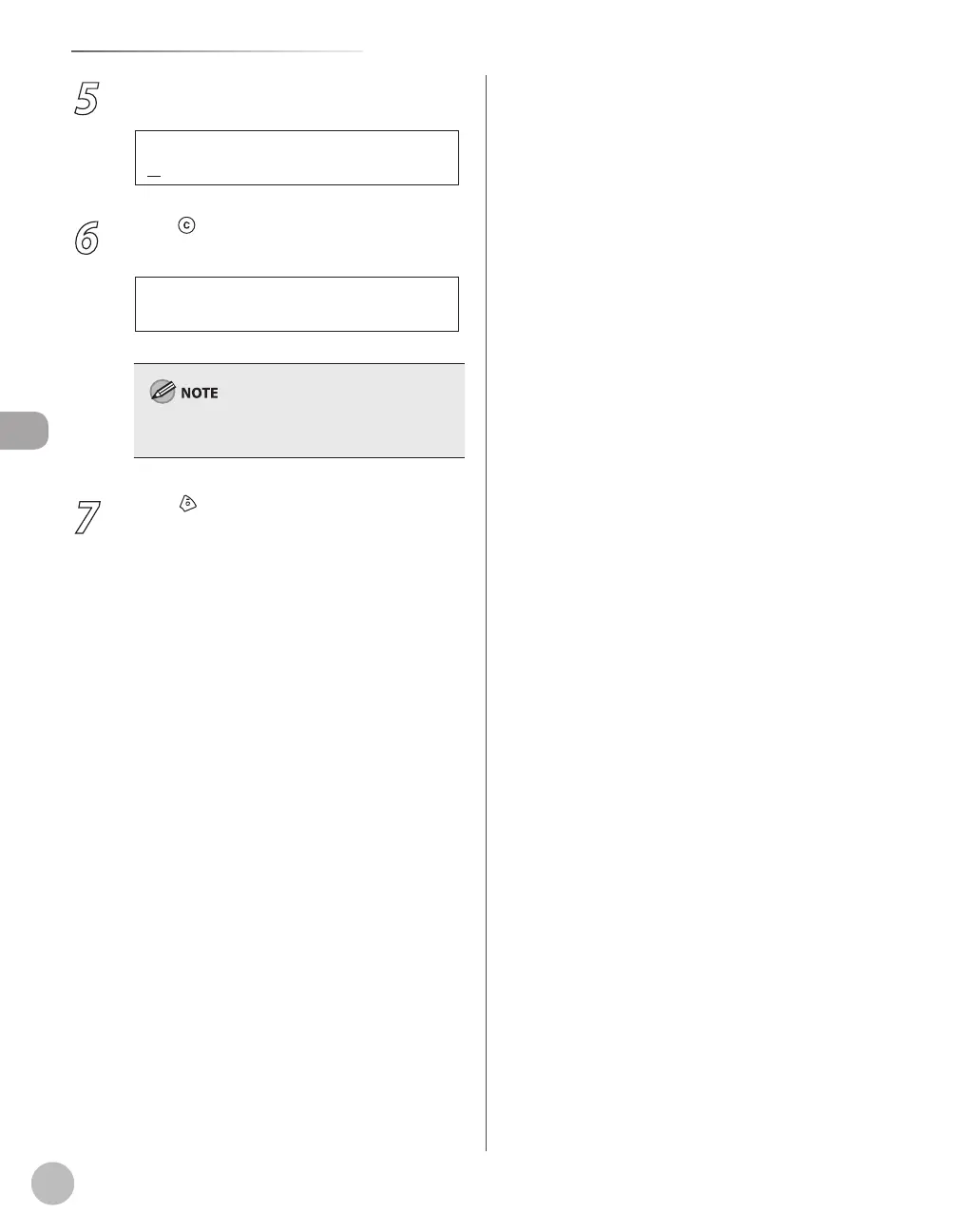
5
Press [OK].
C a n o n G r o u p
N A M E [ A ]
Ex.
6
Press [Clear] repeatedly until all
recipients are deleted, then press [OK].
When you delete all destinations, the registered
name is cleared automatically.
7
Press [Stop/Reset] to return to the
standby mode.















 To Next Page