Settings from a PC
9-5
Starting the Remote UI
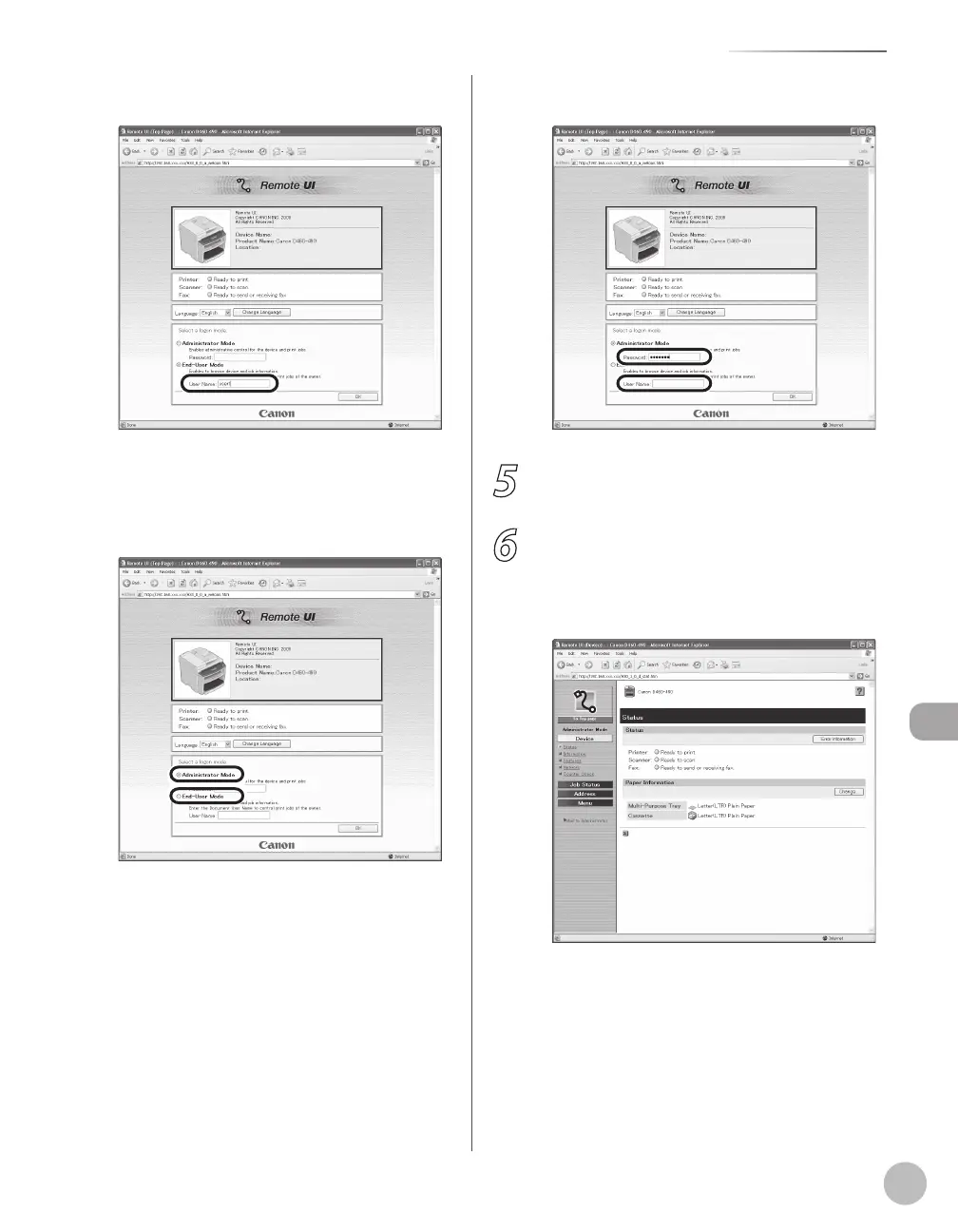
② In case of End-User Mode, enter the User
Name.
■ In case that system manager password is
set:
①
Select [Administrator Mode] or [End-User
Mode].
② Enter the System Manager password or user
name.
5
Click [OK].
6
Operate the Machine.
Now you can manage the machine on the web
browser.
For details, see “Settings from a PC,” in the e-
Manual.















 To Next Page