Before Using the Machine
1-3
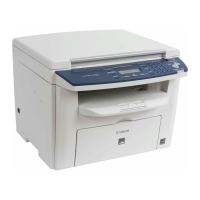
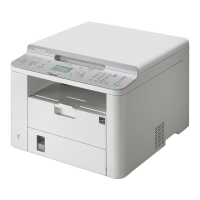
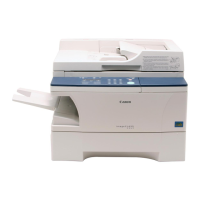
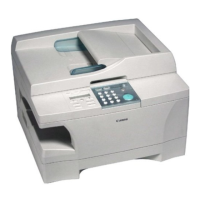
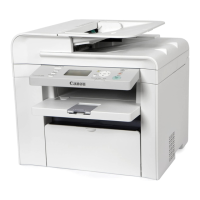
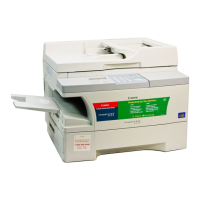
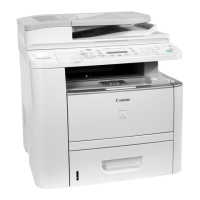
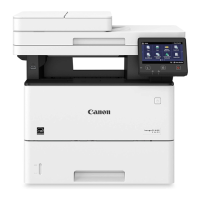
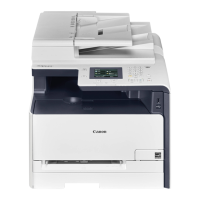
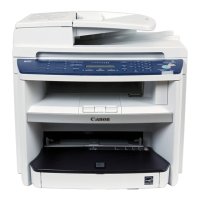
Machine Components
①ADF (Automatic Document Feeder)
Holds documents and feeds them automatically
into the scanning area.
②Slide guides
Adjust to the width of the document.
③Document feeder tray
Holds documents.
④Document delivery tray
Receives documents.
⑤Operation panel
Controls the machine.
⑥Output tray
Receives copies, prints and faxes.
⑦ Paper cassette
Loads the paper supply.
⑧Scanning area
Scans documents from the ADF.
⑨Platen glass
Place documents.
⑩Output tray extension
Extends for the output tray.
⑪Paper stopper
Prevents the paper from falling off the output
tray. Open the paper stopper from its original
position for LTR/A4 paper. For LGL paper, pull out
the output tray extension first, and then open the
paper stopper.
⑫Slide guides for multi-purpose tray
Adjust to the width of the paper.
⑬Paper guide rail
Holds the paper supply.
⑭Dust cover
Protects the paper supply in the paper cassette or
paper feeding tray from the dirt and dust.
⑮Multi-purpose tray
Feeds paper when you insert one by one
manually.
⑯Scanning platform
Open this platform when replacing the toner
cartridge or clearing paper jams.
⑰Main power switch
Turns the power ON or OFF.





 To Next Page