Documents and Print Media
2-11
Loading Paper
3
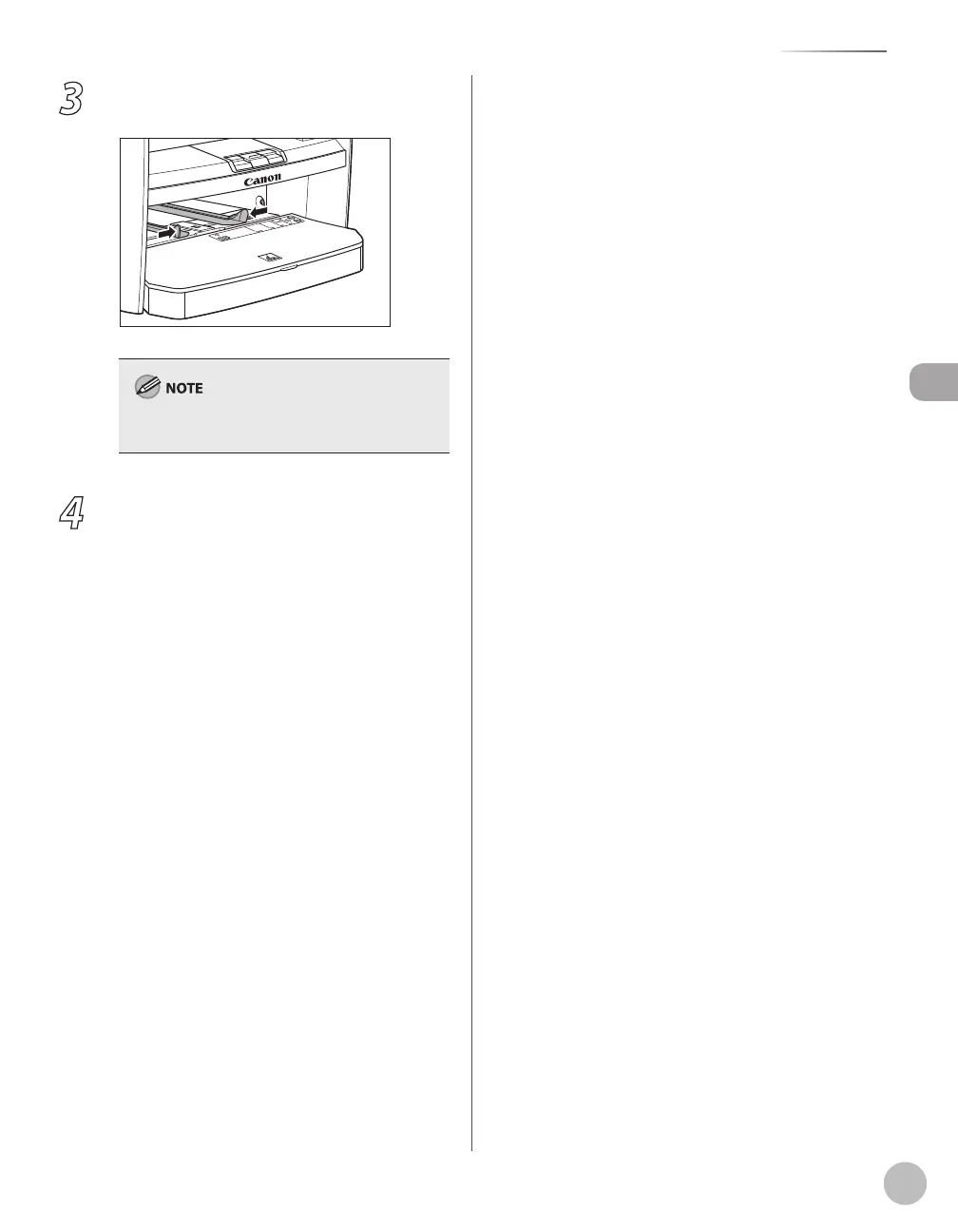
Slide the paper guides so that they fit to
both sides of the paper.
If the paper guides do not fit the size of the paper,
the print quality may be deteriorated.
4
Specify the size and the type of the paper
you load.
For details on how to specify the paper size and
type, see “Setting Paper Size and Type,
” on p. 2-
12.















 To Next Page