Copying
4-17
Multiple Documents onto One Sheet (2 on 1)
4
Use
– [numeric keys] to enter the
desired copy quantity (1 to 99).
T E X T / P H O T O 1
1 0 0 % * L T R
Ex.
5
Press [start].
6
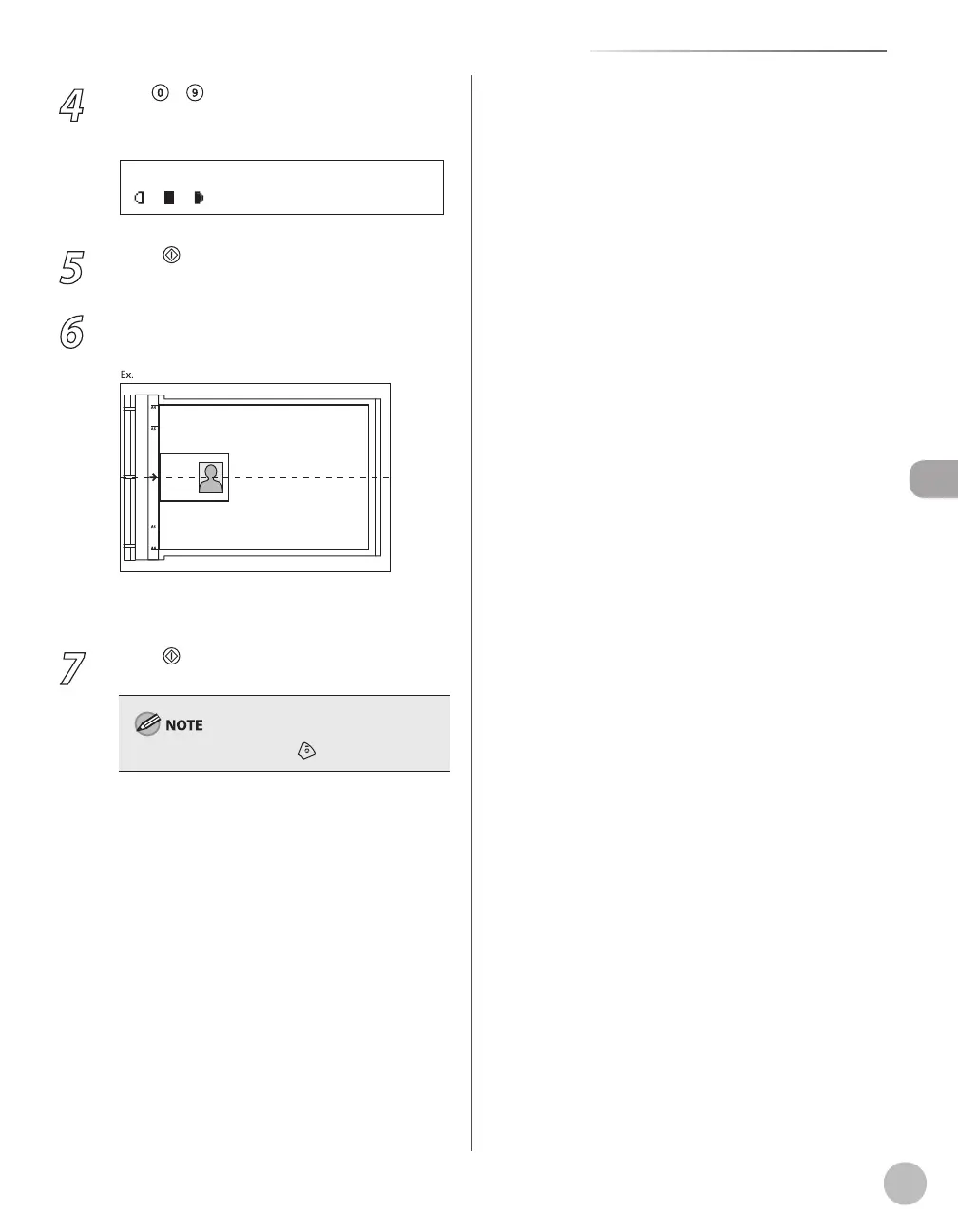
Turn and place the card.
Place the card as indicated below.
Align the center of a card with the arrow
mark.
7
Press [start].
To cancel all settings, press [Stop/Reset]
–
–















 To Next Page